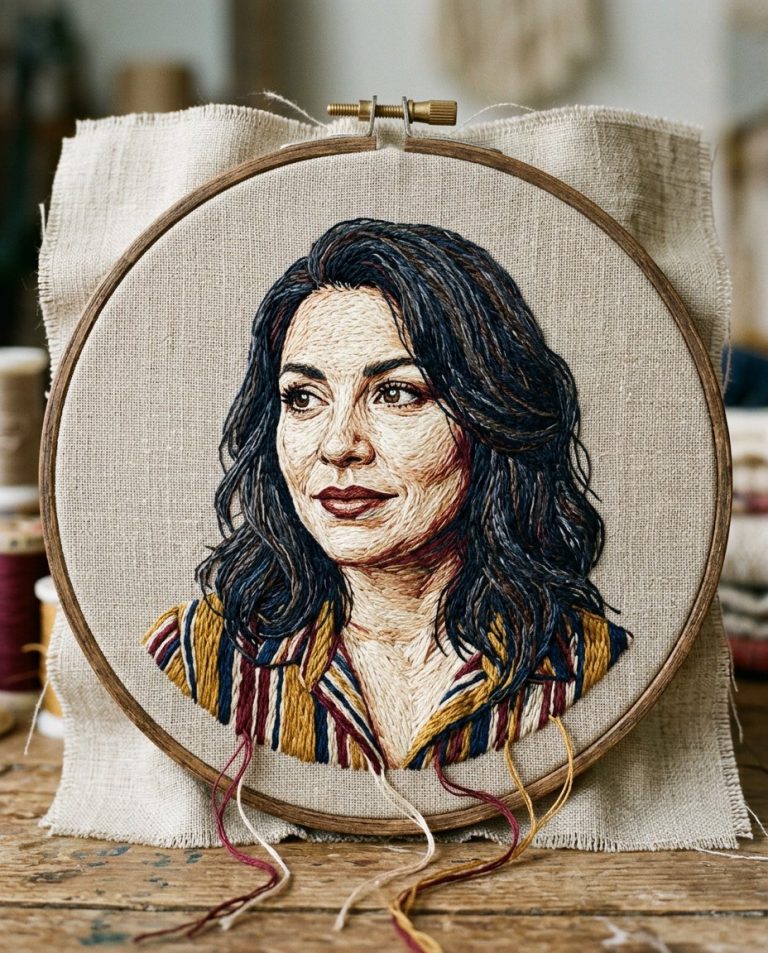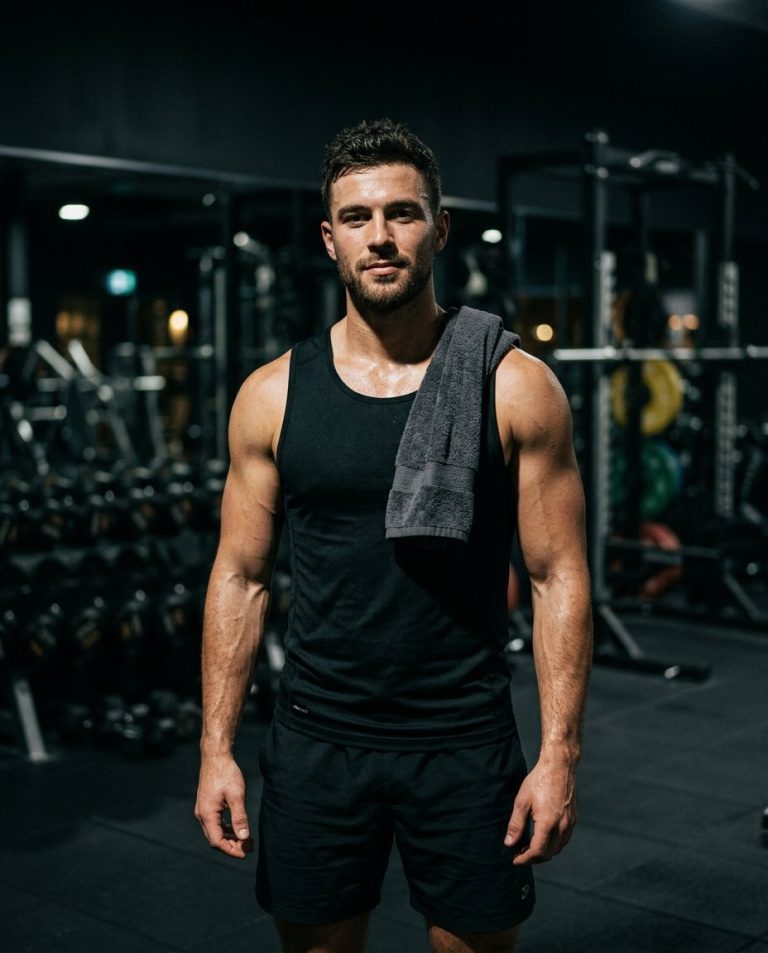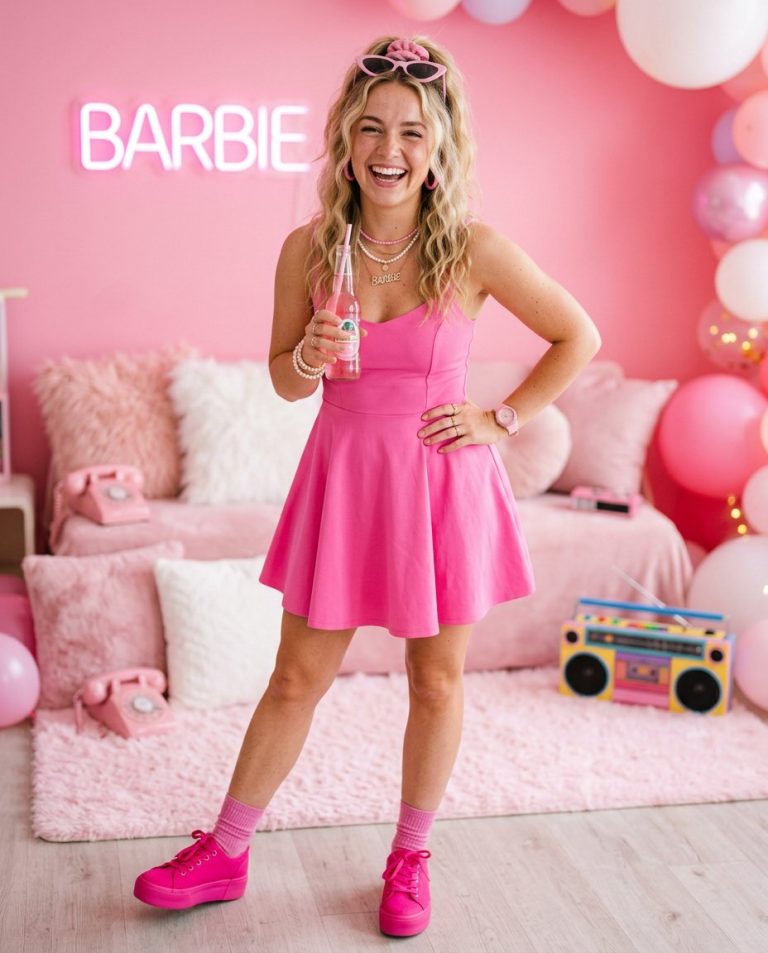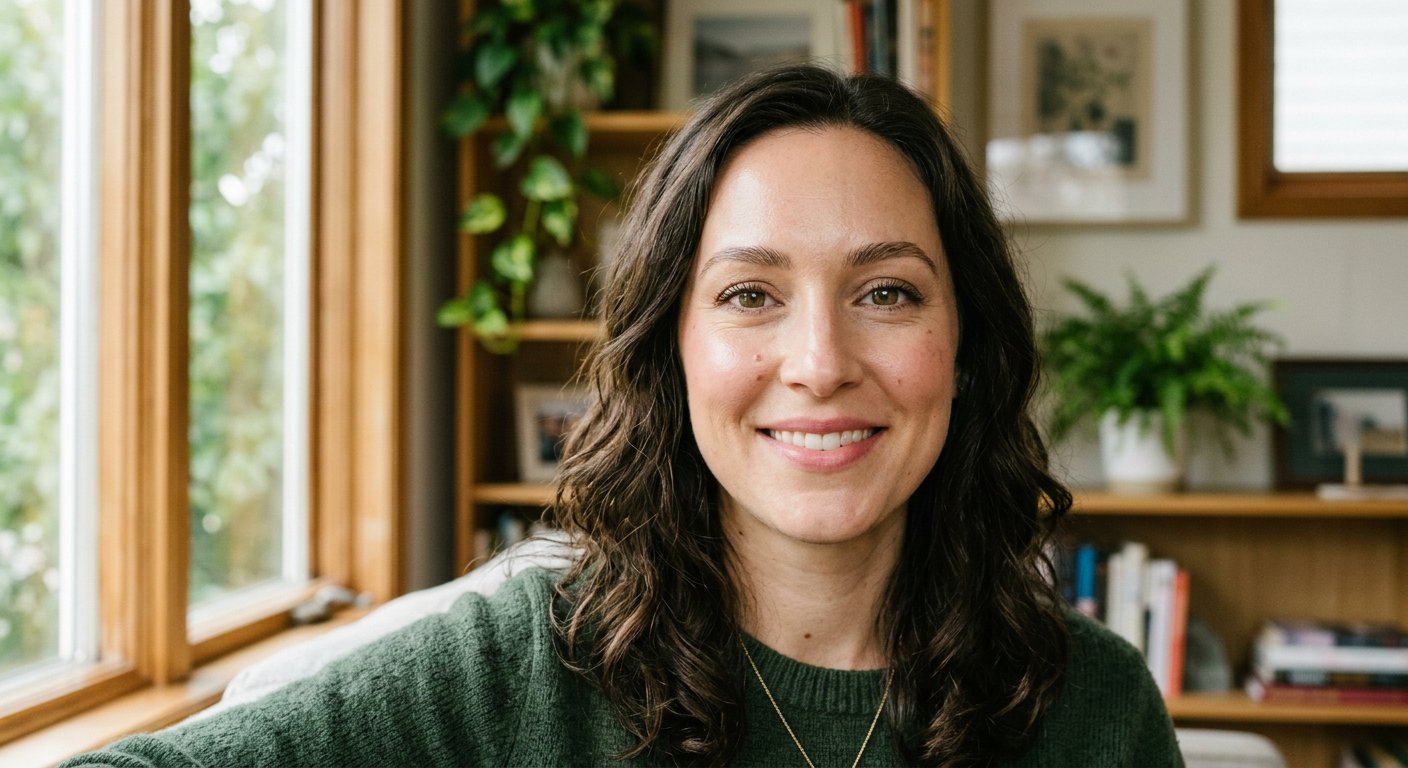
This natural makeup glow editing prompt adds a soft, subtle makeup and skin glow while keeping the person’s features and texture natural. Ideal for beauty and portrait photos.
AI Photo Editing Prompt
PromptEdit the uploaded portrait by adding a subtle, natural makeup glow. Enhance the skin with a soft, healthy radiance, add a light touch of neutral eyeshadow and a barely-there pink lip tint, and gently define the lashes and brows. Keep the person's facial identity, features, proportions, skin texture and expression fully unchanged, and avoid a heavy, filtered or airbrushed look. Preserve the original lighting, shadows and background. The final image should look like the same person wearing minimal, natural everyday makeup, realistic and understated, aspect ratio 3:4
Negative Prompt
Negative Promptheavy makeup, plastic skin, changed identity, airbrushed, oversaturated, watermark, altered lighting, cartoonish
Prompt Details
| Prompt Type | Photo Editing |
|---|---|
| AI Tool | ChatGPT |
| Style | Photorealistic |
| Category | Photo Editing |
| Use Case | Instagram, Social Media |
| Tags | beauty, makeup, natural glow, photo editing, portrait, retouch |
| Aspect Ratio | 3:4 |
| Lighting | Original |
| Camera | — |
| Lens | — |
| Mood | Natural |
| Difficulty | Beginner |
How to Use This Prompt
- Copy the prompt using the button above.
- Open your preferred AI image-generation or editing tool.
- Upload the photo you want to edit.
- Paste the prompt into the text field.
- Adjust parameters (aspect ratio, quality, steps) if necessary.
- Generate or edit the image, then refine until you like the result.