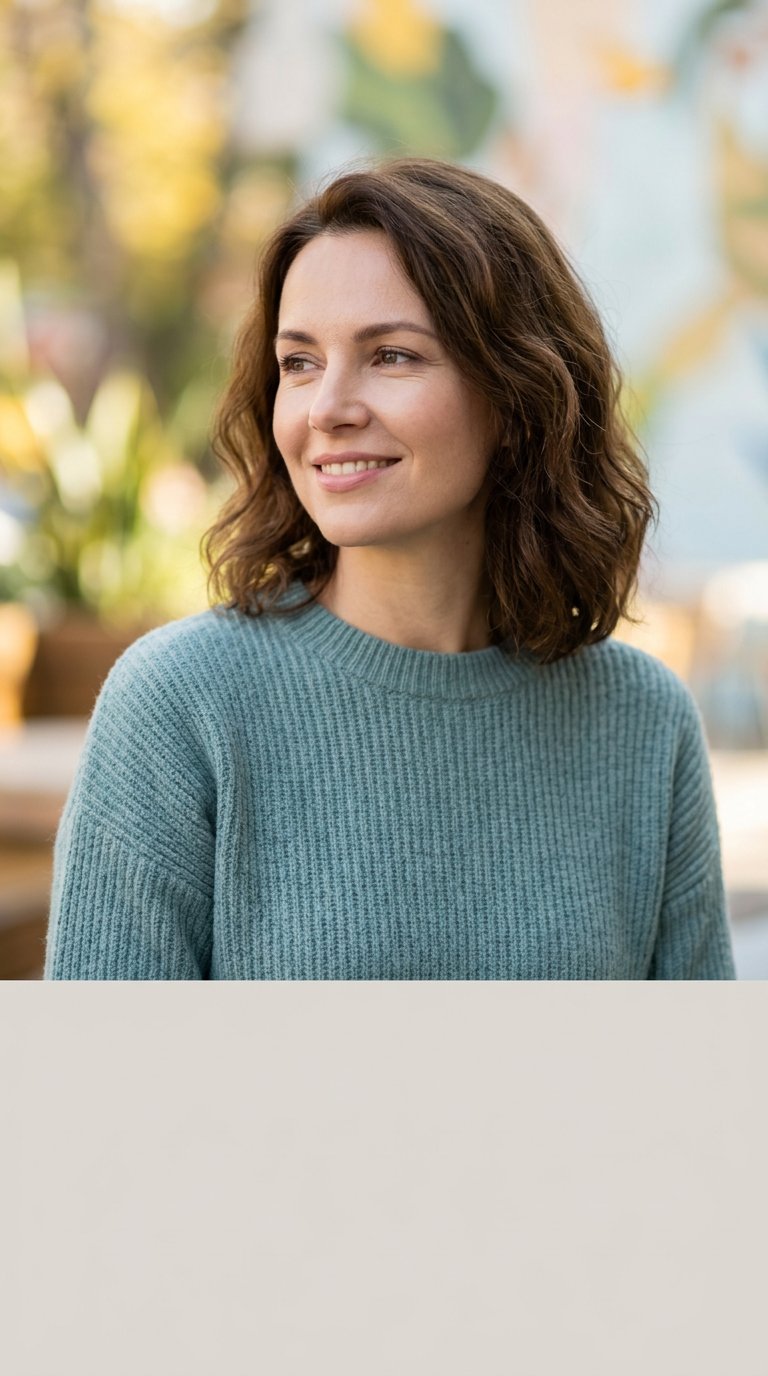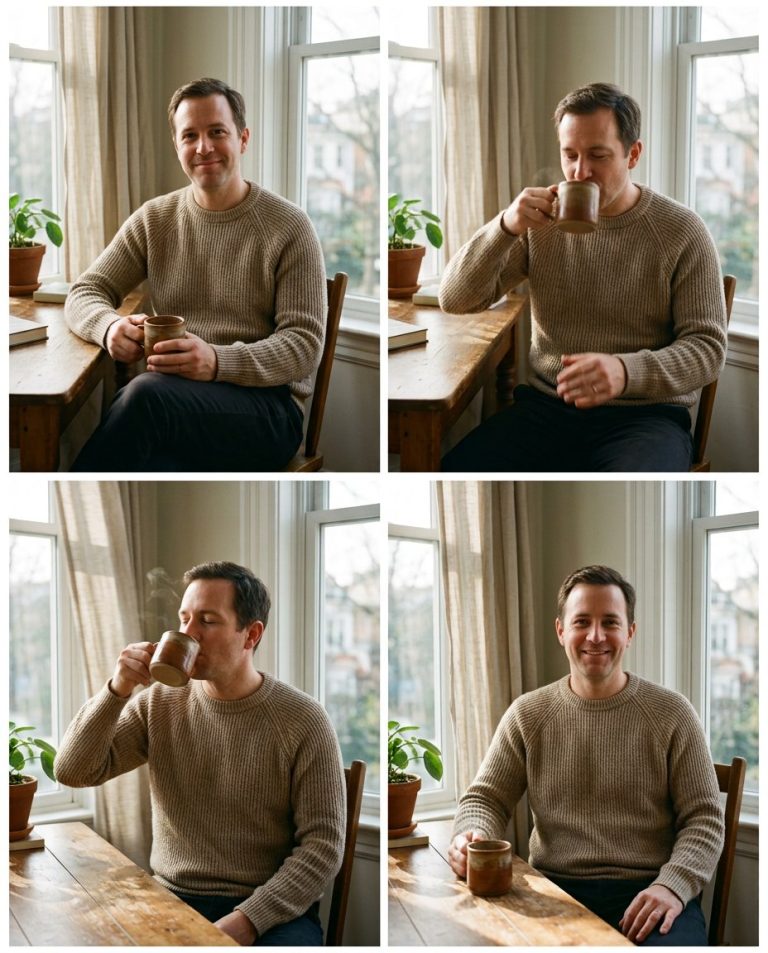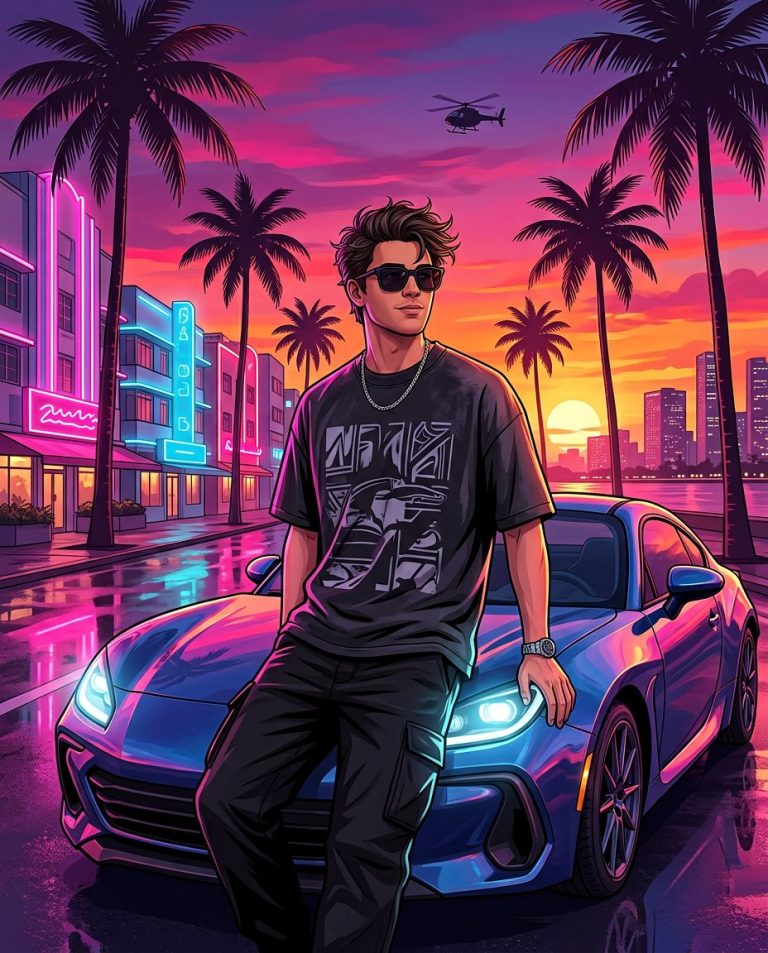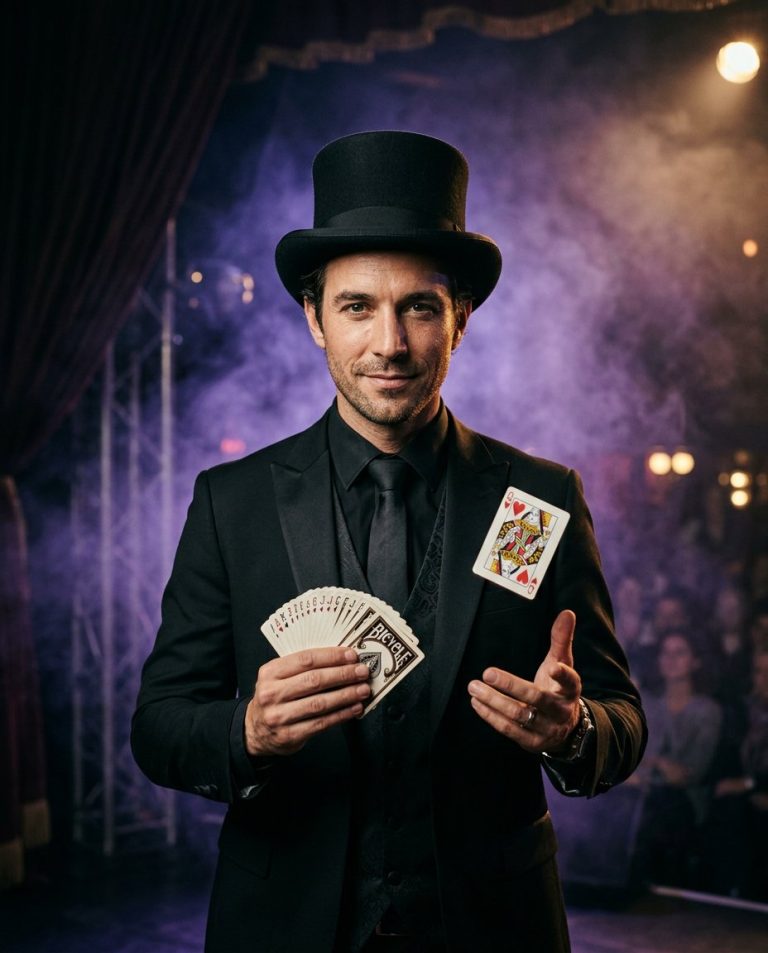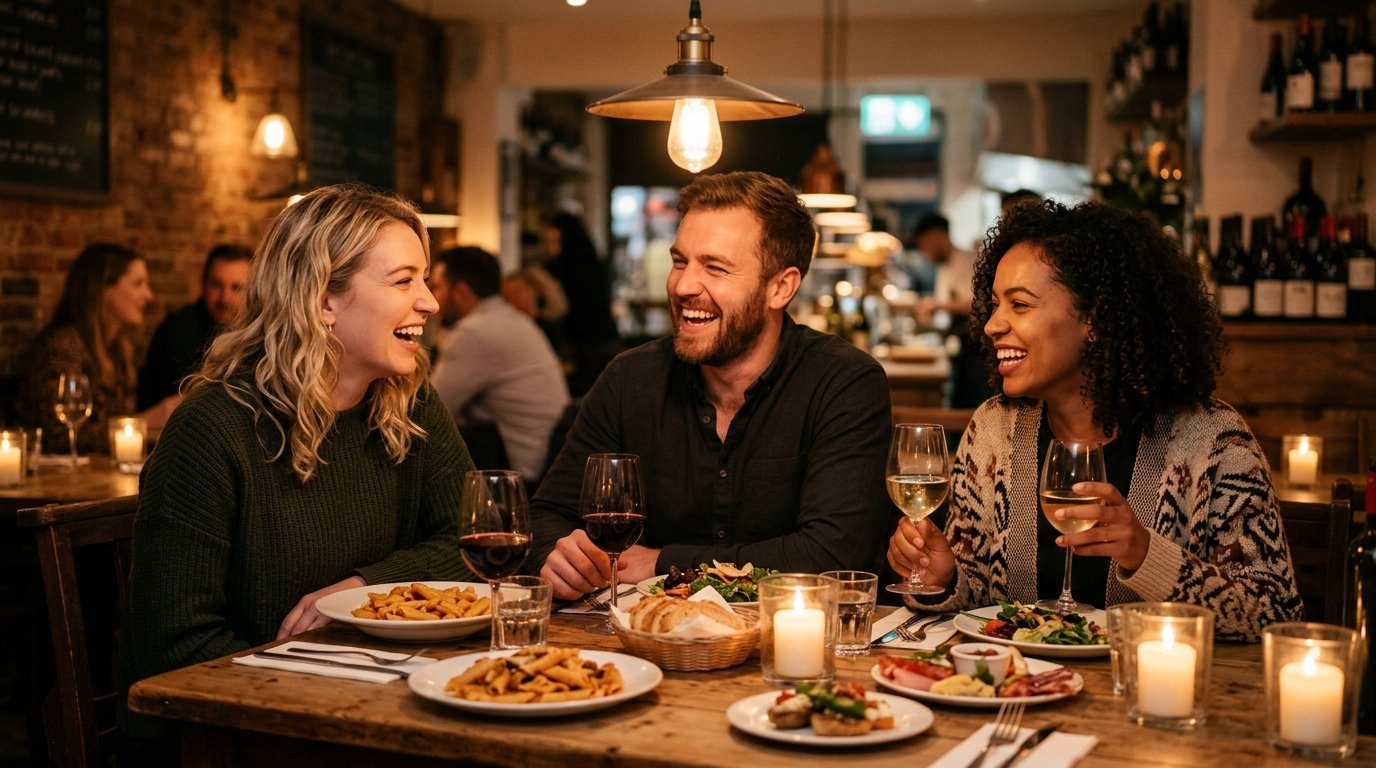
This prompt brightens dark and underexposed photos by lifting shadows, recovering detail and reducing noise without blowing out highlights or making skin look artificial. Perfect for night shots, indoor photos and phone pictures taken in poor light.
AI Photo Editing Prompt
PromptEdit the uploaded photo by brightening the underexposed areas and recovering the lost shadow detail. Lift the shadows and mid-tones evenly while protecting the highlights from blowing out. Keep the original scene, subjects, colors, composition and atmosphere unchanged, improving only exposure and clarity. Reveal natural texture in dark clothing, hair and backgrounds, keep skin tones realistic, and reduce noise and grain without oversharpening or creating a washed-out HDR look. The final image should look like the same photo captured with better lighting, natural and true to life, keep the original aspect ratio
Negative Prompt
Negative Promptoverexposed highlights, washed-out colors, fake HDR glow, plastic skin, changed face or scene, added noise, oversharpening, watermark
Prompt Details
| Prompt Type | Photo Editing |
|---|---|
| AI Tool | Flux |
| Style | Photorealistic |
| Category | Photo Editing |
| Use Case | Instagram, Social Media |
| Tags | low light, natural, night scene, photo editing, photography, photorealistic, retouch |
| Aspect Ratio | Original |
| Lighting | Improved |
| Camera | — |
| Lens | — |
| Mood | Natural |
| Difficulty | Beginner |
How to Use This Prompt
- Copy the prompt using the button above.
- Open your preferred AI image-generation or editing tool.
- Upload the photo you want to edit.
- Paste the prompt into the text field.
- Adjust parameters (aspect ratio, quality, steps) if necessary.
- Generate or edit the image, then refine until you like the result.