AI Photo Prompt
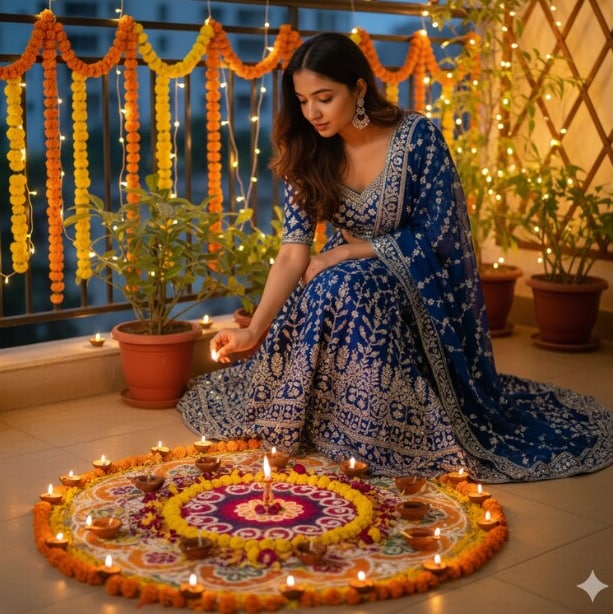
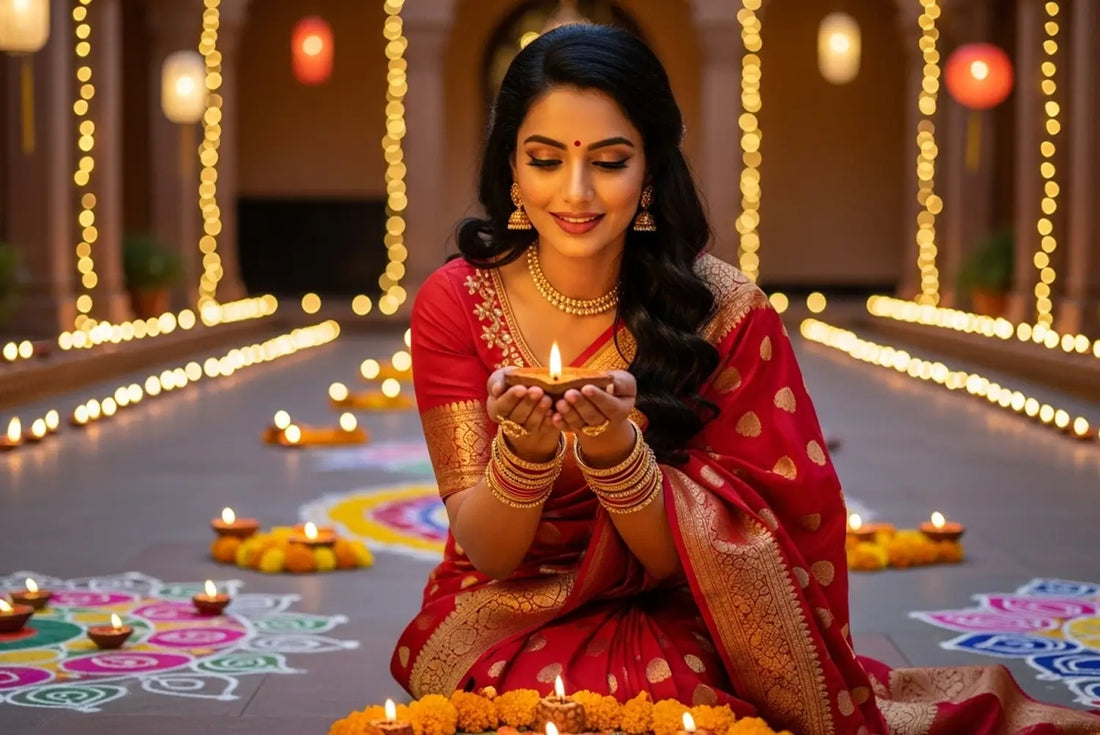
Use the uploaded portrait as the exact identity reference. Preserve the person’s face, skin tone, hairstyle, age, natural expression and body proportions. Create a quiet, cinematic Diwali portrait illuminated primarily by one small clay diya held safely at chest height or placed on a nearby table. Let the flame create a believable warm key light on the hands and lower face, with gentle shadow falloff and a dim, softly blurred background containing only a few distant lights and subtle marigold accents. Avoid flooding the whole scene with orange. Keep skin tones true, eyes and hands realistic, fabric texture visible, and the flame physically plausible. Styling should be elegant and culturally respectful, with a simple festive outfit in deep blue, green, burgundy or cream. Frame vertically for an Instagram Story, 9:16.
Negative Prompt
No altered identity, multiple floating flames, impossible fire, glowing skin, excessive orange color cast, extra fingers, deformed hands, plastic retouching, glitter text, logos or watermark.
How to Use
Choose a portrait with the face clearly visible. Paste the prompt into an image editor; inspect the diya flame and fingers carefully in the final result.
Format: 9:16 · Style: low-key cinematic realism · Use: Diwali Story, status and profile portrait.
AI Photo Editing Prompt
Negative Prompt
Prompt Details
| Prompt Type | Photo Editing |
|---|---|
| Aspect Ratio | 9:16 |
| Camera | Low-light portrait |
| Lens | 50mm portrait lens |
| Mood | Quiet, warm, cinematic |
| Difficulty | Medium |
How to Use This Prompt
- Copy the prompt using the button above.
- Open your preferred AI image-generation or editing tool.
- Upload the photo you want to edit.
- Paste the prompt into the text field.
- Adjust parameters (aspect ratio, quality, steps) if necessary.
- Generate or edit the image, then refine until you like the result.