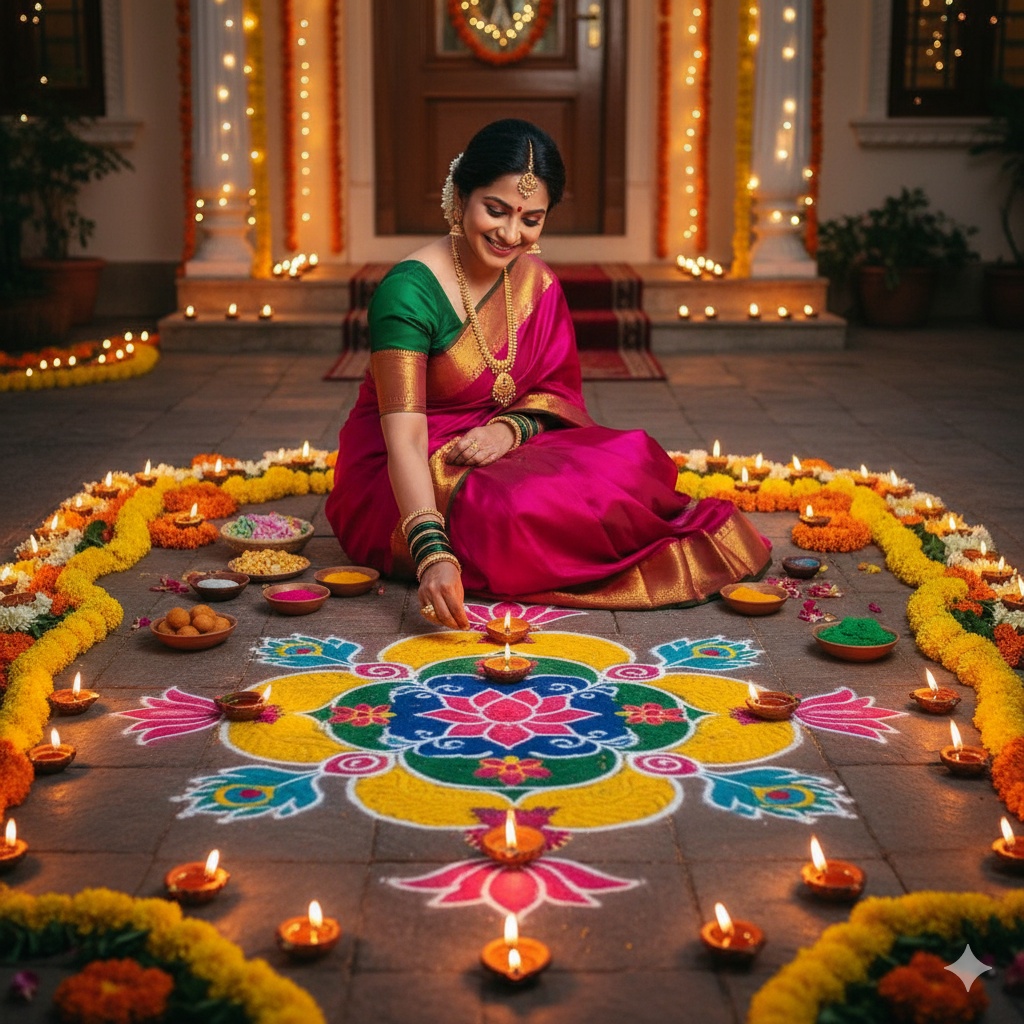
AI Photo Prompt
Use the uploaded portrait as the exact identity and pose reference. Preserve the same person’s facial identity, skin tone, hairstyle, age, expression and body proportions. Place them naturally at the entrance of an Indian home prepared for Diwali, beside a colorful but tasteful rangoli, a marigold toran across the doorway, a few clay diyas arranged safely along the floor, and understated warm string lights. Keep the architecture believable and the decorations balanced rather than crowded. Use realistic evening exposure, detailed fabric, natural skin tones and gentle shadows. Let the person remain the main subject; the doorway creates a festive frame without overpowering the portrait. Portrait 4:5 composition, editorial realism suitable for a festive feed post.
Negative Prompt
No identity drift, extra people, floating diyas, unsafe piles of flames, distorted rangoli geometry, unreadable writing, oversaturated orange, overdone sparkle effects, logos or watermark.
How to Use
Upload a clear full-body or three-quarter portrait. Paste the prompt and choose a simple outfit that contrasts with the doorway decorations.
Format: 4:5 · Style: welcoming festive editorial · Use: Diwali feed posts and family greeting portraits.
AI Photo Editing Prompt
Negative Prompt
Prompt Details
| Prompt Type | Photo Editing |
|---|---|
| Aspect Ratio | 4:5 |
| Camera | Three-quarter portrait at doorway |
| Lens | 35mm equivalent |
| Mood | Welcoming, festive, authentic |
| Difficulty | Easy |
How to Use This Prompt
- Copy the prompt using the button above.
- Open your preferred AI image-generation or editing tool.
- Upload the photo you want to edit.
- Paste the prompt into the text field.
- Adjust parameters (aspect ratio, quality, steps) if necessary.
- Generate or edit the image, then refine until you like the result.