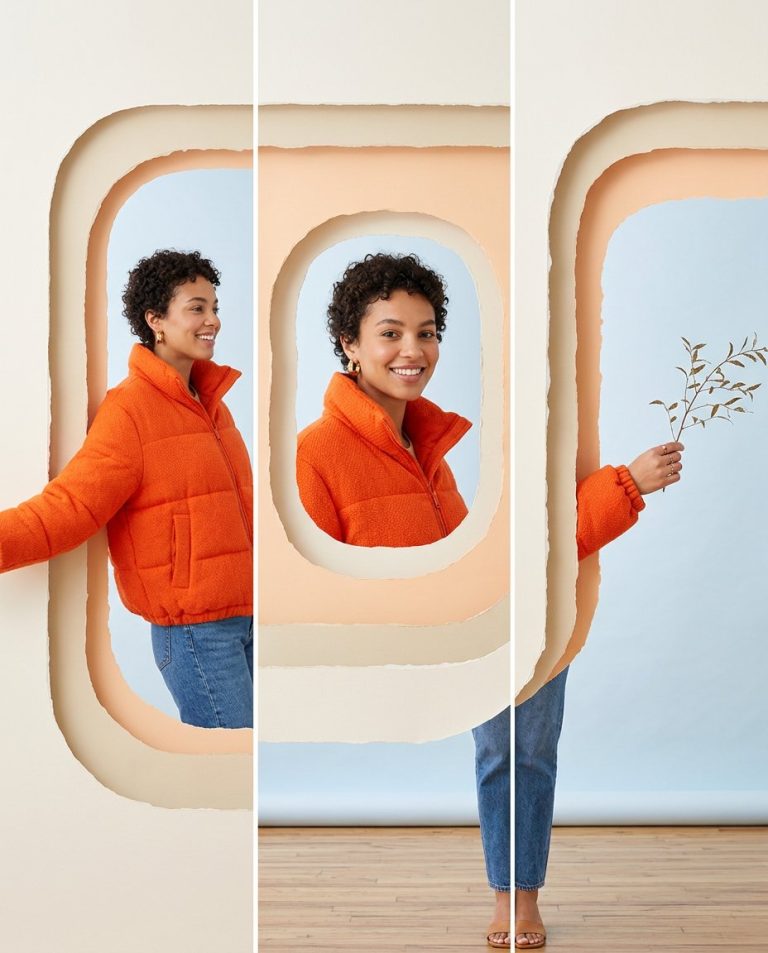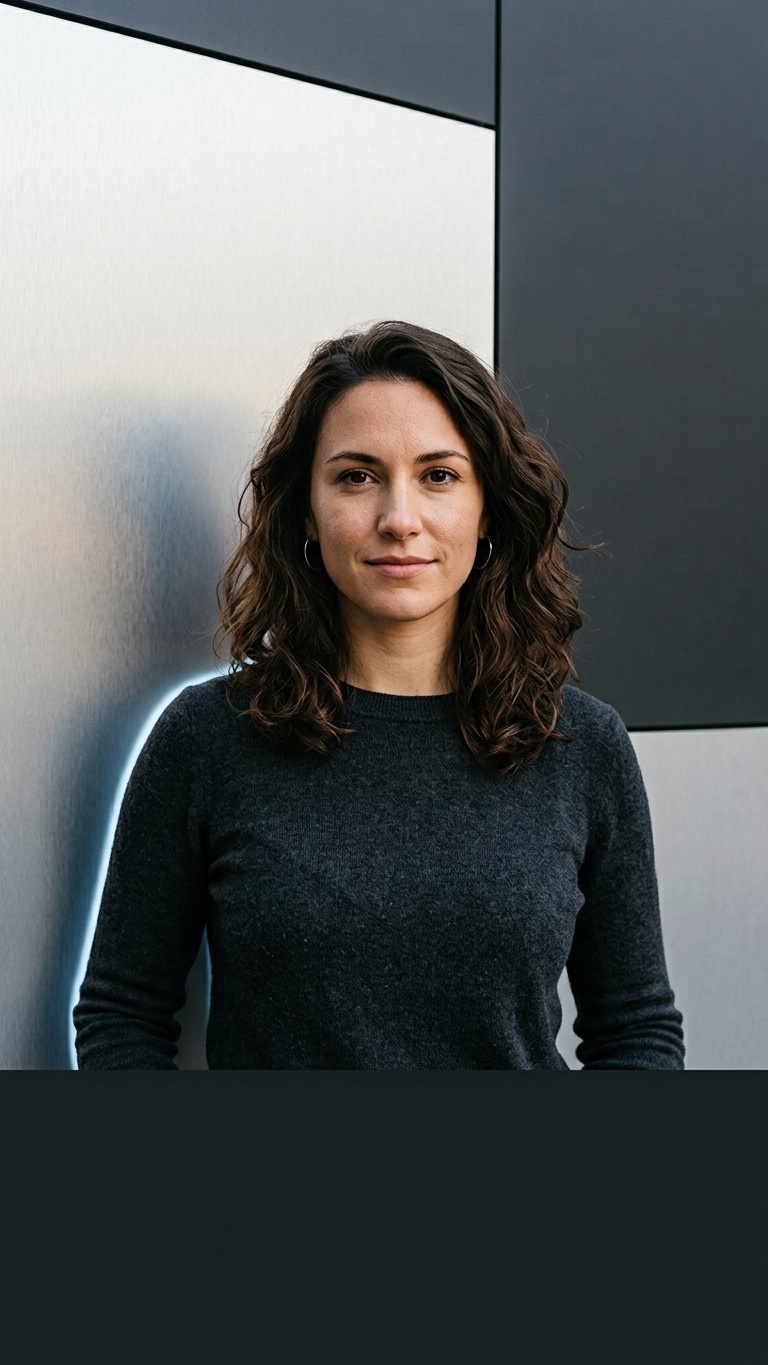
A Reel cover needs strong thumbnail contrast without hiding the person. This prompt turns an adult woman selfie into a vertical silver-and-black color-block portrait with a clean bottom safe zone for a manually added Reel title or hook.
Rights and accuracy note: Use a rights-cleared, licensed, public-domain or user-owned source photo. The featured sample is an original fictional portrait example and does not depict a real public figure or documentary event. Add real names and copy outside the generated image, and label a materially AI-edited result when appropriate.
What This Prompt Changes
- Preserves the woman’s identity, expression, clothing and natural skin texture
- Replaces the background with brushed metallic-silver and matte-black blocks
- Adds a subtle cool rim light without turning the skin metallic
- Uses a 9:16 Reel-safe composition with the face above interface zones
- Leaves the bottom quarter empty for manual copy
How to Use It
Upload an authorized adult woman portrait with the face and shoulders visible. Use the prompt to change the background and graphic lighting while keeping the person natural. Add the verified Reel title manually in the empty lower band.
Customize the Result
- Use silver and charcoal, chrome and navy or pearl and deep plum
- Place the silver panel on the left or right
- Use a hard diagonal block edge or a clean vertical division
- Keep the face in the central safe area for Reel overlays
AI Photo Editing Prompt
Negative Prompt
Prompt Details
| Prompt Type | Photo Editing |
|---|---|
| AI Tool | ChatGPT |
| Style | Photorealistic |
| Category | Photo Editing |
| Use Case | Girls, Instagram, Social Media |
| Tags | Female Selfie Edit, instagram reel cover, metallic silver background, Reel Cover Photo, silver color block, Social Media Portrait |
| Aspect Ratio | 9:16 |
| Lighting | Neutral key light with subtle cool rim |
| Camera | Vertical Reel-cover portrait camera |
| Lens | 50mm |
| Mood | Polished and high-contrast |
| Difficulty | Intermediate |
How to Use This Prompt
- Copy the prompt using the button above.
- Open your preferred AI image-generation or editing tool.
- Upload the photo you want to edit.
- Paste the prompt into the text field.
- Adjust parameters (aspect ratio, quality, steps) if necessary.
- Generate or edit the image, then refine until you like the result.