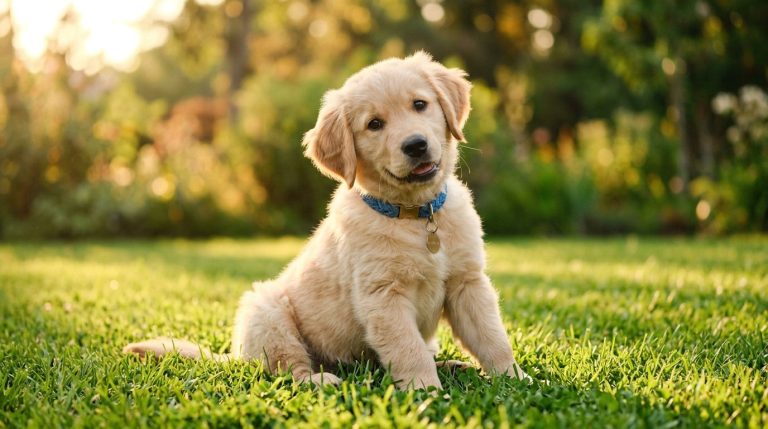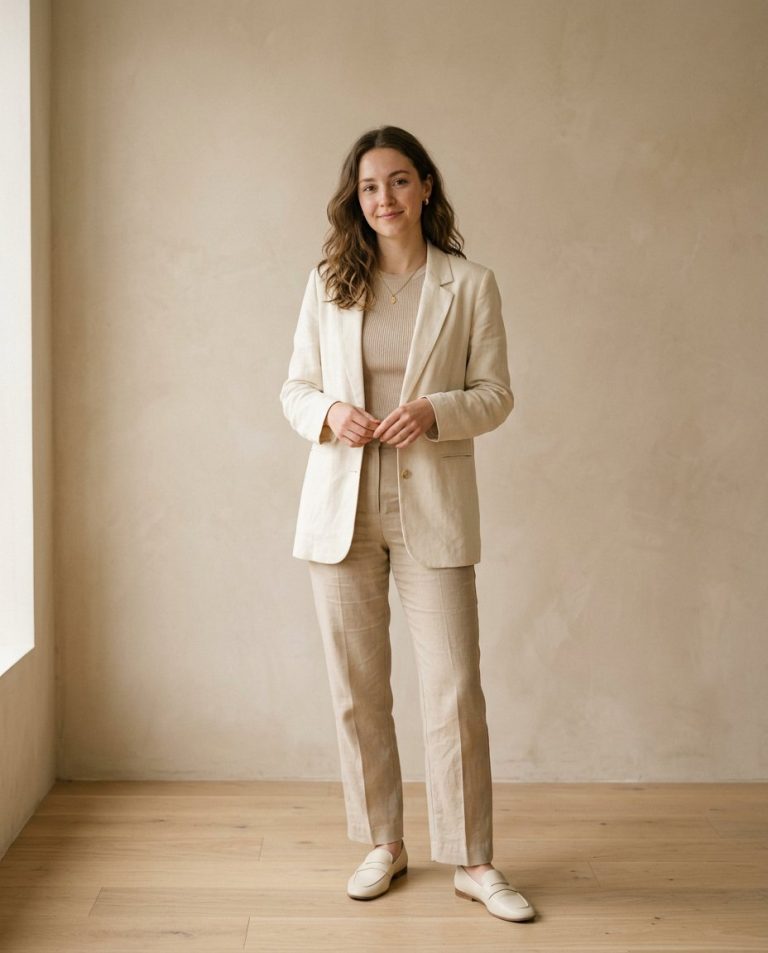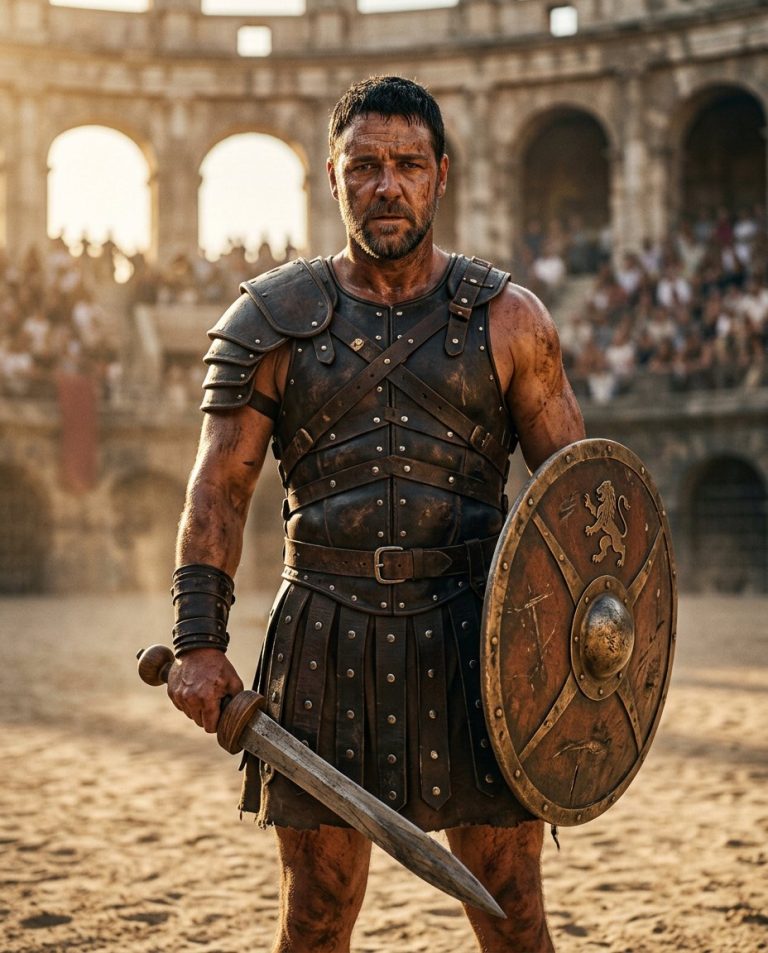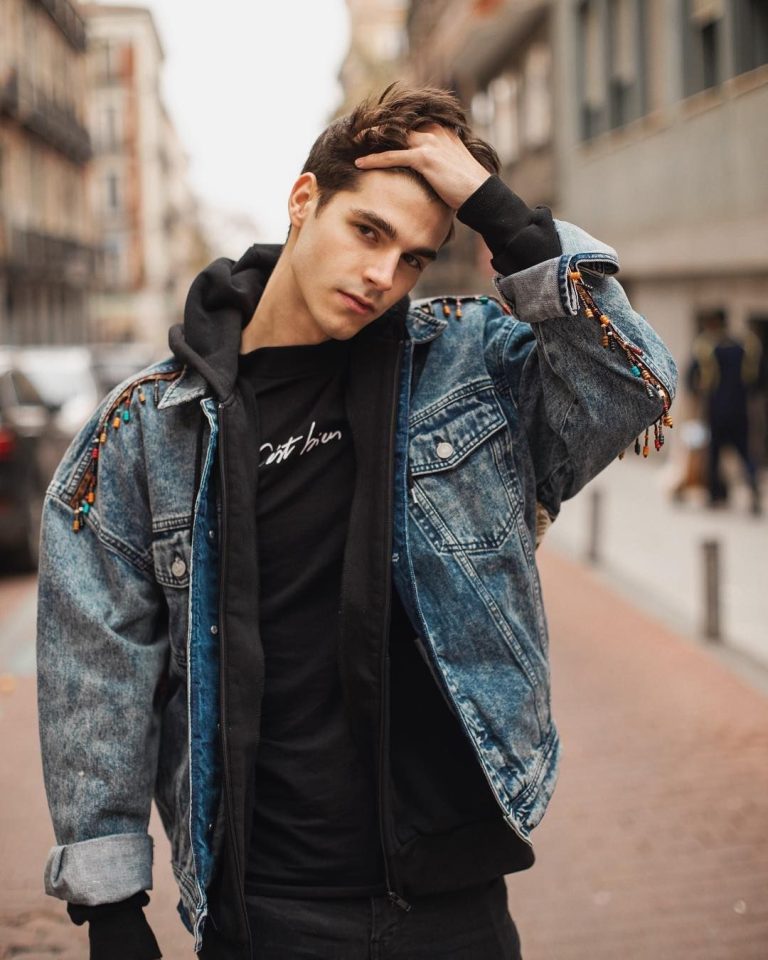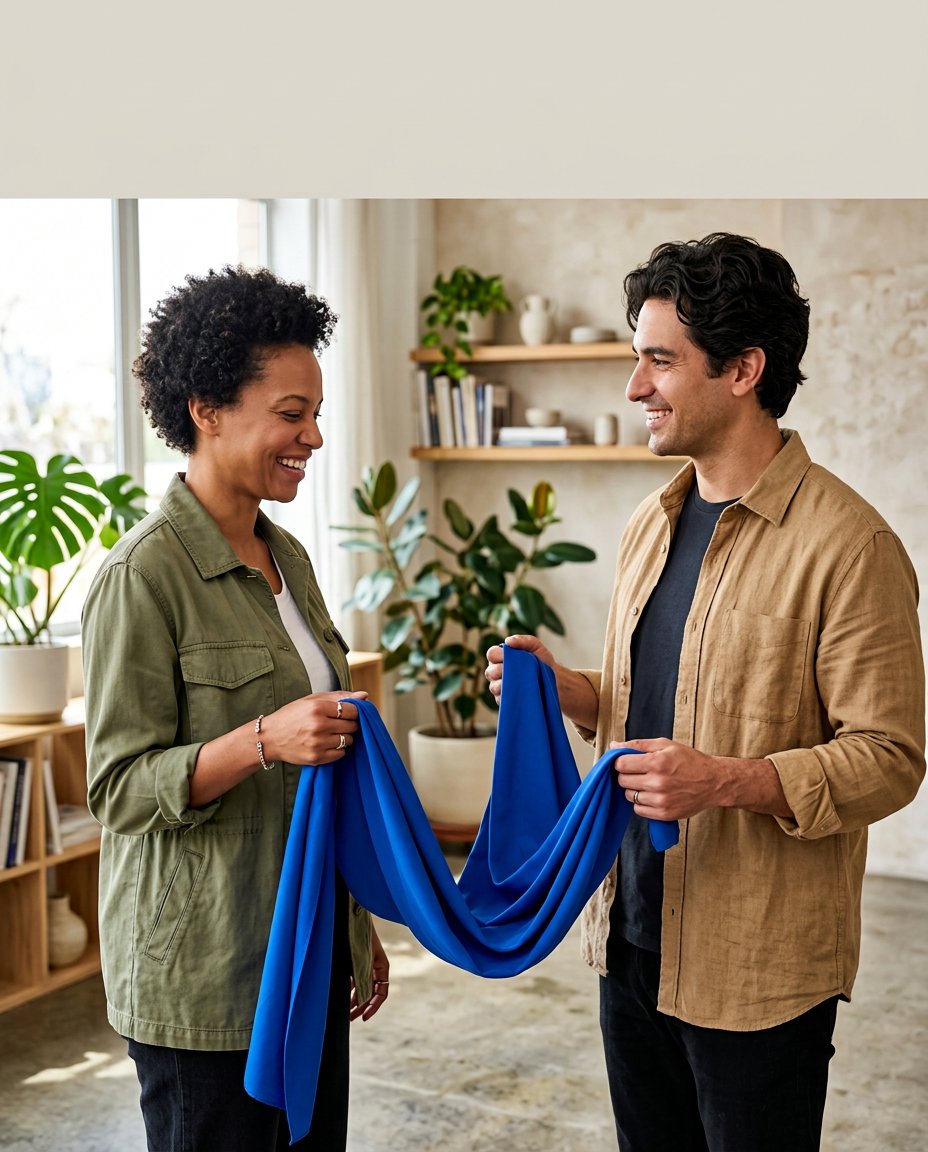
This prompt creates a joint cover for a two-creator collaboration post. It uses two portrait references but treats them as one coordinated shoot, matching scale, light and color instead of pasting two unrelated cutouts together. A quiet negative-space band is kept open for the headline or partner names you will add later.
What This Prompt Changes
- Combines two separate portraits into one coherent collaborative scene
- Preserves both creators’ identities, facial features, hairstyles and clothing details
- Adds a shared prop or gesture that gives the cover one visual idea
- Leaves a clean copy-safe area for the Collab Post title without generating unreliable text
How to Use It
Upload one clear portrait for each collaborator. Describe the shared topic, prop or color cue, then ask for a single 4:5 cover rather than a two-photo collage. Add the partner names, headline and native Collab Post settings after generation.
Customize the Result
- Use a shared fabric, coffee table, product, notebook, microphone or split-color prop
- Choose a friendly studio, street, café, desk or clean product-shoot setting
- Place the copy-safe area at the top, center or side depending on the final headline length
AI Photo Editing Prompt
PromptUse the two uploaded portraits as exact identity references for two different adult creators. Create one polished vertical 4:5 collaboration-post cover in a single coherent sunlit studio, not a pasted collage. Preserve each person's face, skin tone, hairstyle, body proportions and recognizable clothing details. Place the first creator on the left and the second on the right at believable matching scale, with both holding opposite ends of one folded cobalt-blue fabric that visually connects them across the center. Match camera perspective, light direction, color grade and contact shadows so they look photographed together. Keep a calm uncluttered negative-space band across the upper middle for a headline to be added later. Render no names, words, letters, logos, platform interface or watermark. Photorealistic creator collaboration cover, mobile-first vertical 4:5. Midjourney / Flux.1 alternative: [CREATOR_ONE_IMAGE] [CREATOR_TWO_IMAGE] one coherent two-creator collaboration cover, identities preserved, both holding one shared cobalt fabric, matched sunlit studio light, upper-middle copy-safe negative space, no text --ar 4:5 --style raw --iw 2.0
Negative Prompt
Negative Promptmerged faces, changed identity, pasted cutout collage, mismatched scale, mismatched lighting, extra people, extra fingers, brand logo, platform UI, text, watermark, awkward contact shadows, plastic skin
Prompt Details
| Prompt Type | Photo Editing |
|---|---|
| AI Tool | ChatGPT |
| Style | Minimalist |
| Category | Photo Editing |
| Use Case | Instagram, Marketing, Social Media |
| Tags | collab post, collaborative content, creator collaboration, creator duo, duo cover, social carousel |
| Aspect Ratio | 4:5 |
| Lighting | Matched soft window light |
| Camera | Editorial collaboration camera |
| Lens | 50mm portrait lens |
| Mood | Connected, polished |
| Difficulty | Intermediate |
How to Use This Prompt
- Copy the prompt using the button above.
- Open your preferred AI image-generation or editing tool.
- Upload the photo you want to edit.
- Paste the prompt into the text field.
- Adjust parameters (aspect ratio, quality, steps) if necessary.
- Generate or edit the image, then refine until you like the result.