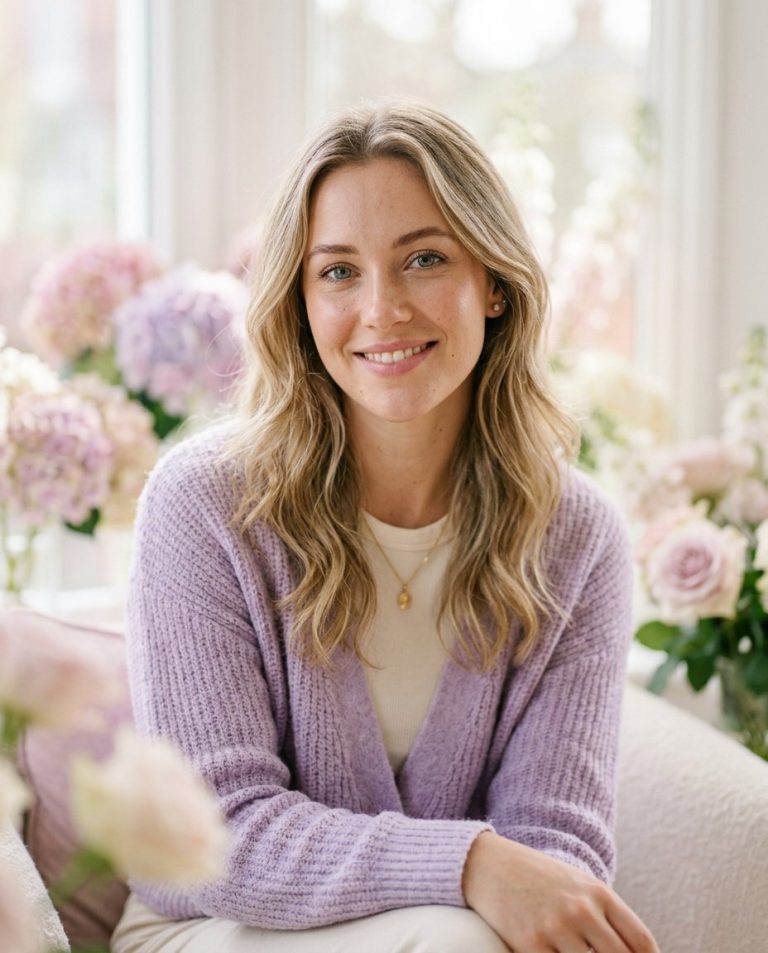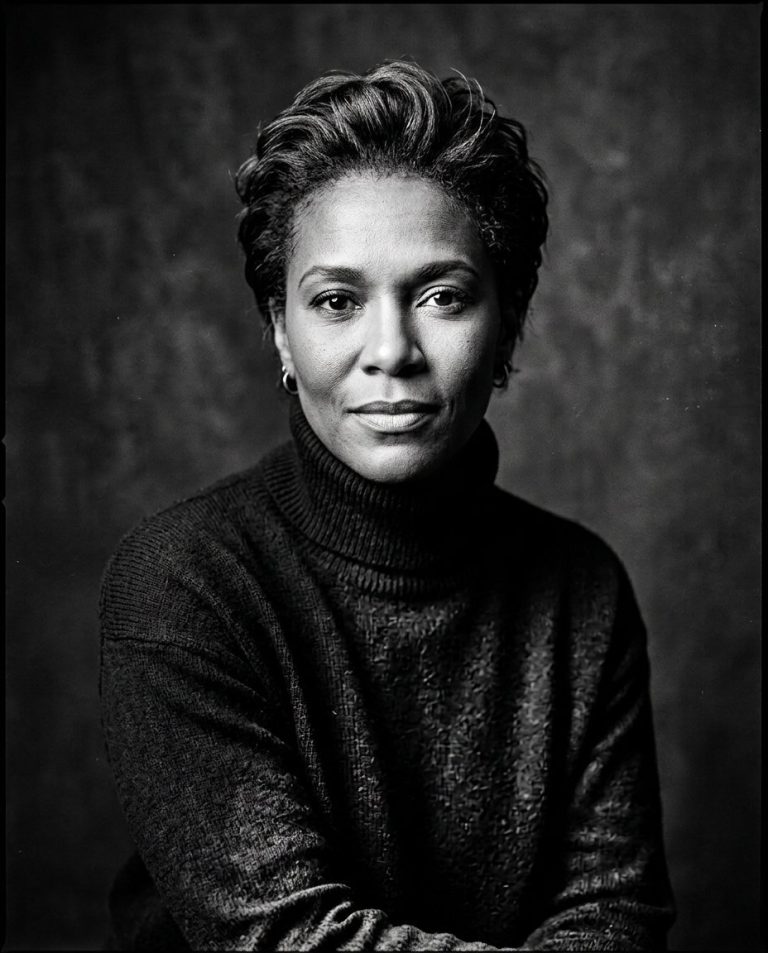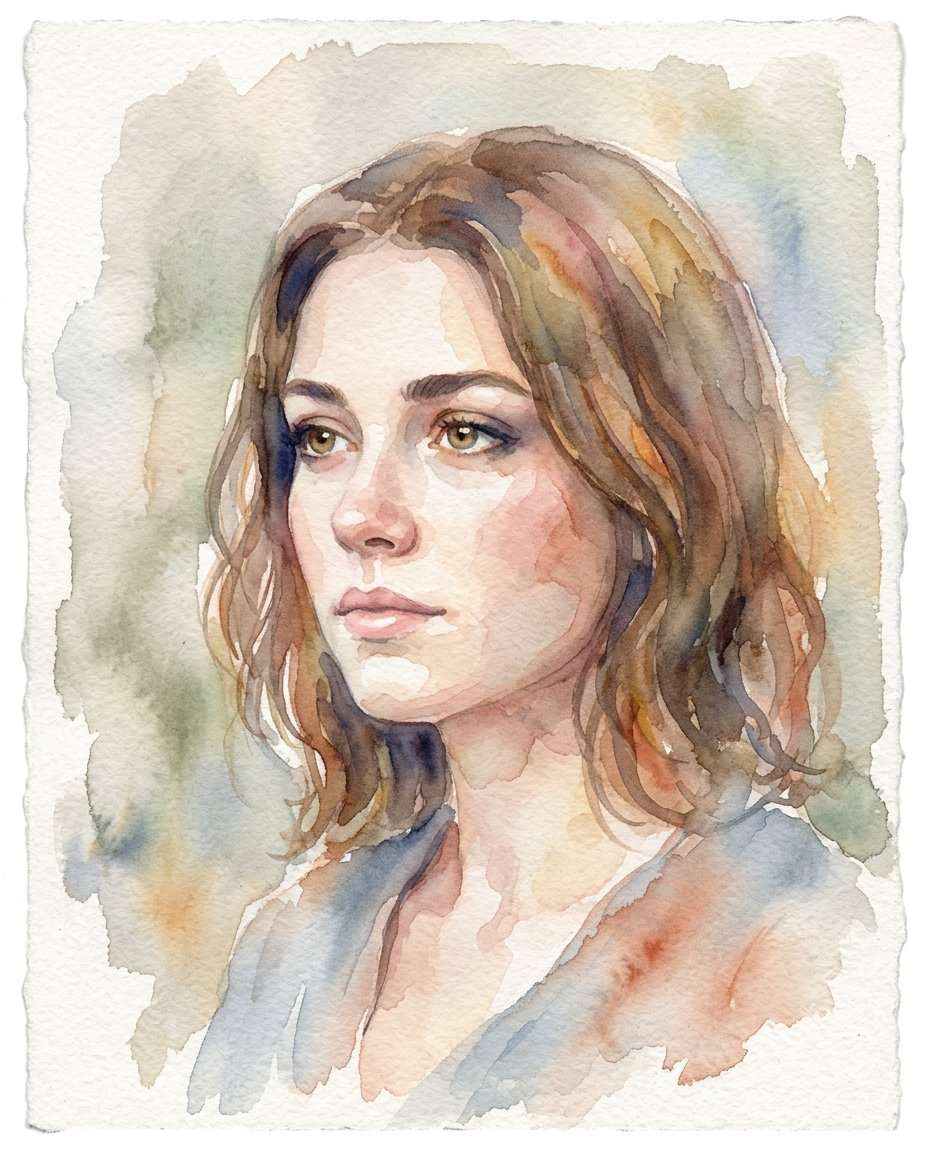
This photo editing prompt converts a photo into a soft hand-painted watercolor portrait. It keeps the subject’s likeness and composition while replacing the photographic look with translucent washes and paper texture. A beautiful artistic style for gifts, profile art and creative posts.
What This Prompt Changes
- Converts the photo into hand-painted watercolor washes
- Adds translucent pigment bleeds and paper grain
- Softens edges with loose, expressive brushstrokes
- Keeps the subject’s likeness and composition
Best Photo for This Prompt
Use a clear photo with the face fully visible and good lighting. Simple backgrounds work best. Front-facing portraits with visible facial features convert most convincingly.
Customize the Result
- Choose the palette: warm, cool or pastel tones
- Change the level of detail: loose or more refined
- Add a paper texture or white border
- Change the format to suit the final use
AI Photo Editing Prompt
PromptUse the uploaded photo as the reference for the subject's likeness and composition. Convert the photo into a hand-painted watercolor portrait on textured watercolor paper. Render the face with soft translucent washes of color, visible pigment bleeds and paper grain, and delicate loose brushstrokes. Soften the edges with gentle color blends and keep the likeness and facial proportions accurate. Use mostly soft muted tones with subtle warm accents and no hard outlines. The result should look like an expressive, artistic watercolor painting of the same person, not a photo filter.
Negative Prompt
Negative Promptphotorealistic skin, hard outlines, digital filter look, distorted face, blurry mess, oversaturated colors, watermark, text
Prompt Details
| Prompt Type | Photo Editing |
|---|---|
| AI Tool | Ideogram |
| Style | Watercolor |
| Category | Photo Editing |
| Use Case | Instagram, Social Media |
| Tags | beauty, fine art, identity preservation, illustration, instagram, photo editing, portrait, watercolor |
| Aspect Ratio | 4:5 |
| Lighting | Soft |
| Camera | — |
| Lens | — |
| Mood | Artistic |
| Difficulty | Beginner |
How to Use This Prompt
- Copy the prompt using the button above.
- Open your preferred AI image-generation or editing tool.
- Upload the photo you want to edit.
- Paste the prompt into the text field.
- Adjust parameters (aspect ratio, quality, steps) if necessary.
- Generate or edit the image, then refine until you like the result.