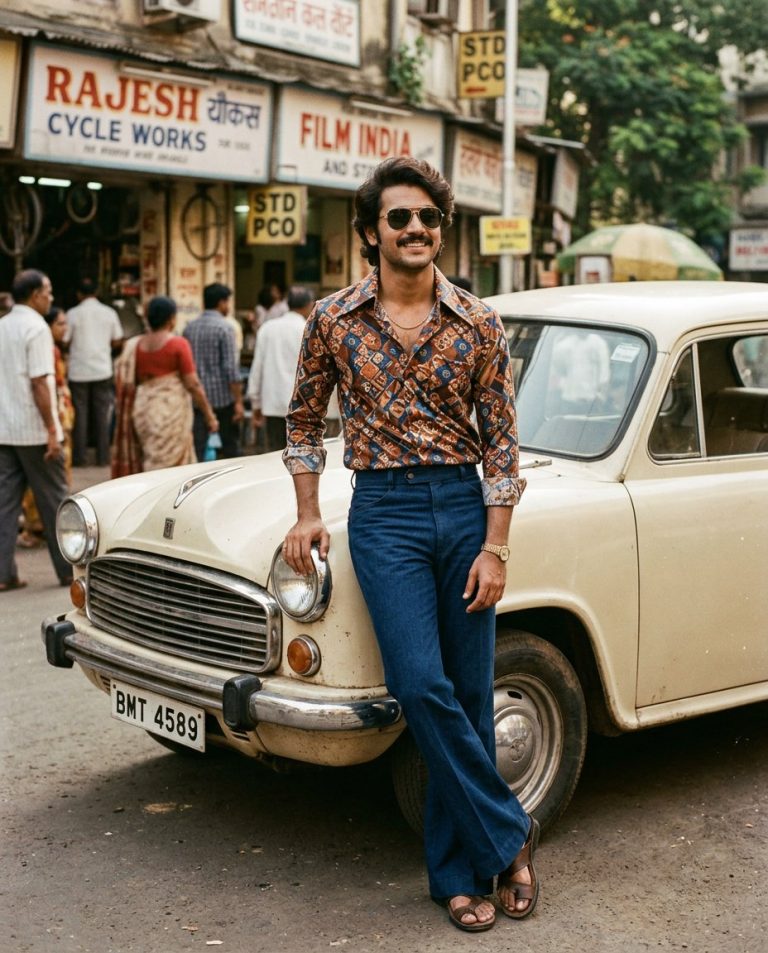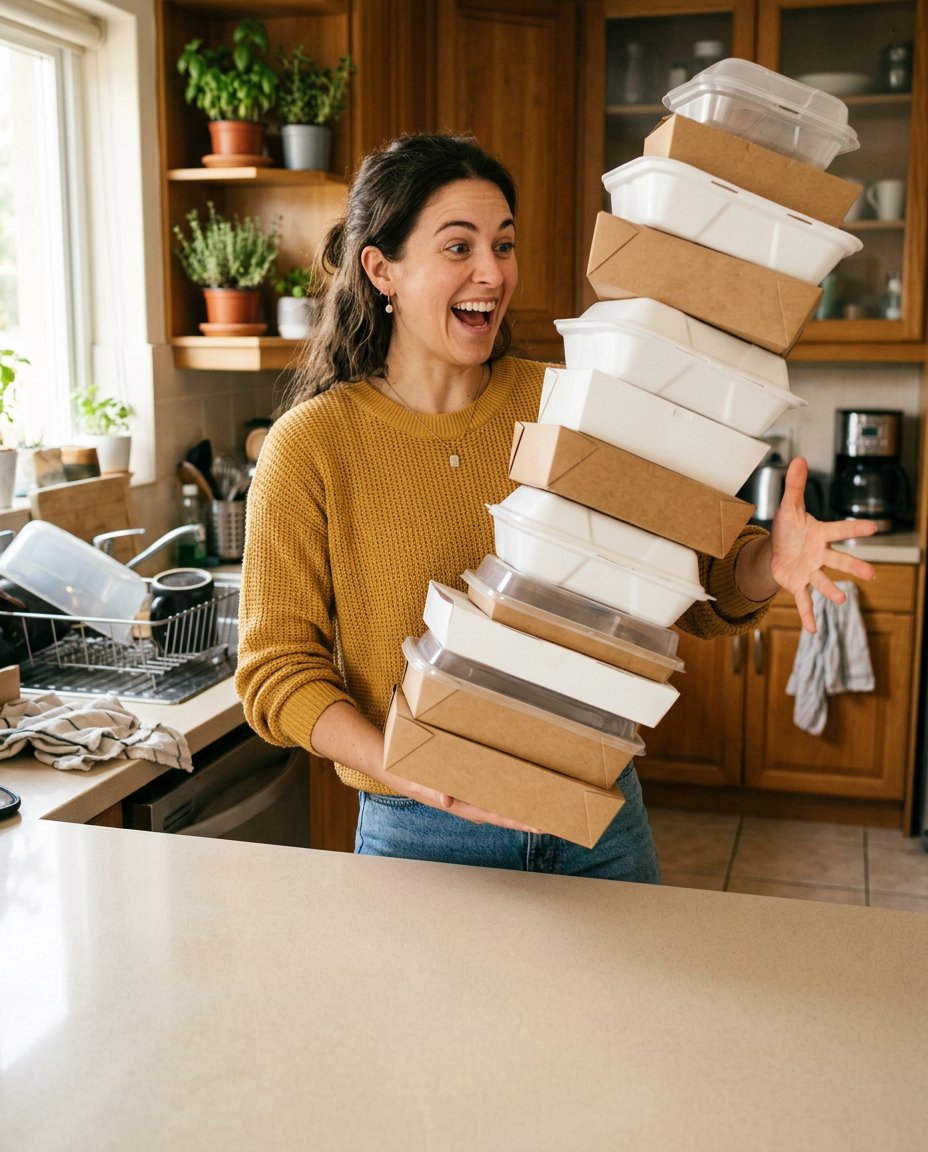
This prompt turns a candid photo into a simple Caption This comment card. It keeps the moment natural, creates one instantly readable visual tension and leaves a clean area for the audience to write the punchline themselves. Add the actual instruction in Instagram after generation so the image stays flexible and free of garbled AI text.
What This Prompt Changes
- Turns one ordinary candid image into a comment-friendly visual situation
- Keeps the same person, face, clothing and phone-photo realism from the source
- Adds a harmless everyday twist that gives viewers something to interpret
- Leaves a genuinely blank lower area for the creator’s Caption This instruction or comments prompt
How to Use It
Upload a clear candid photo to ChatGPT or Gemini and describe the kind of harmless everyday tension you want: an overloaded kitchen, a suitcase that will not close, a pet interrupting a call or a stack of deliveries that is about to fall. Add the words Caption This in the app caption or Story sticker, not inside the generated image.
Customize the Result
- Use work, travel, food, pets, dating, study, home or creator-life situations
- Make the moment dry, chaotic, wholesome or lightly self-deprecating without humiliating the subject
- Put the blank caption-safe area at the bottom, top or side according to the source composition
AI Photo Editing Prompt
PromptUse the uploaded candid photo as the exact reference for the same adult's identity, face, hairstyle, skin tone, clothing, body proportions and natural phone-camera character. Recompose it into one clear vertical 4:5 social comment card with a harmless, instantly readable everyday joke. Keep the subject in a believable candid kitchen moment while they try to carry an absurdly tall stack of takeaway containers that is beginning to wobble; preserve a natural surprised expression, realistic hands and ordinary home details. Do not turn the moment into slapstick or change the person's identity. Reserve the lower 28 percent of the frame as a calm, uncluttered blank surface for the creator to add a Caption This instruction later. Use warm daylight, crisp subject separation and enough context for viewers to invent their own caption. Render no words, letters, numbers, speech bubbles, emojis, app interface, logo or watermark. Photorealistic, relatable social comment card, vertical 4:5. Midjourney / Flux.1 alternative: [CANDID_IMAGE] relatable Caption This comment card, same person preserved, harmless everyday kitchen mishap with wobbling takeaway boxes, clean blank lower caption area, candid phone photography, no text --ar 4:5 --style raw --iw 2.0
Negative Prompt
Negative Promptdifferent person, changed identity, humiliating situation, dangerous accident, distorted hands, fake words, speech bubble, emoji, app UI, logo, watermark, plastic skin, staged advertising photo
Prompt Details
| Prompt Type | Photo Editing |
|---|---|
| AI Tool | ChatGPT |
| Style | Photorealistic |
| Category | Photo Editing |
| Use Case | Instagram, Social Media |
| Tags | blank caption space, caption this, comment bait, comment game, relatable humor, social post |
| Aspect Ratio | 4:5 |
| Lighting | Warm natural kitchen daylight |
| Camera | Candid creator phone camera |
| Lens | 35mm phone main camera |
| Mood | Funny, relatable |
| Difficulty | Beginner |
How to Use This Prompt
- Copy the prompt using the button above.
- Open your preferred AI image-generation or editing tool.
- Upload the photo you want to edit.
- Paste the prompt into the text field.
- Adjust parameters (aspect ratio, quality, steps) if necessary.
- Generate or edit the image, then refine until you like the result.