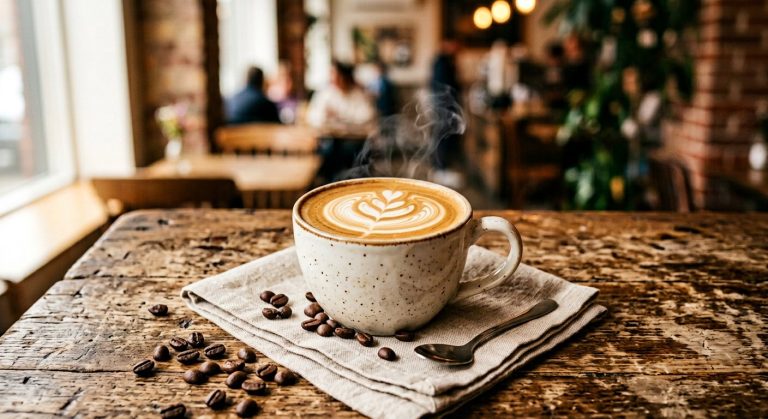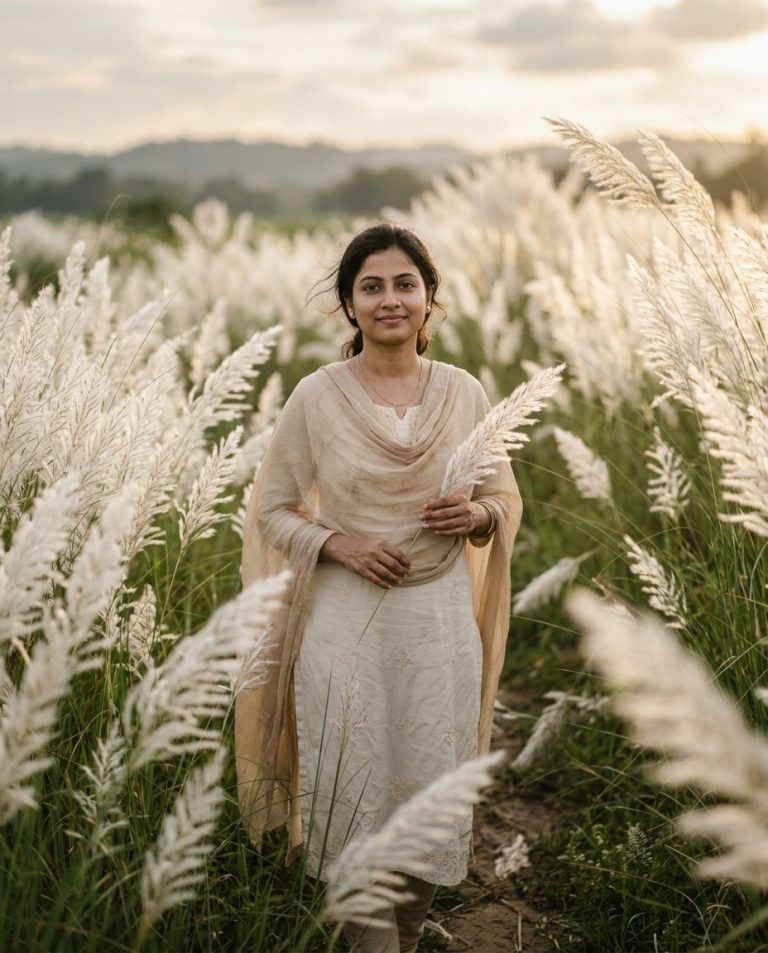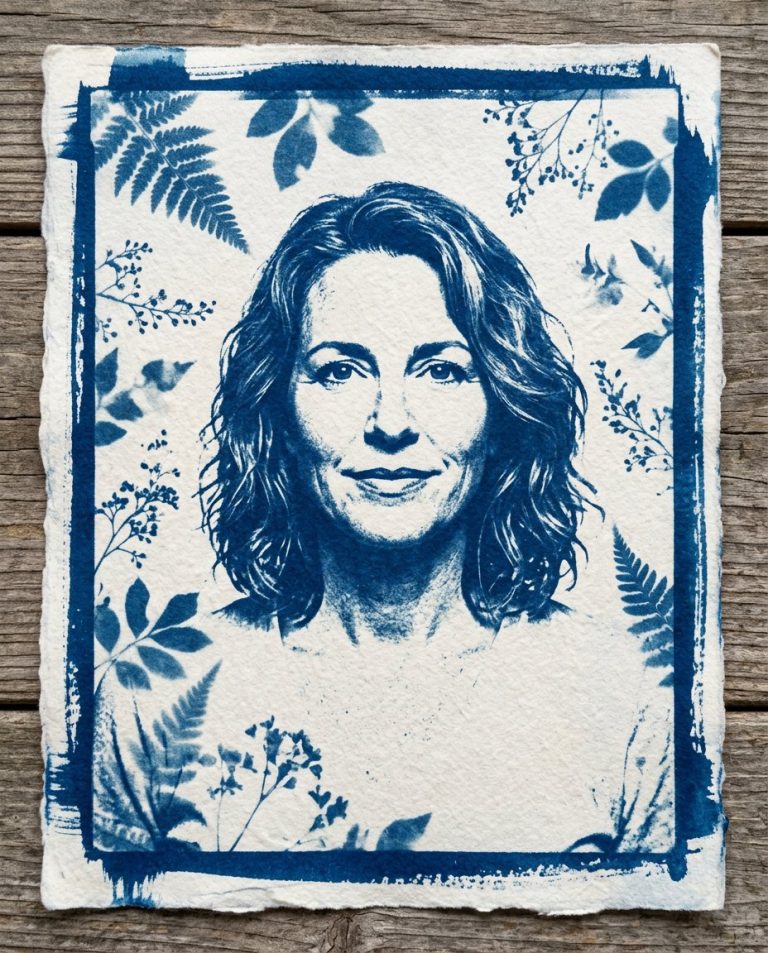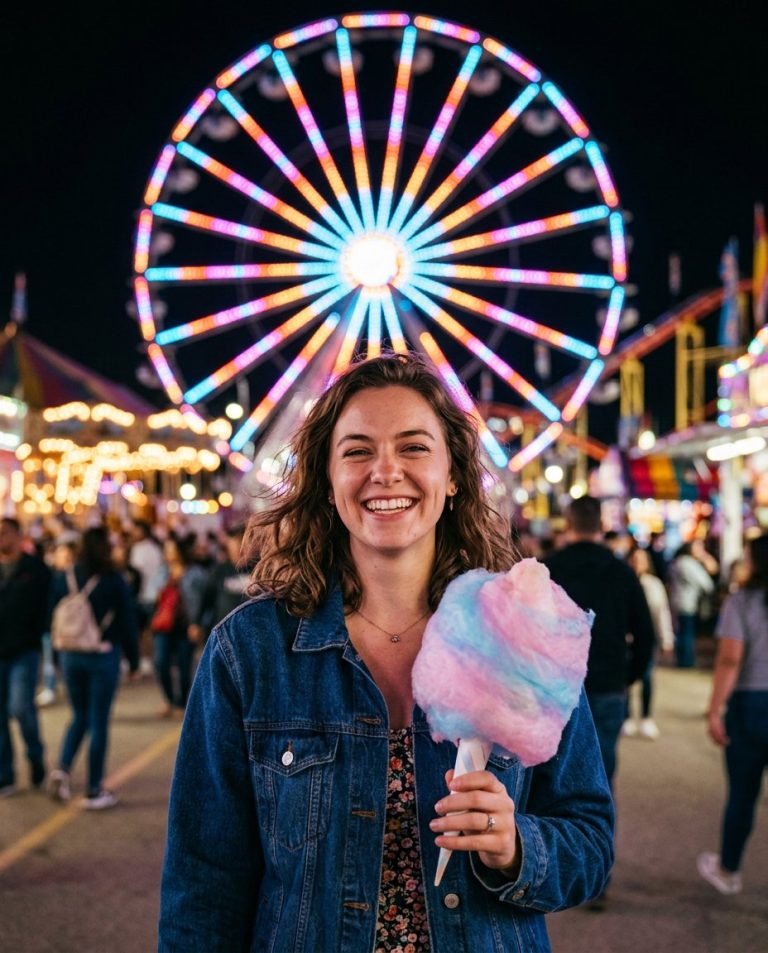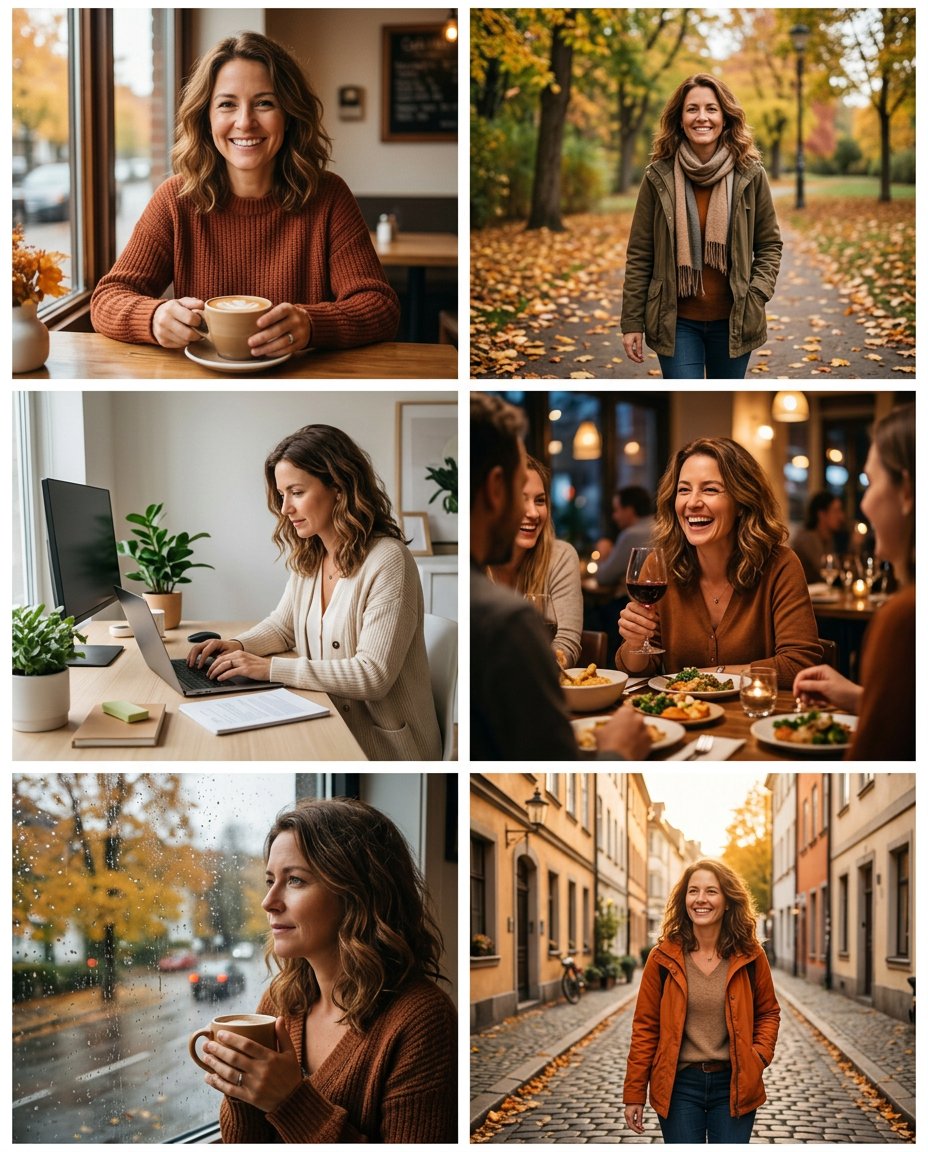
This prompt turns a folder of ordinary monthly photos into a cohesive September recap carousel. It preserves the real moments while giving the set a simple autumn color rhythm, varied crops and intentional slide order so it feels curated rather than like a random camera roll.
What This Prompt Changes
- Organizes five or six uploaded photos into a cohesive monthly carousel
- Balances portraits, detail shots, work, food, outdoors and everyday moments
- Adds a restrained early-autumn palette and consistent spacing
- Leaves captions, dates and location text for Instagram’s own editor
How to Use It
Upload five to eight photos from the same month to ChatGPT or Gemini. Tell the editor which image should be the cover and whether the set should feel warm, minimal or candid. Add dates, captions and music after export.
Customize the Result
- Choose five, six, eight or ten slides and set the cover image
- Use warm autumn, neutral editorial, colorful city or low-key candid grading
- Keep white gutters, use edge-to-edge frames or request a magazine-like collage
AI Photo Editing Prompt
PromptUse the uploaded photo set as the only source material and arrange it into a designed September recap carousel. Preserve the real people, places, objects, faces, clothing and moments from the supplied images; do not invent a different month or replace the subjects. Create six balanced slides in this order: a strong cover moment, a coffee or food detail, an outdoor walk, a work or study moment, a social evening, and a quiet reflective frame. Harmonize the set with a restrained early-autumn palette of warm cream, muted rust, olive and soft amber while keeping natural skin and object colors believable. Vary crops and camera distance so the carousel feels like a real month, not six copies of one pose. Use simple clean spacing and a subtle editorial layout, but render no dates, captions, location names, logos, labels or fake lettering; those will be added later in Instagram. Keep every source subject recognizable and avoid adding people. Vertical 4:5 social carousel. Midjourney / Flux.1 alternative: [IMAGE_URL_1] [IMAGE_URL_2] [IMAGE_URL_3] [IMAGE_URL_4] [IMAGE_URL_5] [IMAGE_URL_6] curated September recap carousel, preserve all real source moments, warm early-autumn palette, varied candid crops, clean editorial spacing, no text --ar 4:5 --style raw --iw 2.0
Negative Prompt
Negative Promptinvented people, changed faces, unrelated season, repeated identical frame, fake dates, unreadable captions, logo, watermark, overprocessed HDR, random collage, lost source details
Prompt Details
| Prompt Type | Photo Editing |
|---|---|
| AI Tool | ChatGPT |
| Style | Photorealistic |
| Category | Photo Editing |
| Use Case | Instagram, Social Media |
| Tags | autumn carousel, memory collage, monthly recap, photo recap, recap carousel, september recap |
| Aspect Ratio | 4:5 |
| Lighting | Natural mixed monthly light |
| Camera | Mixed camera-roll lenses |
| Lens | Match each source photo |
| Mood | Curated, personal |
| Difficulty | Intermediate |
How to Use This Prompt
- Copy the prompt using the button above.
- Open your preferred AI image-generation or editing tool.
- Upload the photo you want to edit.
- Paste the prompt into the text field.
- Adjust parameters (aspect ratio, quality, steps) if necessary.
- Generate or edit the image, then refine until you like the result.