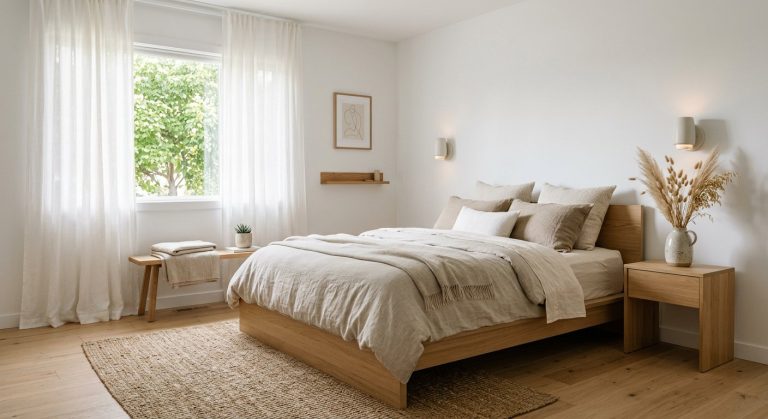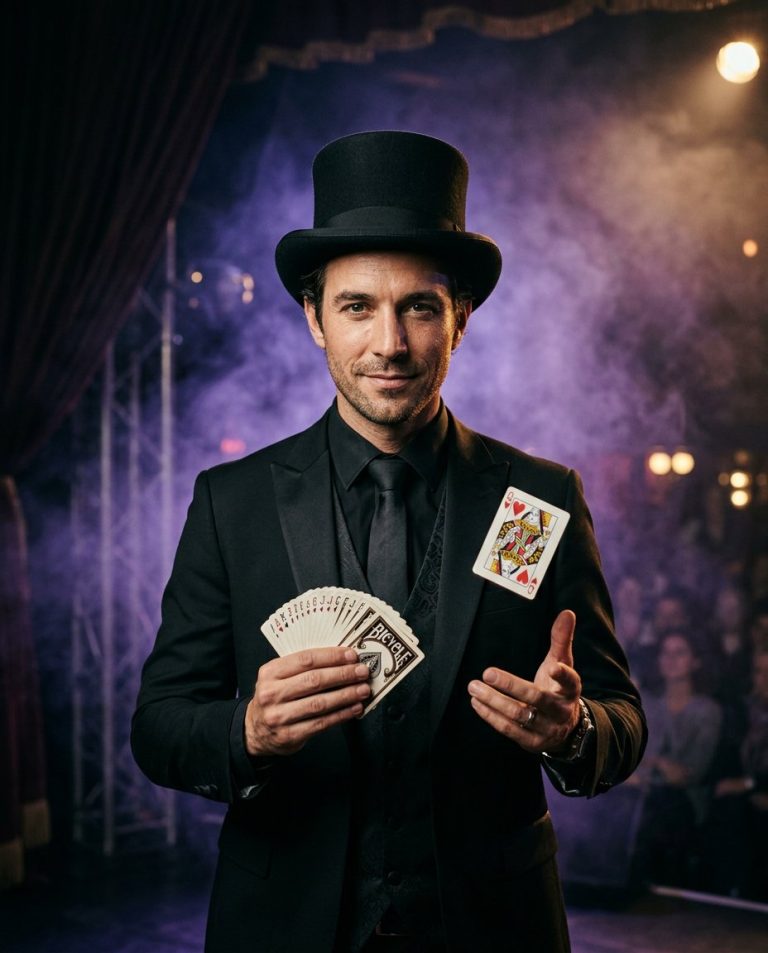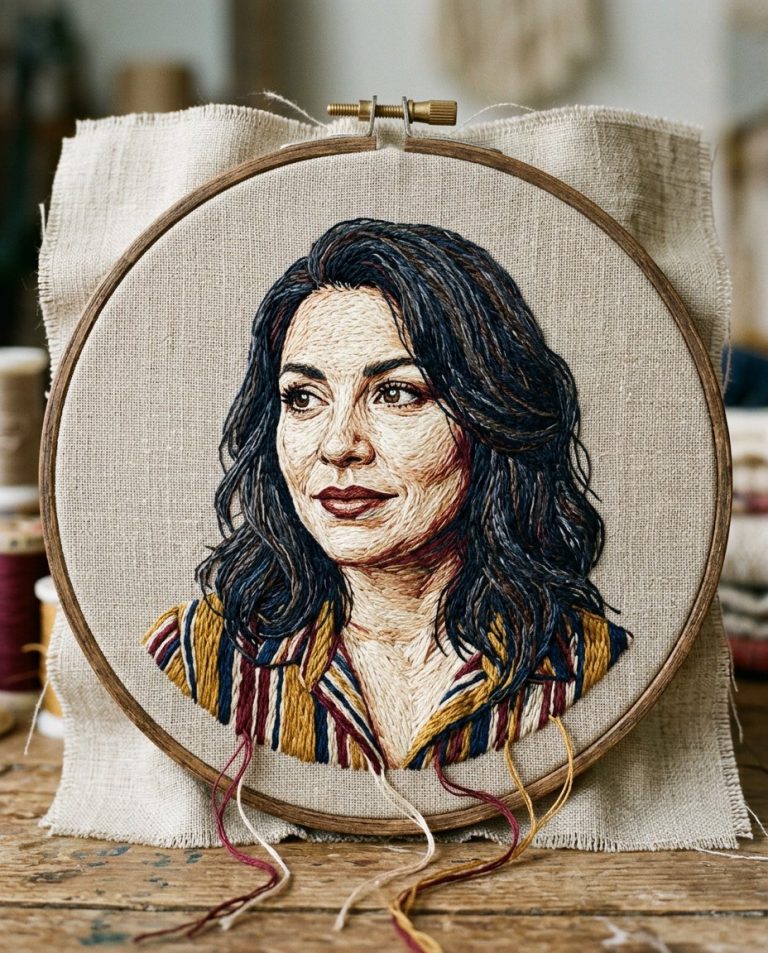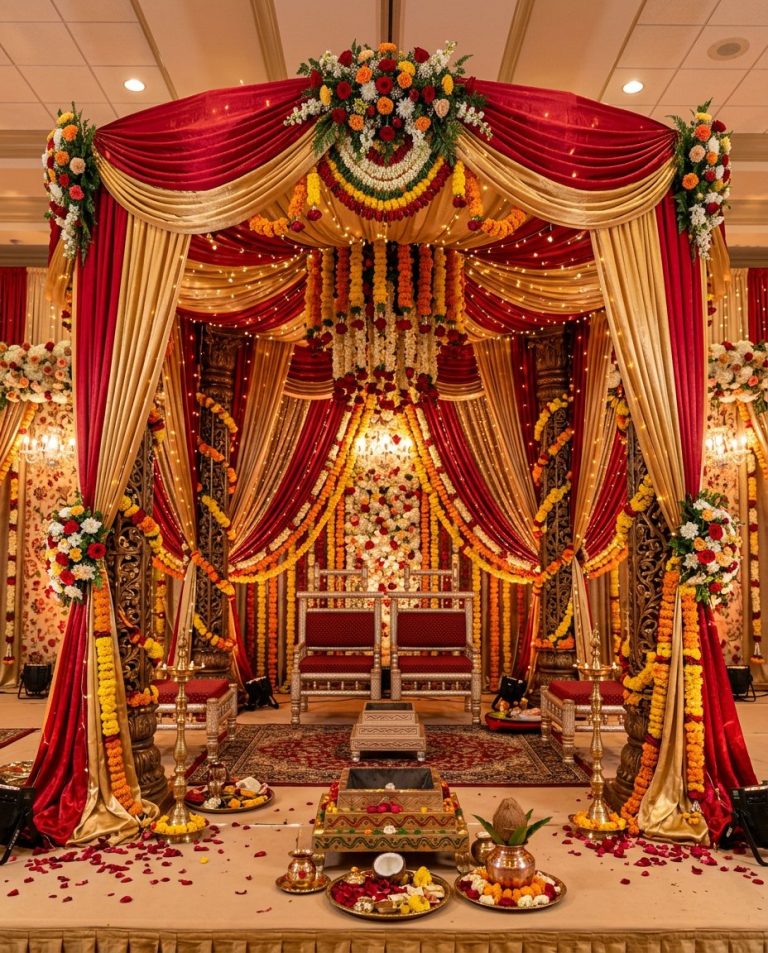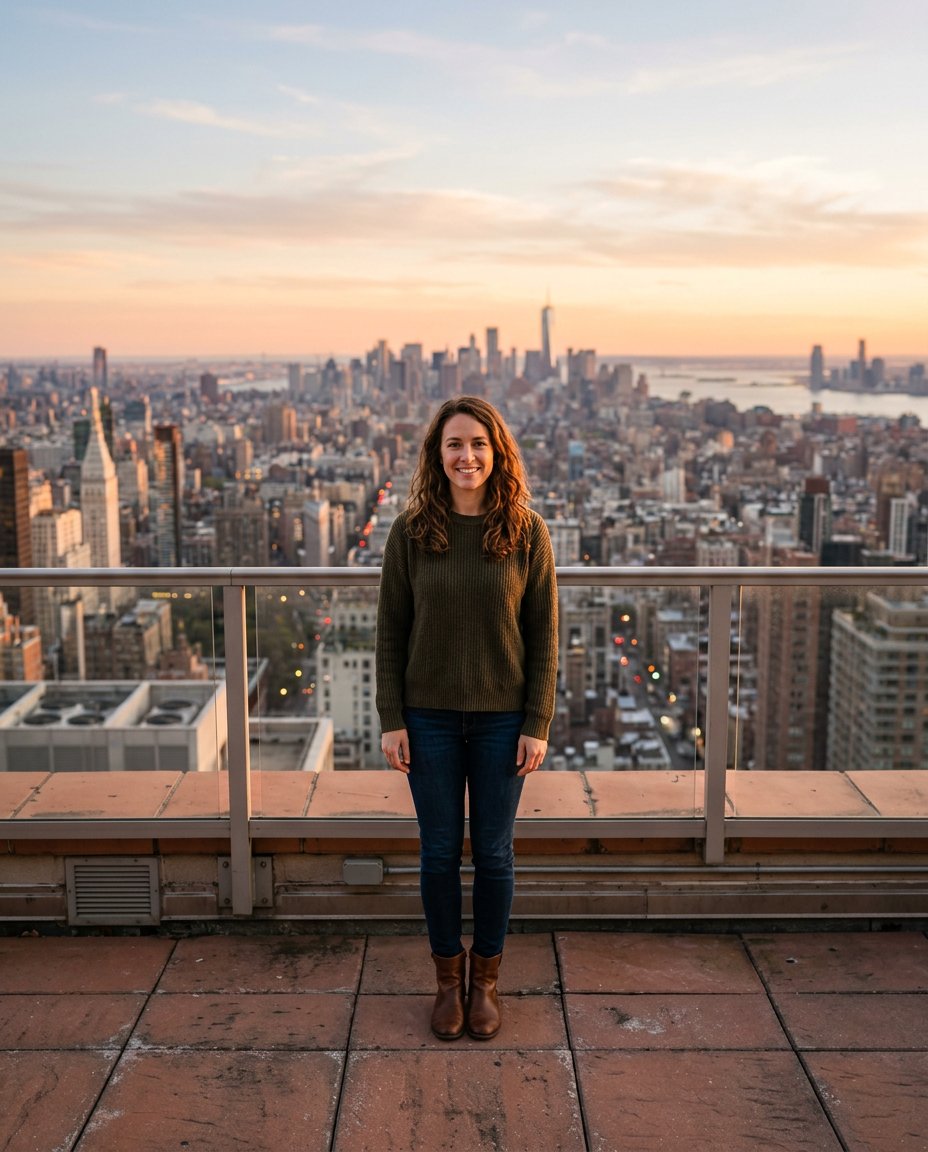
This prompt solves a common publishing problem: a good photo does not fit a full-screen 9:16 Story or Reel cover without cutting off the head, hands or scenery. It uses AI outpainting to extend the existing background, preserve the original subject at the same scale, and create clean breathing room for a mobile composition without adding a border or stretching pixels.
What This Prompt Changes
- Expands the canvas to a full-height 9:16 composition
- Keeps the original person, object, pose, face and clothing untouched
- Continues the existing background with matching perspective, texture and light
- Creates natural negative space above or below the subject for mobile-safe layout
How to Use It
Upload a sharp photo with some visible background and ask Gemini (Nano Banana) or ChatGPT to expand it to 9:16. Tell the tool whether the original should sit center, top or bottom. Start with a modest expansion; busy edges, crowds and readable signs may need a second pass.
Customize the Result
- Choose a placement: centered portrait, subject low for sky or subject high for foreground
- Extend specific surroundings: more sky, floor, road, wall, foliage or ocean
- Leave clean top and bottom space for a later caption without asking the model to render text
AI Photo Editing Prompt
PromptUse the uploaded photo as the immutable source image and reframe it to a vertical 9:16 canvas using AI outpainting. Do not crop, stretch, repaint, move, resize or redesign the original subject. Keep the person's exact face, hair, skin tone, expression, clothing, hands, body proportions, pose and every important object unchanged. Expand only the newly created areas beyond the original borders. Continue the existing background naturally in every direction with matching perspective, horizon height, lens distortion, texture, color, depth of field, shadow direction, reflections and film grain. Preserve the original subject scale and place it in the center unless the existing composition clearly calls for top or bottom alignment. Create calm negative space near the upper and lower edges for a mobile Story layout, but do not add text, stickers, interface elements or borders. The result must look like one continuous photograph, not a collage, stretch, blurred fill or pasted subject. Photorealistic, seamless edges, realistic lighting, vertical 9:16. Midjourney / Flux.1 alternative: [IMAGE_URL] expand the original photo into a seamless vertical 9:16 composition, keep [SUBJECT] and all original details exactly fixed, continue the surrounding background with matching perspective, light, texture and depth, clean mobile-safe negative space --ar 9:16 --style raw --iw 2.0
Negative Prompt
Negative Promptcropped head, cropped feet, stretched body, changed face, altered clothing, duplicated objects, warped horizon, visible seam, blurred subject, new people, text, logo, watermark, border, collage, artificial background
Prompt Details
| Prompt Type | Photo Editing |
|---|---|
| AI Tool | Gemini |
| Style | Photorealistic |
| Category | Photo Editing |
| Use Case | Instagram, Social Media |
| Tags | 9:16, image expansion, outpainting, story format, uncrop |
| Aspect Ratio | 9:16 |
| Lighting | Match original light |
| Camera | Reframed editorial camera |
| Lens | Match source lens |
| Mood | Clean, adaptable |
| Difficulty | Beginner |
How to Use This Prompt
- Copy the prompt using the button above.
- Open your preferred AI image-generation or editing tool.
- Upload the photo you want to edit.
- Paste the prompt into the text field.
- Adjust parameters (aspect ratio, quality, steps) if necessary.
- Generate or edit the image, then refine until you like the result.