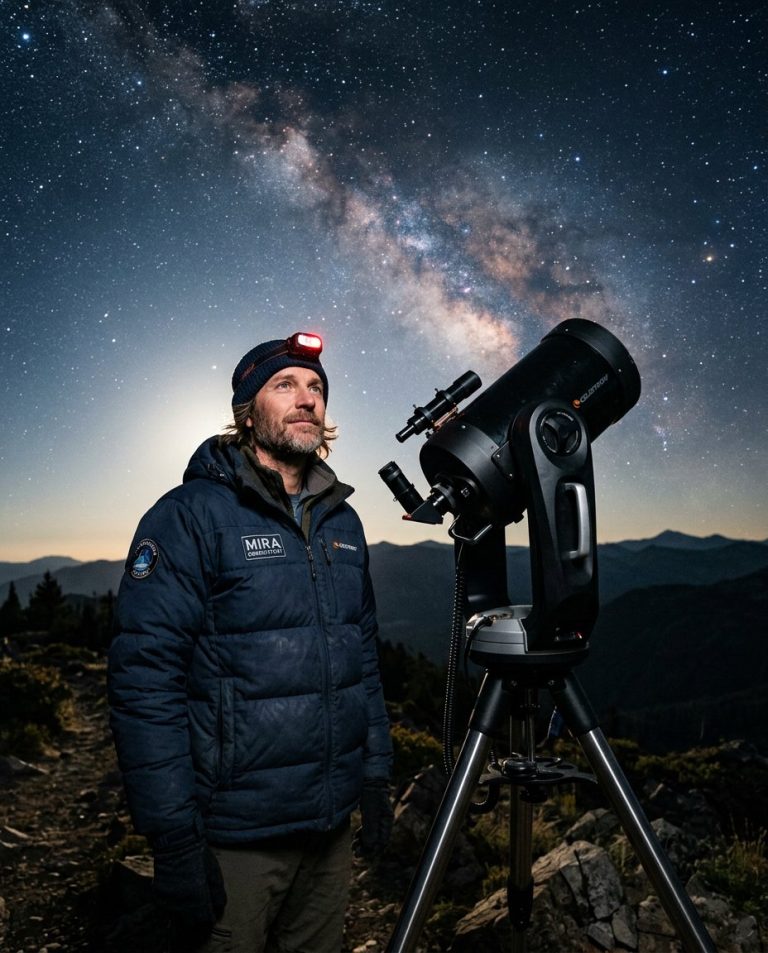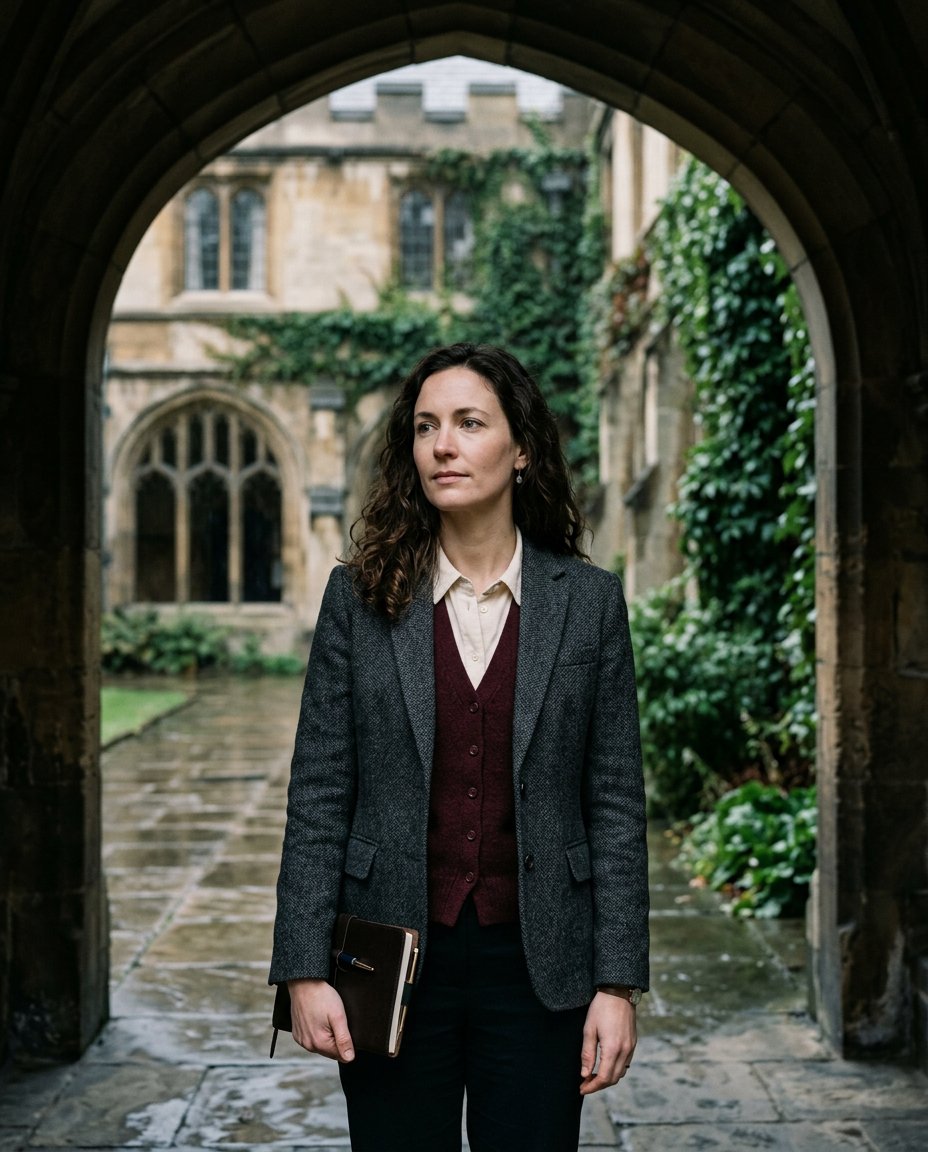
This prompt turns an ordinary portrait into a dark-academia editorial photograph rather than a generic dark filter. It combines a charcoal tweed outfit, burgundy knitwear, a rain-darkened stone arcade, ivy and controlled overcast light, while matching perspective, scale and contact shadows so the person still belongs in the scene.
What This Prompt Changes
- Restyles the subject in charcoal tweed, burgundy knitwear and a cream shirt
- Places the subject beneath a weathered stone arcade with wet paving and ivy
- Builds a deep brown, forest-green and burgundy editorial color grade
- Matches light direction, perspective, scale and shadows for a believable composite
How to Use It
Upload a clear portrait with the face and upper body visible to Gemini, ChatGPT or another image editor. A neutral expression and simple original outfit give the model more room to restyle. Keep any university setting generic and remove institution names, crests and readable book or notebook text.
Customize the Result
- Change the setting: rainy stone courtyard, antique study desk or ivy-covered stairway
- Change the wardrobe: tweed blazer, long wool coat or academic cardigan
- Tune the grade: nearly monochrome charcoal, warm sepia-brown or green-and-burgundy
AI Photo Editing Prompt
PromptUse the uploaded portrait as the exact identity reference for the same adult. Transform it into a refined dark-academia editorial fashion photograph while preserving the exact face, facial proportions, skin tone, eye shape, hairline, natural skin texture, present age and recognizable identity. Place the subject under a weathered stone arcade in a rain-darkened old university courtyard with ivy, wet paving and soft atmospheric depth; keep the institution generic with no identifiable crest, name or readable sign. Dress the subject in a charcoal tweed blazer over a deep burgundy knit vest and cream shirt, with dark trousers and a plain closed notebook held naturally at the side. Match the new environment to the original subject's perspective, body scale, light direction and contact shadows. Use cool overcast daylight filtered through the arch, controlled deep shadows, realistic wet-stone reflections, a restrained dark brown, forest-green and burgundy color grade, subtle vignette and fine analog film grain. Premium editorial portrait photography, natural pores, realistic fabric and hair strands, vertical 4:5. No logos, watermark, readable text or extra people. Midjourney / Flux.1 alternative: [IMAGE_URL] dark-academia editorial portrait of [SUBJECT] under a rain-darkened stone arcade, charcoal tweed blazer, burgundy knit vest, ivy and wet paving, controlled overcast light, deep brown and forest-green grade, subtle film grain --ar 4:5 --style raw --cref [IMAGE_URL] --cw 25 --iw 2.0
Negative Prompt
Negative Promptchanged face, plastic skin, fantasy armor, gothic horror, bright cheerful colors, identifiable school logo, readable text, watermark, extra people, warped hands, flat pasted background, oversaturated HDR
Prompt Details
| Prompt Type | Photo Editing |
|---|---|
| AI Tool | Gemini |
| Style | Photorealistic |
| Category | Portrait |
| Use Case | Instagram, Social Media |
| Tags | dark academia, editorial, moody portrait, rainy courtyard, scholar aesthetic |
| Aspect Ratio | 4:5 |
| Lighting | Controlled overcast daylight |
| Camera | Editorial DSLR |
| Lens | 50mm |
| Mood | Scholarly, introspective |
| Difficulty | Intermediate |
How to Use This Prompt
- Copy the prompt using the button above.
- Open your preferred AI image-generation or editing tool.
- Upload the photo you want to edit.
- Paste the prompt into the text field.
- Adjust parameters (aspect ratio, quality, steps) if necessary.
- Generate or edit the image, then refine until you like the result.