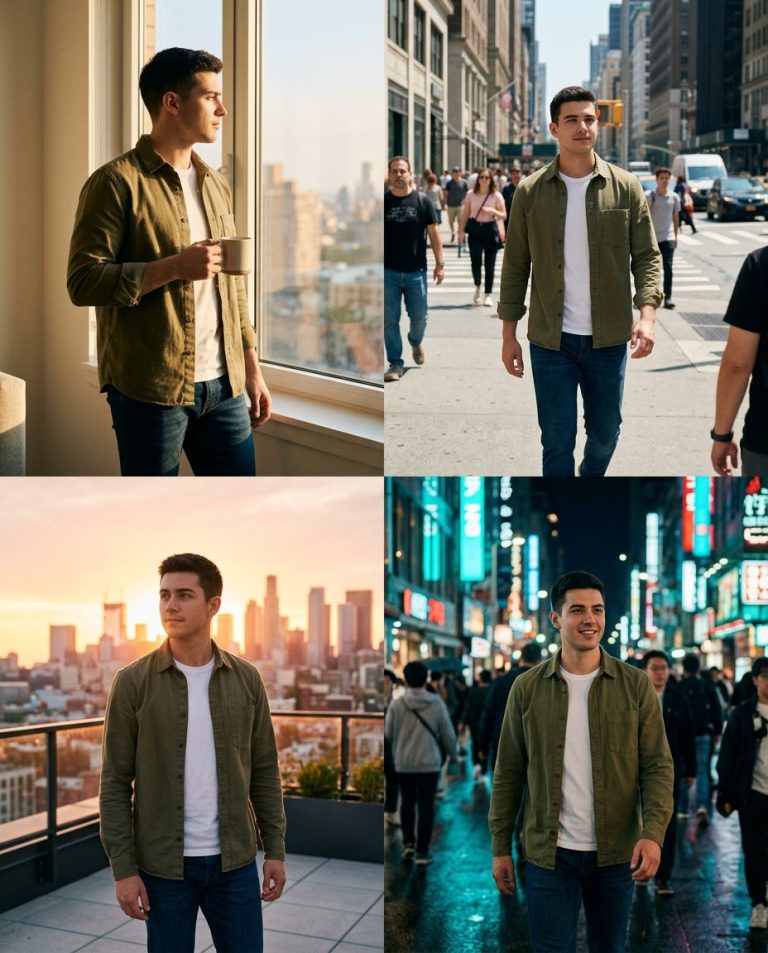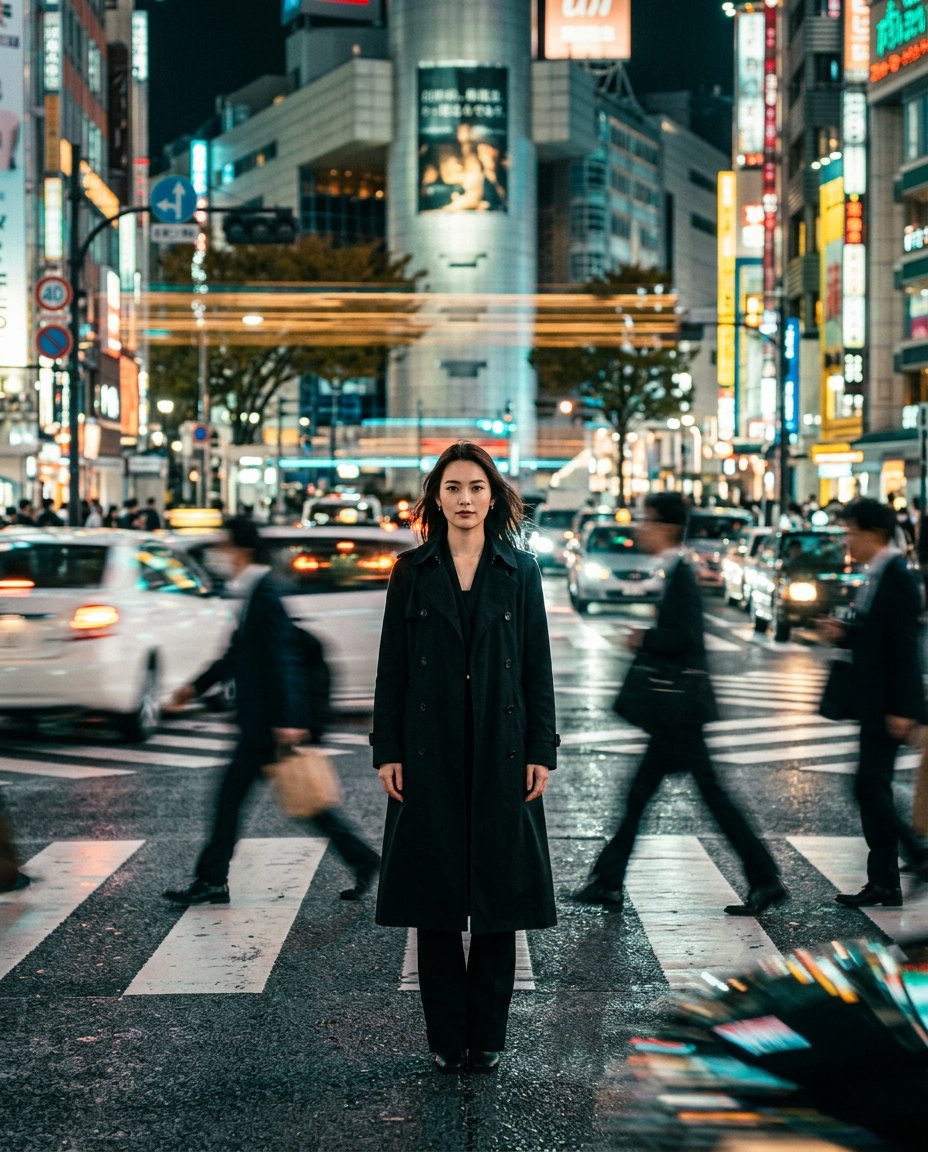
This photo-editing prompt applies the motion-effects trend: you stand perfectly sharp and calm at a night crossing while everything else becomes dramatic motion blur, streaking car light trails, rushing pedestrians, smeared neon and subtle camera-shake energy, like a still from an action film.
What This Prompt Creates
- Keeps you perfectly sharp with crisp focus and natural skin detail
- Blurs the city into light streaks, ghosted crowds and smeared neon
- Adds wet-asphalt reflections and a teal-amber night grade
- Delivers fast-moving action-film energy around a calm subject
How to Use It
Upload a full-body or waist-up photo with a simple pose to ChatGPT (GPT-4o image) and paste the prompt. A still, centered pose sells the frozen-vs-moving contrast best.
Customize the Result
- Change the scene: crossing, metro platform or rainy avenue
- Push the blur: subtle rush-hour or extreme speed-ramp
- Change the grade: teal-amber, monochrome or sodium orange
AI Photo Editing Prompt
PromptMaintain the exact facial structure, bone features, skin tone, hair texture, and identity of the person in the uploaded reference photo without alteration. Vertical 4:5 aspect ratio. Quality: ultra-photorealistic, premium editorial finish, hyper-detailed natural textures, cinematic depth, masterpiece quality. Keep the subject perfectly sharp but add dramatic motion blur to the city around them. The subject stands calm and crisp at the center of a busy night crossing while car lights streak past, pedestrians blur into ghosts, neon signs smear, and subtle camera shake adds fast-moving energy like a scene from an action film. Wet asphalt reflections, teal-and-amber night color grade, shallow depth of field, high detail. Midjourney / Flux.1 alternative: [IMAGE_URL] [SUBJECT] razor-sharp at a night crossing, dramatic motion blur light streaks and ghosted crowds around, action-film energy, teal-amber grade --ar 4:5 --cref [IMAGE_URL] --cw 20 --iw 2.0
Negative Prompt
Negative Promptblurred subject, deformed face, flat lighting, watermark, low detail, doubled subject
Prompt Details
| Prompt Type | Photo Editing |
|---|---|
| AI Tool | ChatGPT |
| Style | Cinematic |
| Category | Photo Editing |
| Use Case | Instagram, Social Media |
| Tags | cinematic, light streaks, long exposure, motion blur, night city |
| Aspect Ratio | 4:5 |
| Lighting | Night city practicals |
| Camera | Cinema camera |
| Lens | 35mm |
| Mood | Calm in chaos |
| Difficulty | Intermediate |
How to Use This Prompt
- Copy the prompt using the button above.
- Open your preferred AI image-generation or editing tool.
- Upload the photo you want to edit.
- Paste the prompt into the text field.
- Adjust parameters (aspect ratio, quality, steps) if necessary.
- Generate or edit the image, then refine until you like the result.