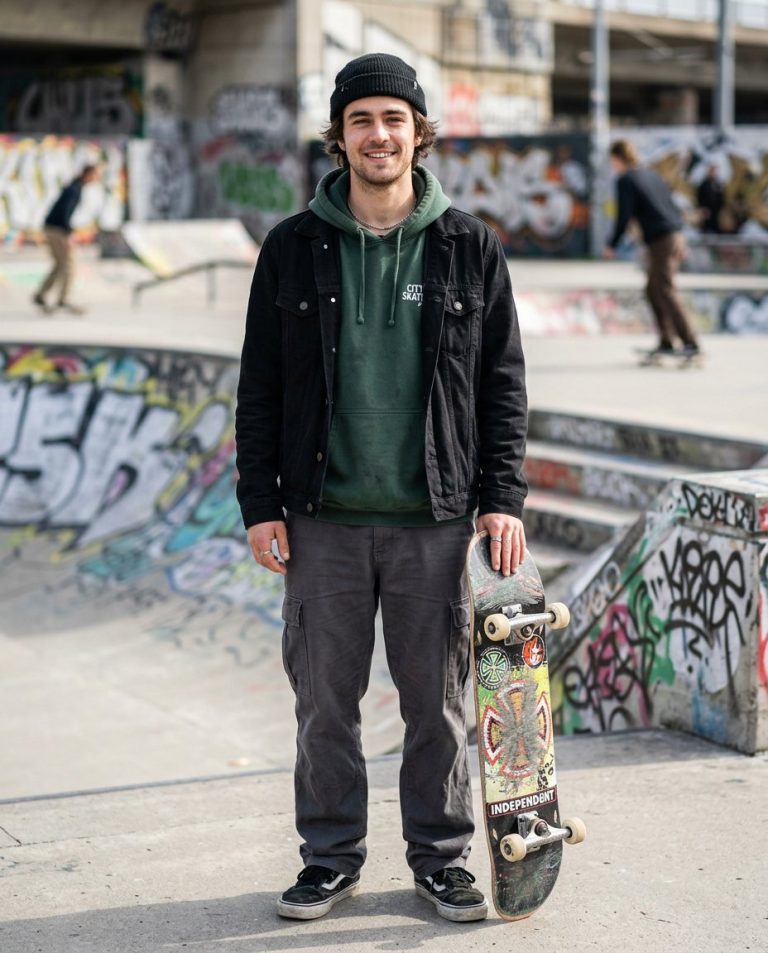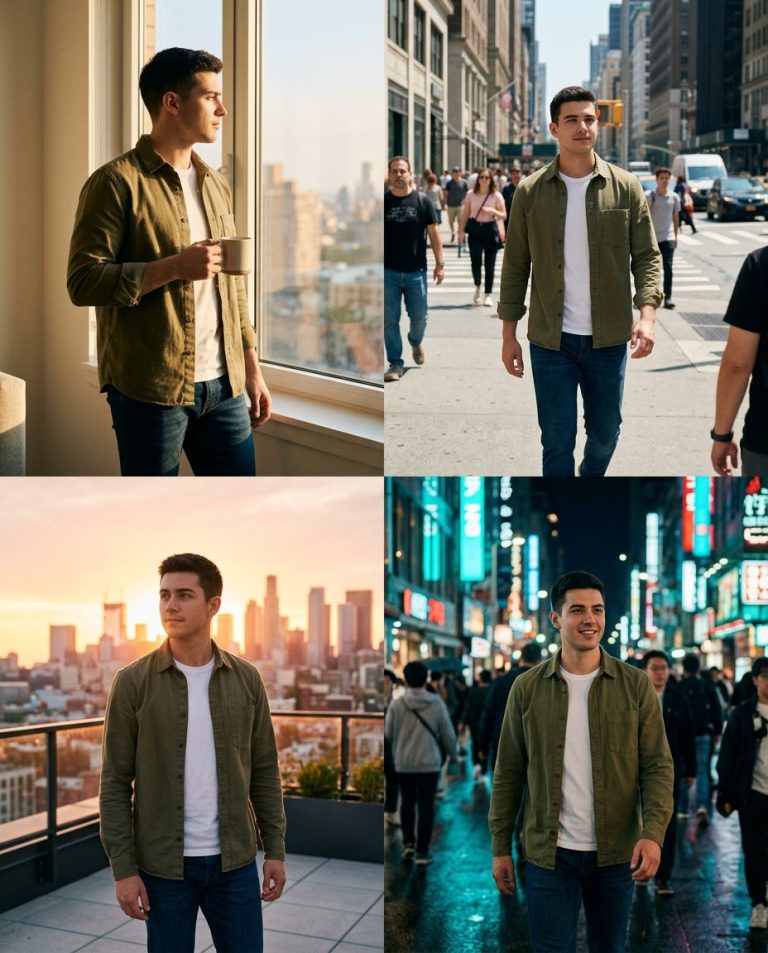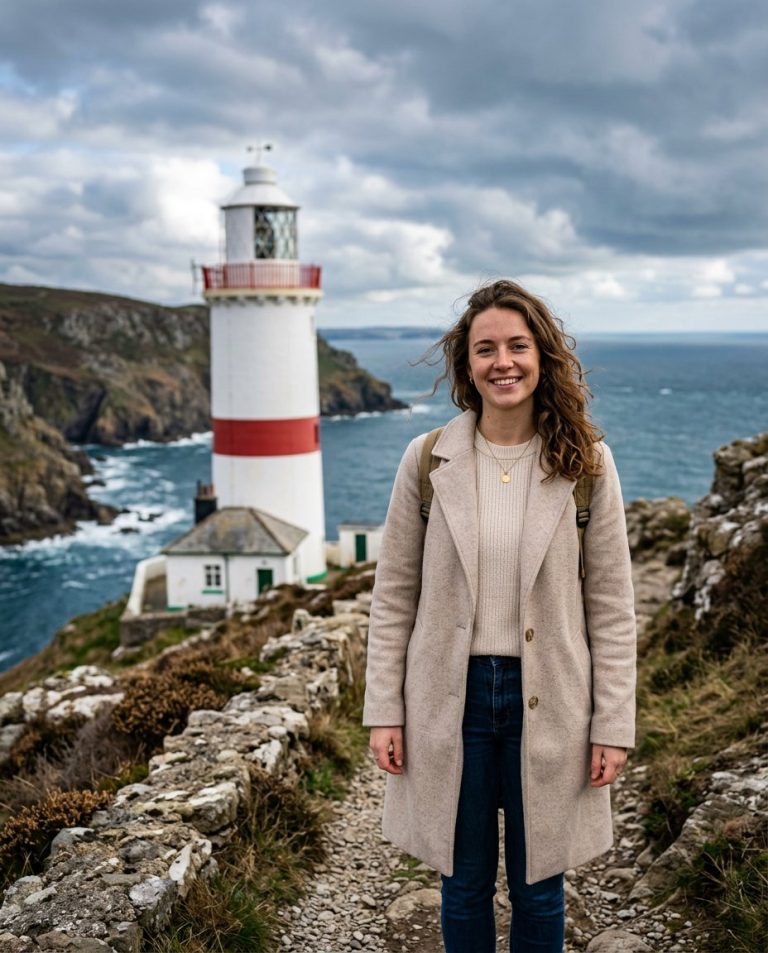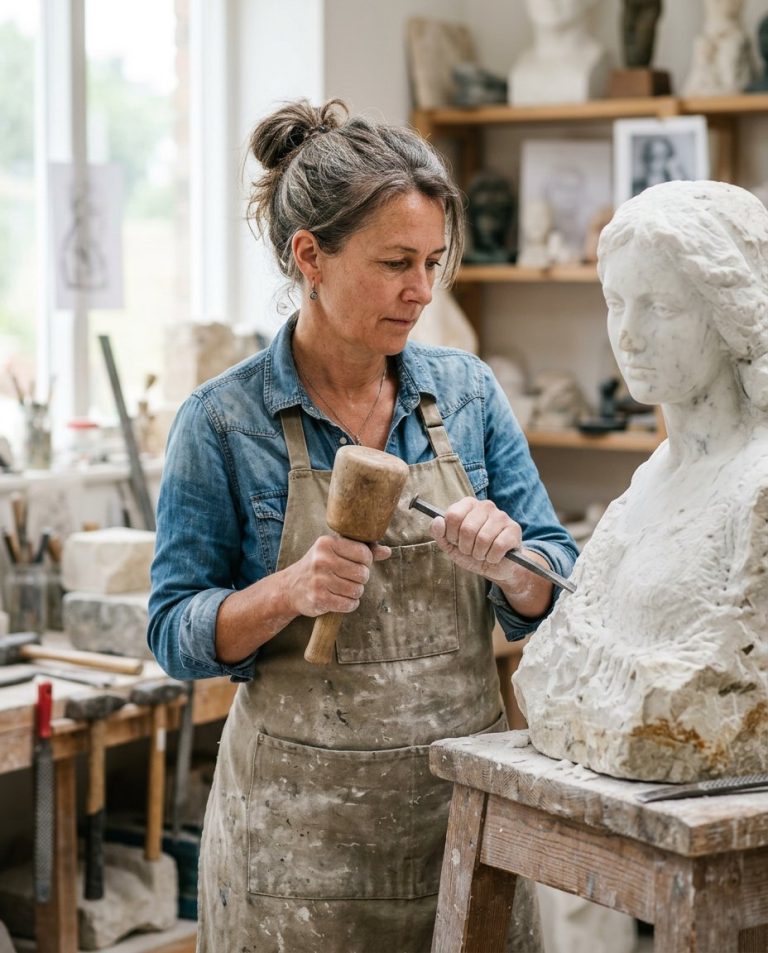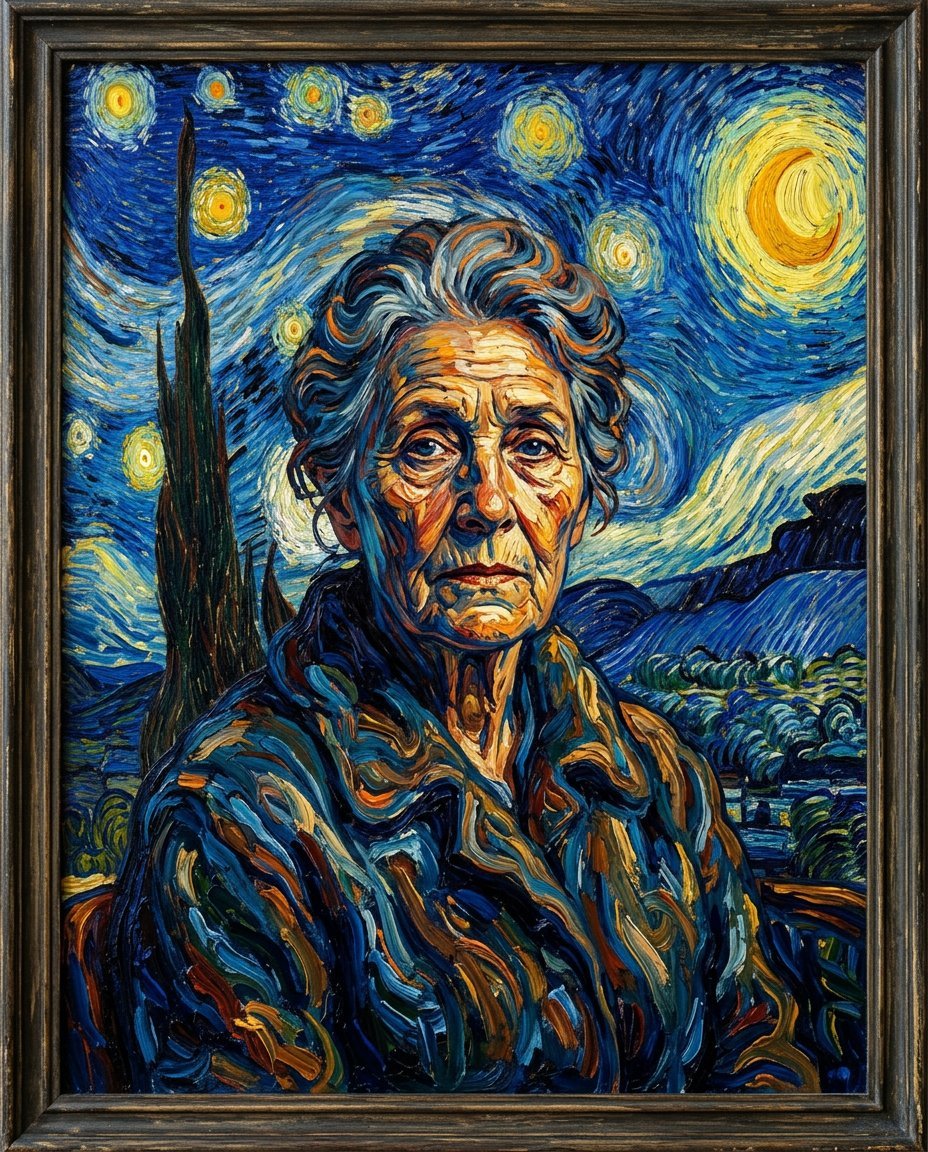
This photo editing prompt converts a photo into a Van Gogh Starry Night style painting. It keeps the subject’s likeness while rendering the image with swirling impasto brushstrokes and a dramatic blue-and-yellow palette. A striking artistic transformation for portraits and creative posts.
What This Prompt Changes
- Converts the photo into swirling post-impressionist brushwork
- Applies a deep blue, yellow and orange palette
- Adds thick impasto paint texture
- Keeps the subject’s likeness and composition
Best Photo for This Prompt
Use a clear photo with the face fully visible and good lighting. Simple backgrounds work best so the brushwork can shine. Front-facing portraits convert most convincingly.
Customize the Result
- Choose the palette: deep blues, warm yellows or greens
- Change the brushwork: fine or thick and swirling
- Add a starry sky or keep the original scene
- Change the format to suit the final use
AI Photo Editing Prompt
PromptUse the uploaded photo as the reference for the subject's likeness and composition. Convert the photo into an expressive oil painting in the style of Vincent van Gogh's Starry Night. Render the image with thick, swirling impasto brushstrokes, visible paint texture and energetic flowing strokes, using a dramatic palette of deep blues, bright yellows and warm oranges. Keep the subject's likeness, facial proportions and expression accurate. The result should look like a hand-painted post-impressionist masterpiece of the same person, not a photo filter.
Negative Prompt
Negative Promptphotorealistic skin, flat digital look, distorted face, blurry brushwork, muted colors, watermark, text
Prompt Details
| Prompt Type | Photo Editing |
|---|---|
| AI Tool | Ideogram |
| Style | Oil Painting |
| Category | Photo Editing |
| Use Case | Instagram, Social Media |
| Tags | fine art, identity preservation, illustration, instagram, oil painting, photo editing, portrait, van gogh |
| Aspect Ratio | 4:5 |
| Lighting | Expressive |
| Camera | — |
| Lens | — |
| Mood | Artistic |
| Difficulty | Beginner |
How to Use This Prompt
- Copy the prompt using the button above.
- Open your preferred AI image-generation or editing tool.
- Upload the photo you want to edit.
- Paste the prompt into the text field.
- Adjust parameters (aspect ratio, quality, steps) if necessary.
- Generate or edit the image, then refine until you like the result.