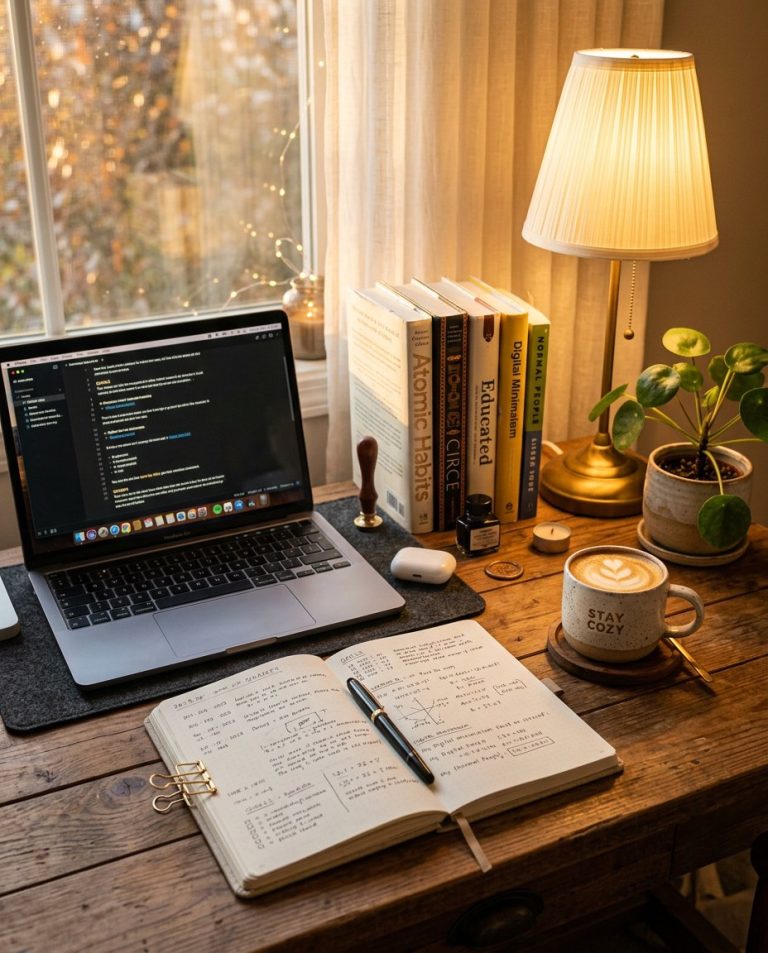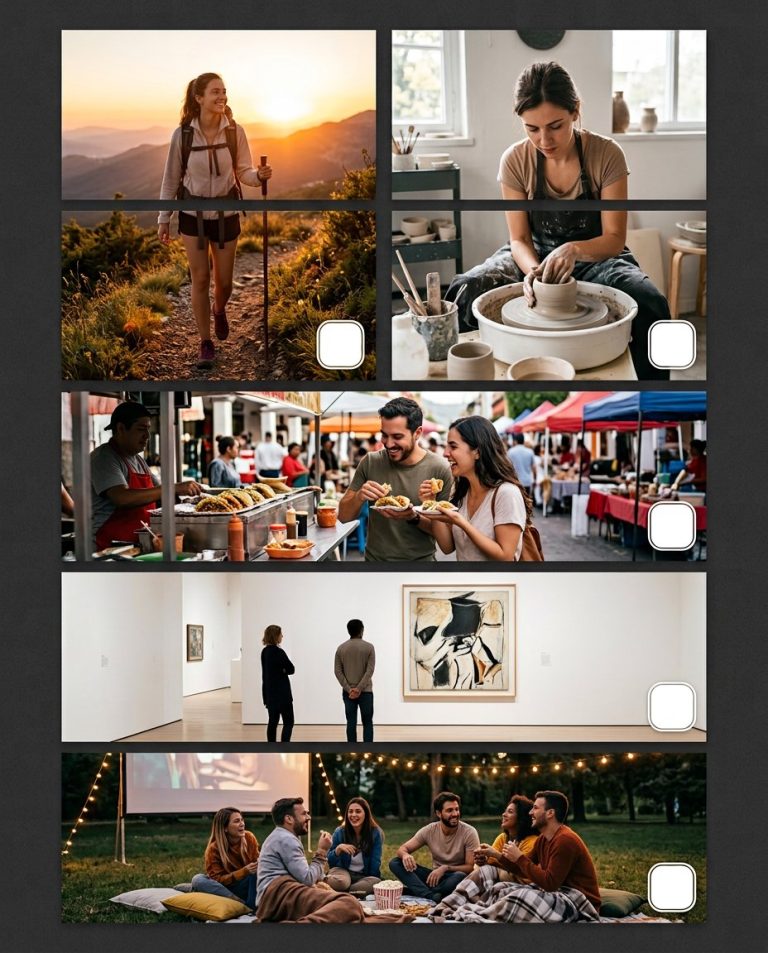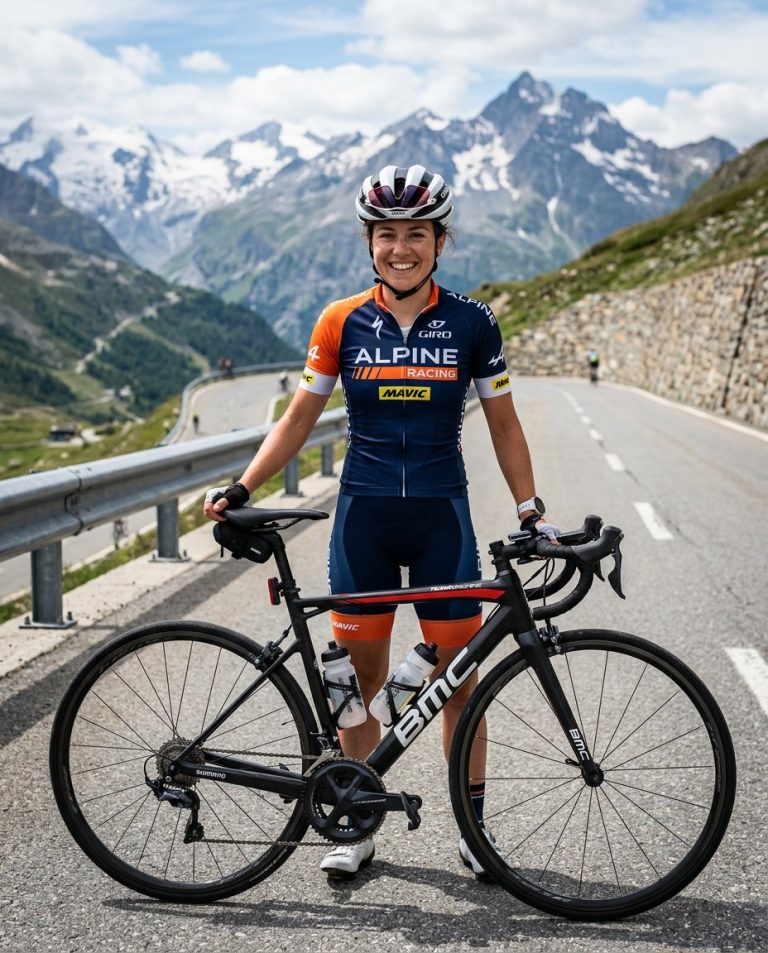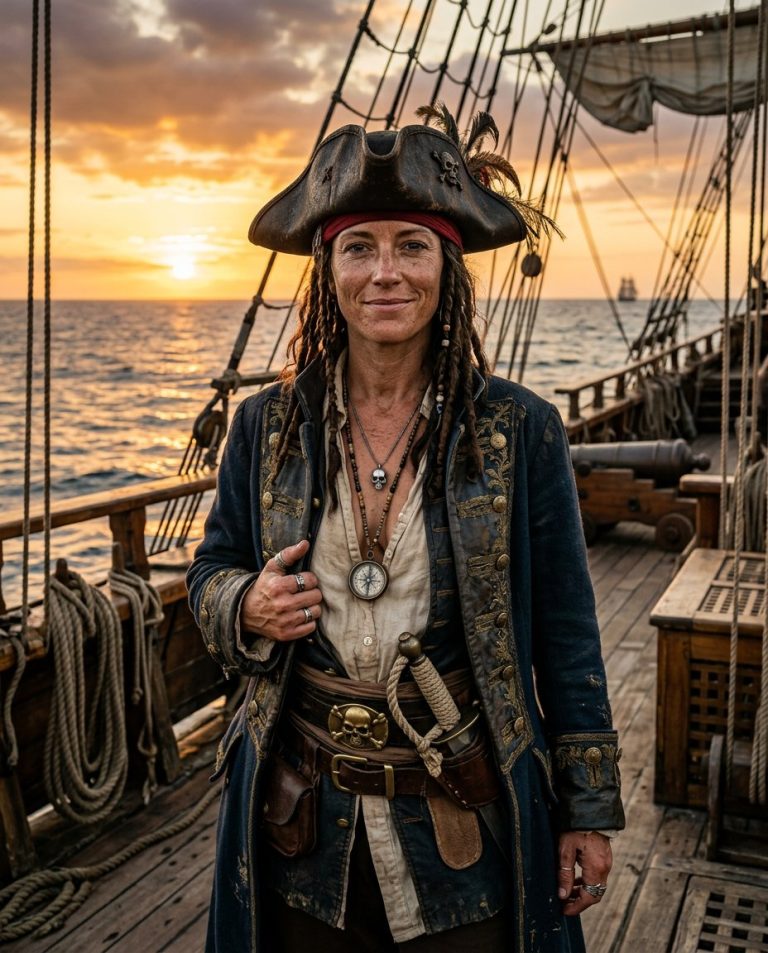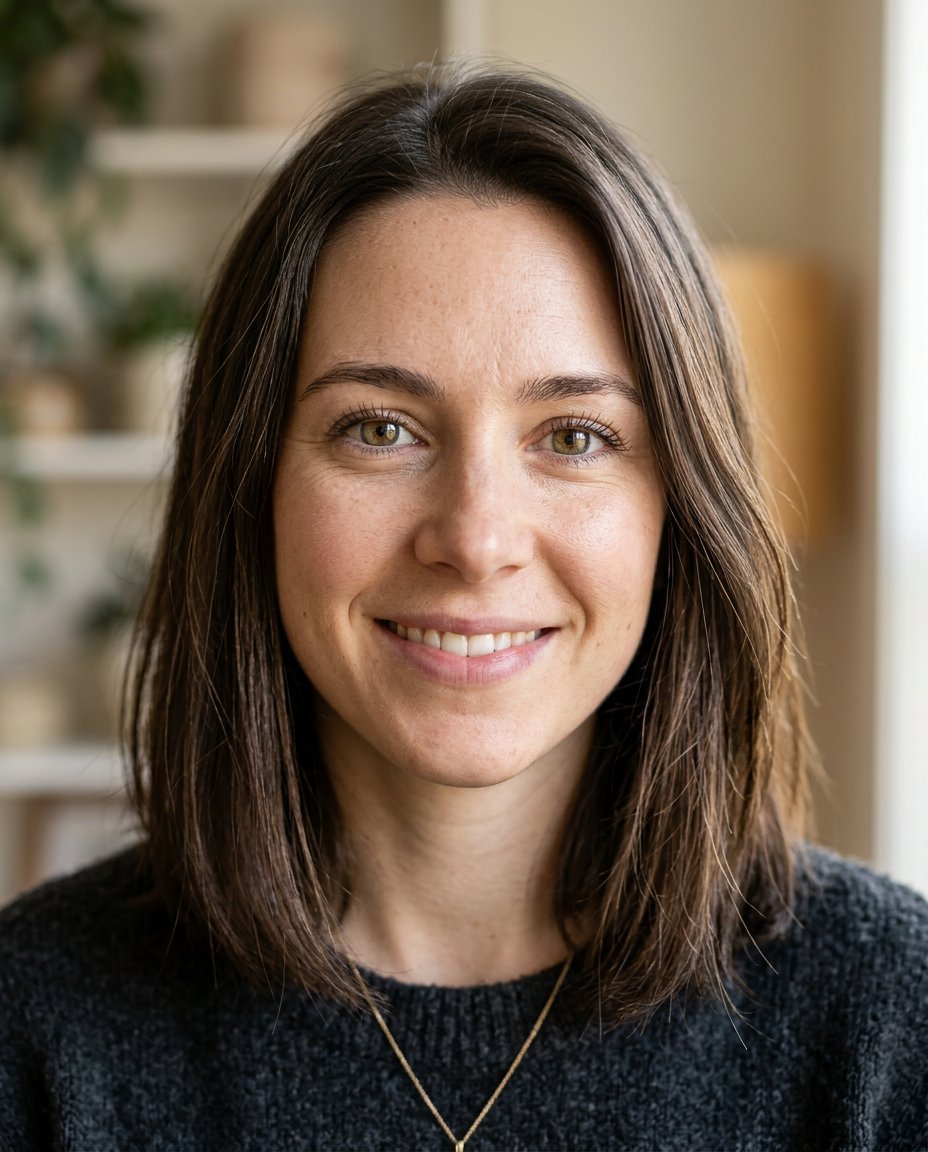
This photo editing prompt sharpens a blurry or out-of-focus photo into a clear, high-quality portrait. It restores facial detail, sharpens the eyes and hair and removes grain while keeping the person’s face and identity exactly the same. Perfect for rescuing precious but blurry photos.
What This Prompt Changes
- Restores sharp facial detail and clear eyes
- Removes blur, grain and motion softness
- Recovers fine hair strands and skin texture
- Keeps the face, identity, pose and composition exactly the same
Best Photo for This Prompt
Use a photo that is slightly blurry or soft but still shows the face. Photos that are completely out of focus or extremely pixelated give the model less to work with. Well-lit, front-facing portraits recover best.
Customize the Result
- Choose how sharp: natural or very crisp
- Enhance the eyes and teeth separately if needed
- Add gentle background blur for a cleaner look
- Change the format if the photo is being re-cropped
AI Photo Editing Prompt
PromptUse the uploaded photo as the exact face and identity reference. Keep the person's facial identity, skin tone, facial proportions, hairstyle, pose and composition completely unchanged — do not alter the face or invent new details. Sharpen the photo into a clear, high-quality portrait. Restore sharp facial detail, clear eyes with natural catchlights, fine hair strands and clean skin texture. Remove motion blur, softness and digital noise without oversharpening or creating an artificial plastic look. Keep the original lighting, colors and mood. The result should look like the same photo taken in perfect focus, natural and realistic, with crisp but believable detail.
Negative Prompt
Negative Promptchanged face, different person, oversharpened, plastic skin, invented details, cartoonish, watermark, text, excessive smoothing
Prompt Details
| Prompt Type | Photo Editing |
|---|---|
| AI Tool | Ideogram |
| Style | Photorealistic |
| Category | Photo Editing |
| Use Case | Instagram, Social Media |
| Tags | blurry photo, identity preservation, photo editing, photo restoration, photography, photorealistic, portrait, retouch |
| Aspect Ratio | Original |
| Lighting | Original |
| Camera | — |
| Lens | — |
| Mood | Natural |
| Difficulty | Beginner |
How to Use This Prompt
- Copy the prompt using the button above.
- Open your preferred AI image-generation or editing tool.
- Upload the photo you want to edit.
- Paste the prompt into the text field.
- Adjust parameters (aspect ratio, quality, steps) if necessary.
- Generate or edit the image, then refine until you like the result.