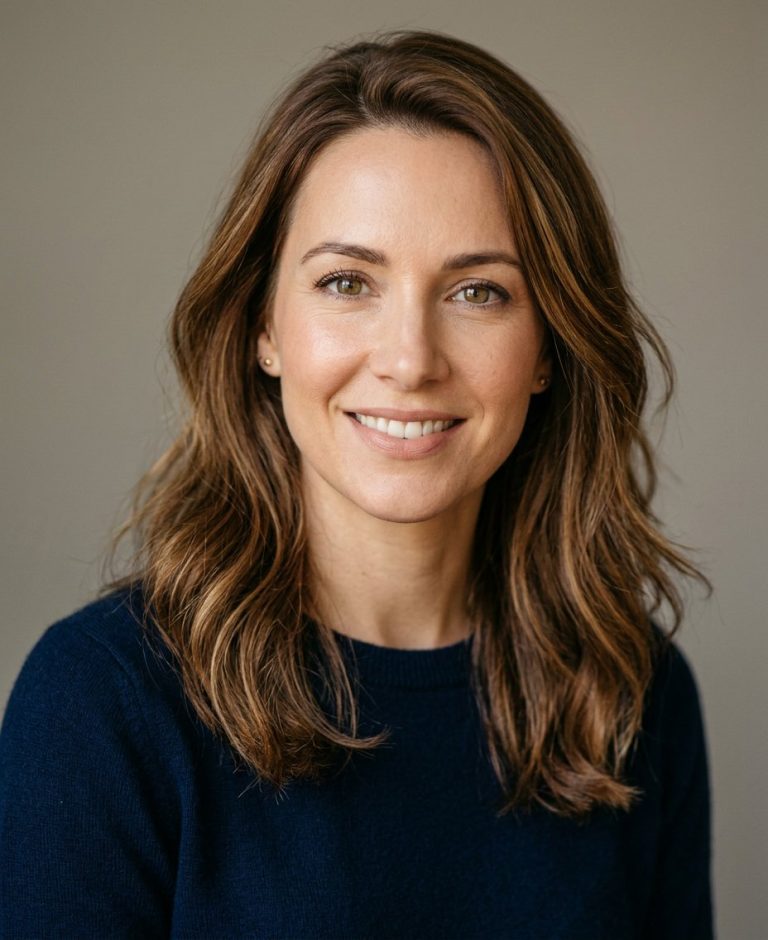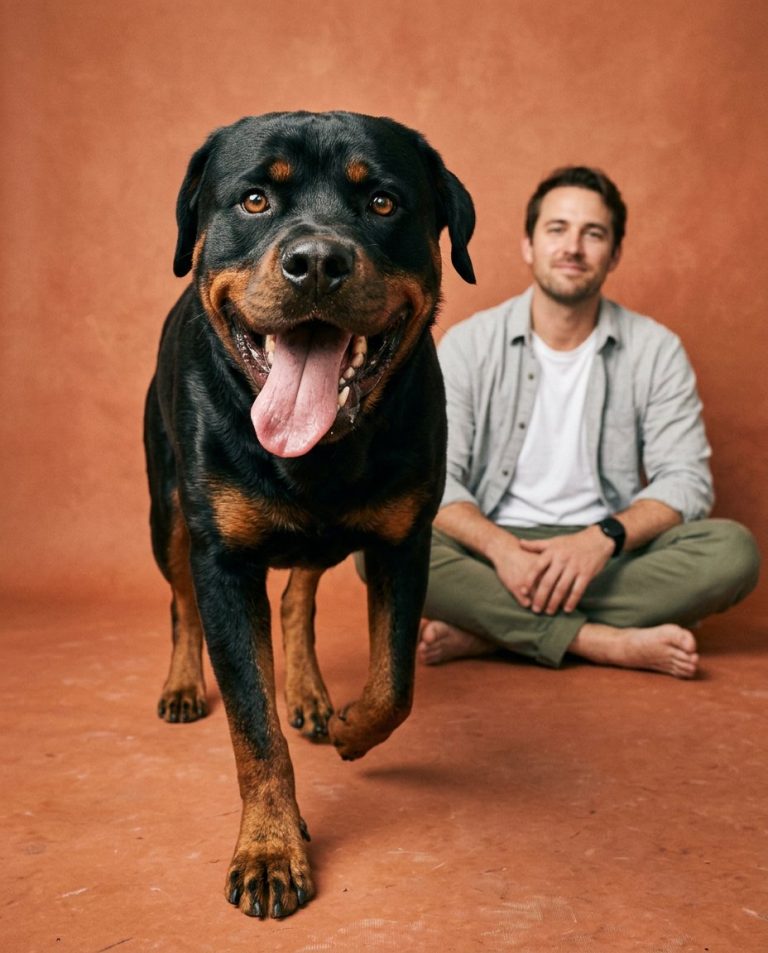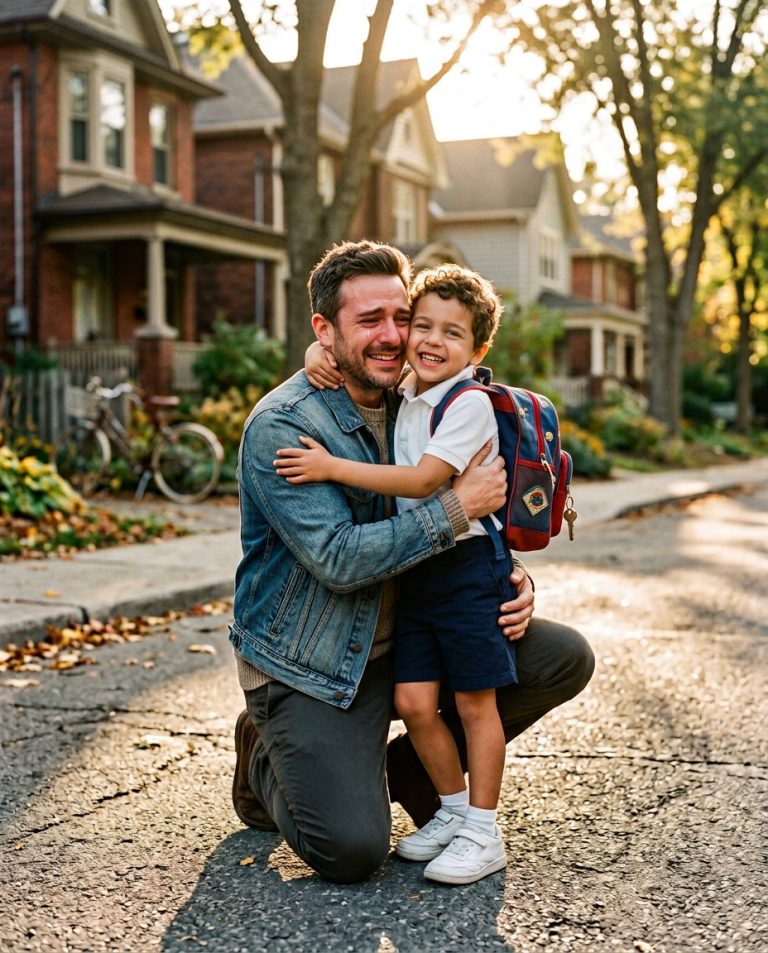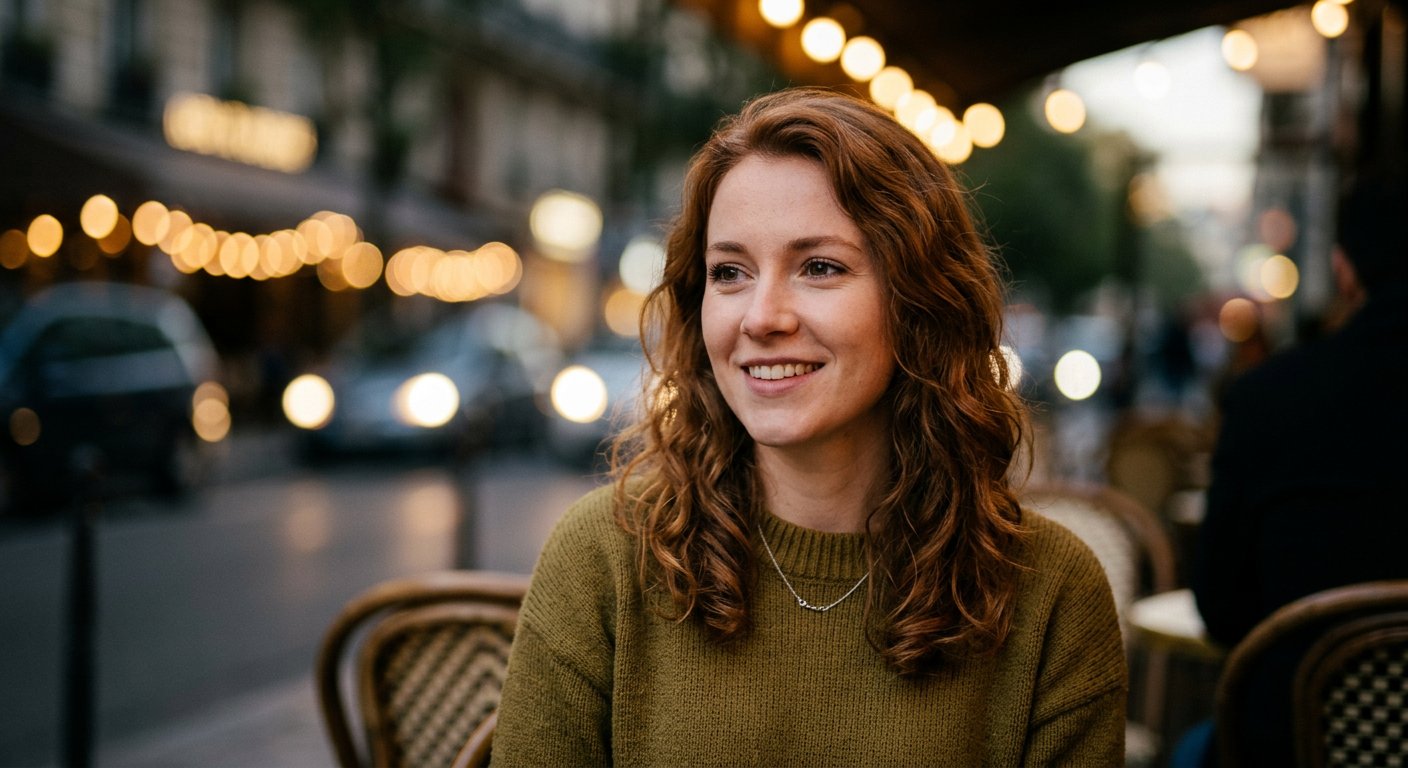
This background blur photo editing prompt adds a shallow depth-of-field bokeh effect to an existing photo, keeping the subject sharp. Perfect for portrait and product photos.
AI Photo Editing Prompt
PromptEdit the uploaded photograph by adding a shallow depth-of-field effect that blurs the background into a soft, creamy bokeh. Keep the main subject fully sharp and in focus with crisp edges, especially around hair and fine details, and create a natural gradual falloff between the sharp subject and the blurred background. Add gentle, realistic circular bokeh highlights where light sources exist in the background. Preserve the original composition, colors and lighting. Avoid artificial halos or a cut-out look. The final image should resemble a photo taken with a fast portrait lens at a wide aperture, aspect ratio 3:4
Negative Prompt
Negative Promptblurry subject, hard cut-out edges, artificial halo, lost detail, watermark, cartoonish, flat background
Prompt Details
| Prompt Type | Photo Editing |
|---|---|
| AI Tool | ChatGPT |
| Style | Photorealistic |
| Category | Photo Editing |
| Use Case | Instagram, Social Media |
| Tags | background blur, bokeh, depth of field, photo editing, portrait |
| Aspect Ratio | 3:4 |
| Lighting | Original |
| Camera | — |
| Lens | — |
| Mood | Natural |
| Difficulty | Beginner |
How to Use This Prompt
- Copy the prompt using the button above.
- Open your preferred AI image-generation or editing tool.
- Upload the photo you want to edit.
- Paste the prompt into the text field.
- Adjust parameters (aspect ratio, quality, steps) if necessary.
- Generate or edit the image, then refine until you like the result.