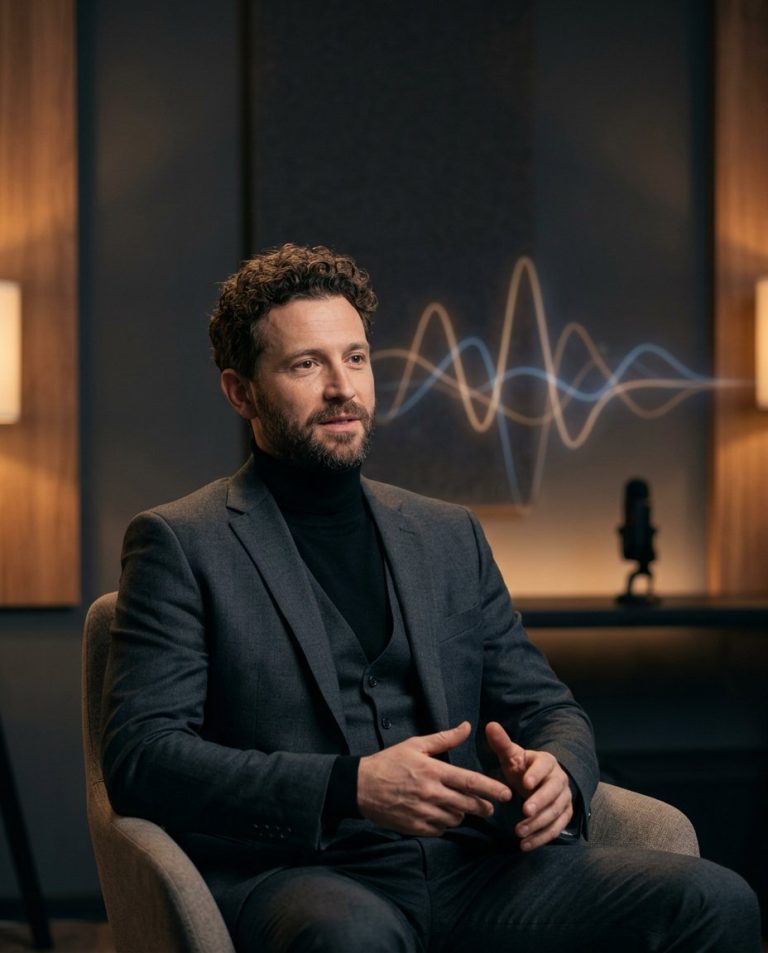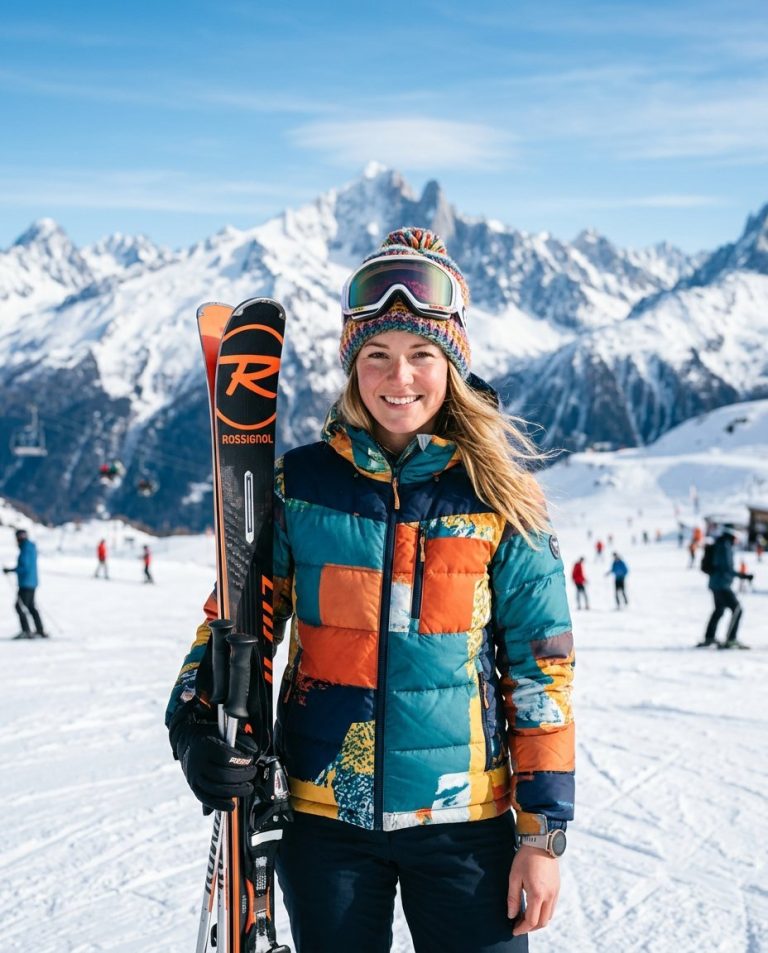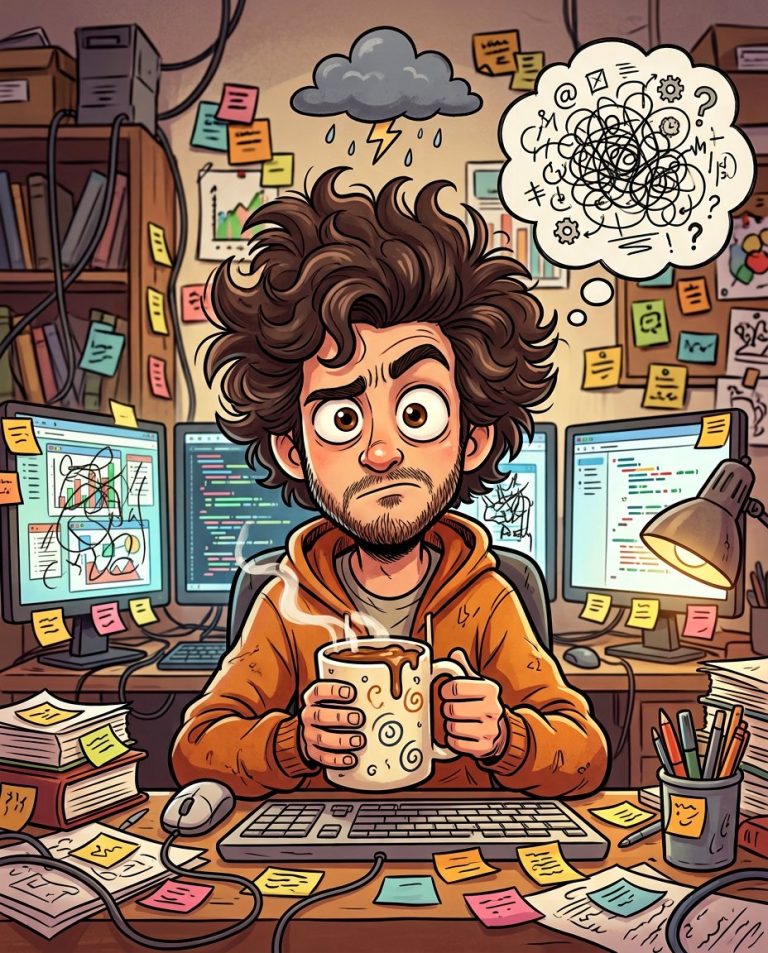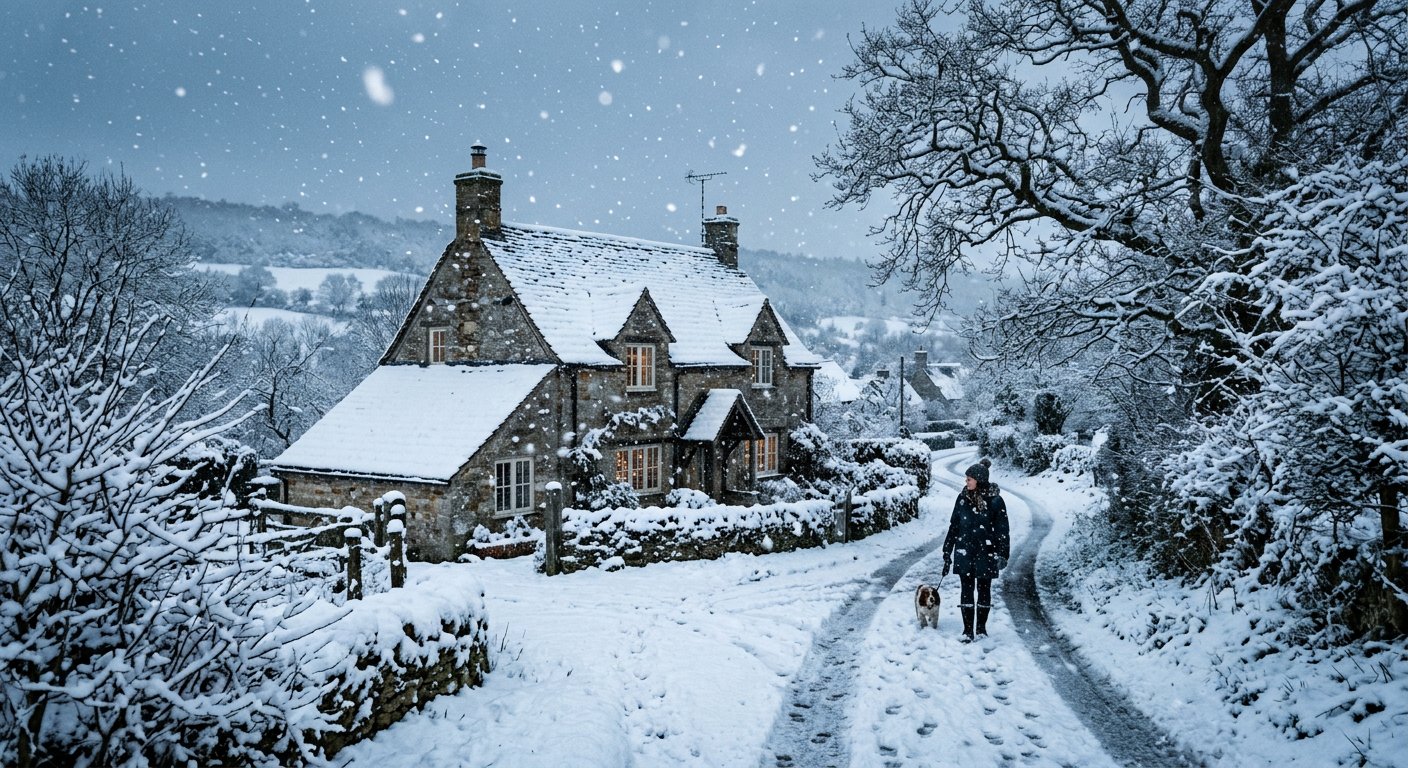
This add snow photo editing prompt adds realistic snowfall and a winter atmosphere to an existing photo — ideal for seasonal content and holiday imagery.
AI Photo Editing Prompt
PromptEdit the uploaded photograph to add a realistic winter snowfall. Add falling snowflakes of varying sizes with natural motion, a soft dusting of snow on surfaces and rooftops, and a cool wintry color cast over the scene. Keep the subject, composition and structural details unchanged, and match the lighting and shadows to the new snowy atmosphere. Preserve realistic detail with believable snow accumulation and no artificial stickers or clip-art flakes. The final image should look like the same location during a gentle snowfall, aspect ratio 4:5
Negative Prompt
Negative Promptclip-art snow, fake flakes, heavy blur, watermark, changed composition, cartoonish, flat lighting
Prompt Details
| Prompt Type | Photo Editing |
|---|---|
| AI Tool | ChatGPT |
| Style | Photorealistic |
| Category | Photo Editing |
| Use Case | Instagram, Social Media |
| Tags | add snow, holiday, photo editing, seasonal, snowfall, winter |
| Aspect Ratio | 4:5 |
| Lighting | Cool wintry light |
| Camera | — |
| Lens | — |
| Mood | Wintery |
| Difficulty | Beginner |
How to Use This Prompt
- Copy the prompt using the button above.
- Open your preferred AI image-generation or editing tool.
- Upload the photo you want to edit.
- Paste the prompt into the text field.
- Adjust parameters (aspect ratio, quality, steps) if necessary.
- Generate or edit the image, then refine until you like the result.