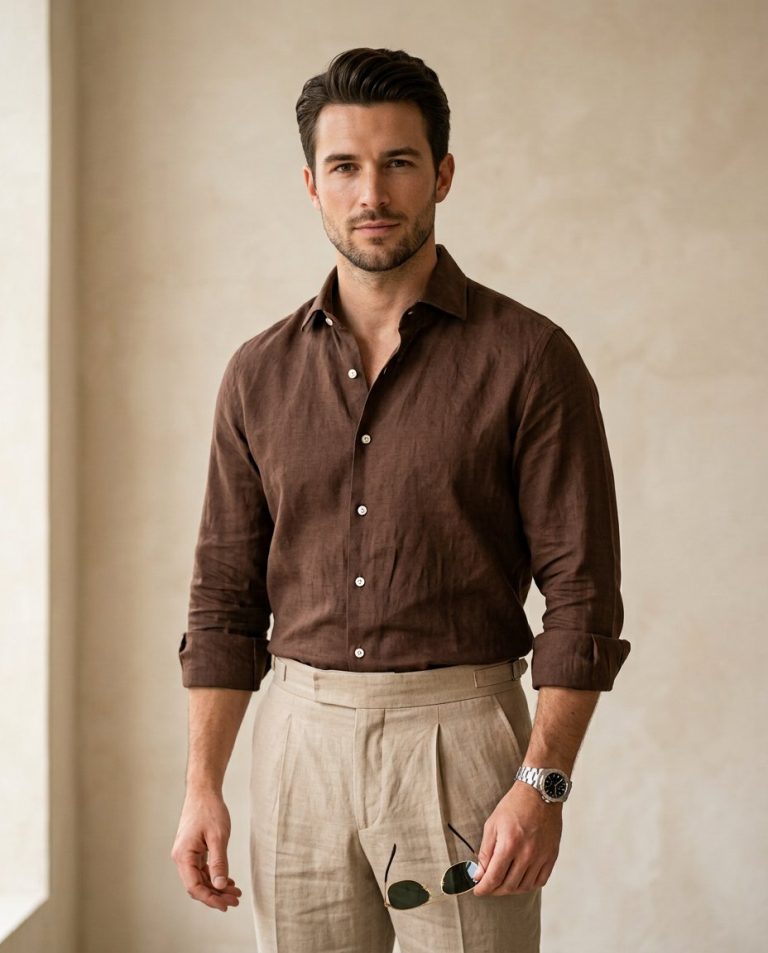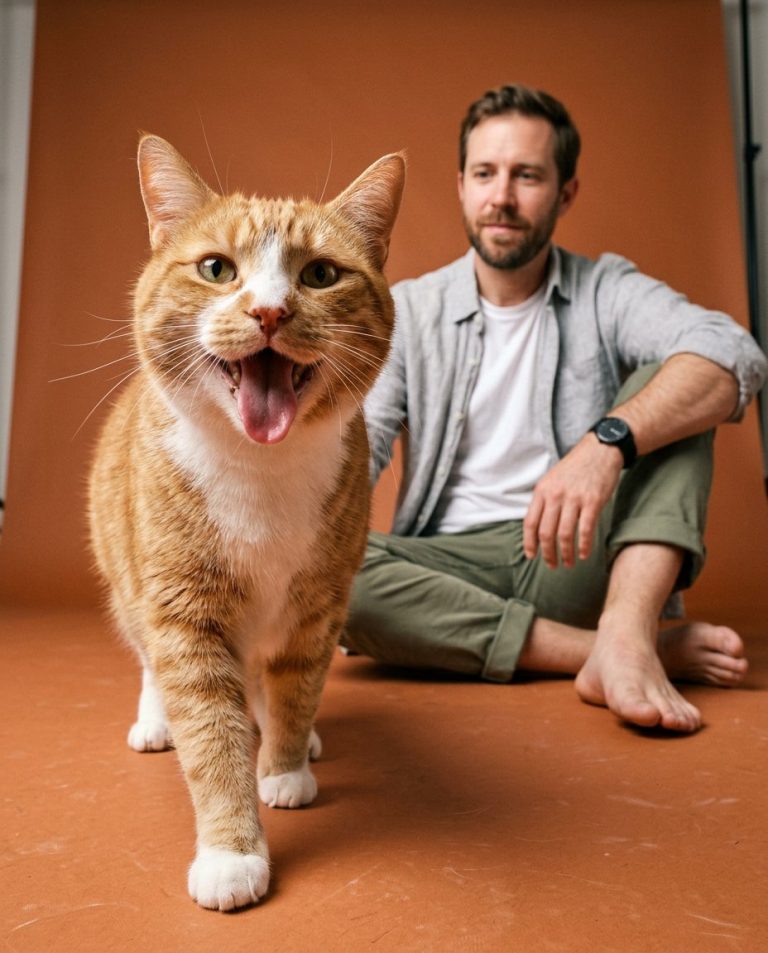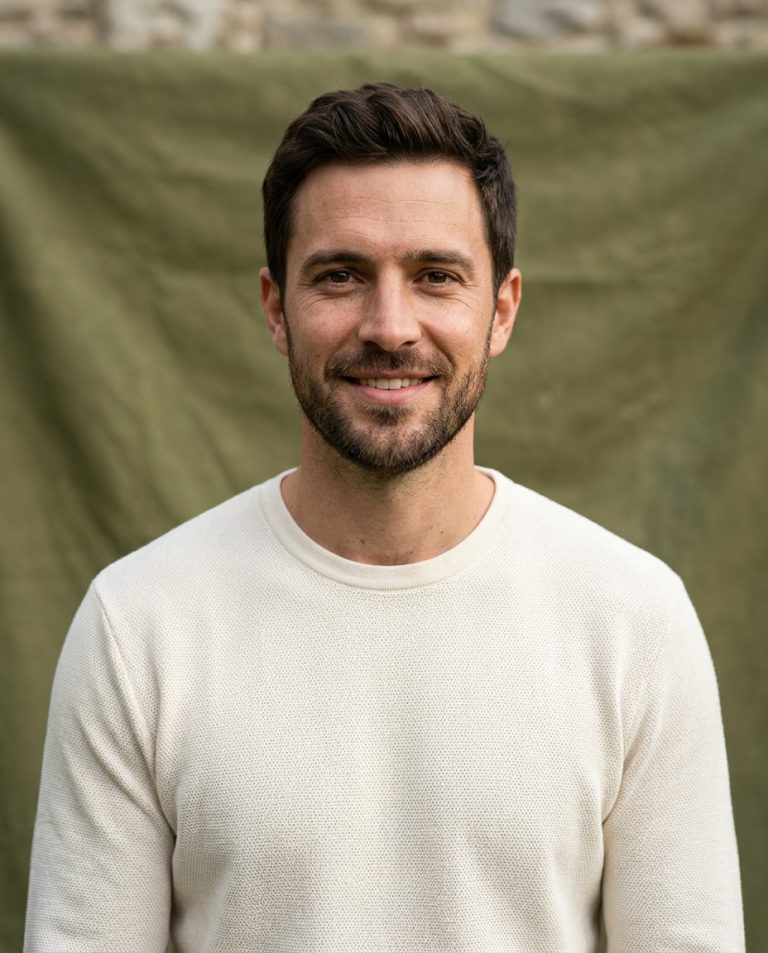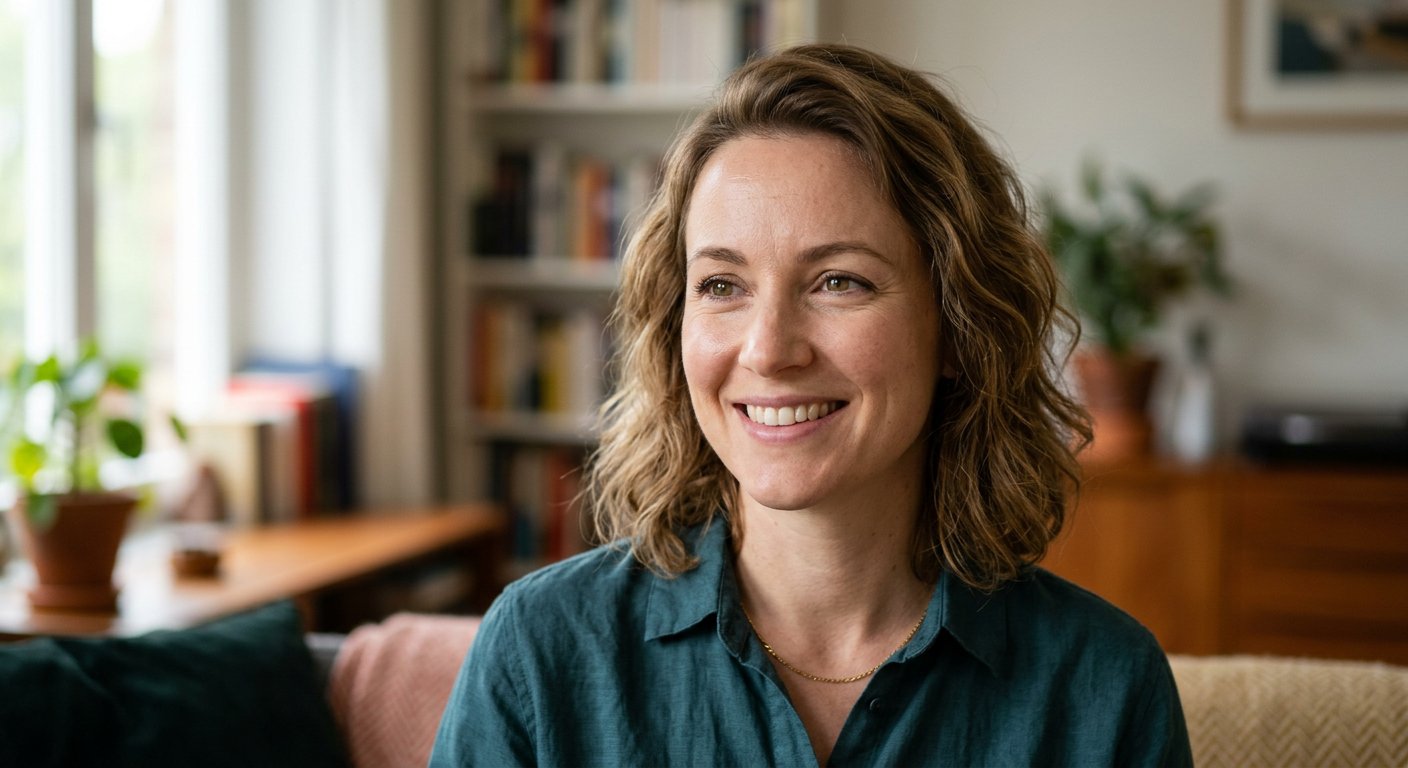
This portrait skin retouching prompt smooths blemishes and evens tone while keeping natural texture — avoiding the plastic look. Perfect for professional headshots.
AI Photo Editing Prompt
PromptEdit the uploaded portrait by applying natural, subtle skin retouching. Reduce minor blemishes, even out skin tone and soften fine lines while preserving the person's facial identity, features, expression and natural skin texture, including visible pores and realistic detail. Do not create a plastic or over-smoothed look. Keep the original lighting, shadows, background and clothing unchanged. The final image should look like the same person photographed under flattering but realistic conditions, aspect ratio 3:4
Negative Prompt
Negative Promptplastic skin, over-smoothing, changed identity, blurred features, wax face, watermark, altered lighting
Prompt Details
| Prompt Type | Photo Editing |
|---|---|
| AI Tool | ChatGPT |
| Style | Photorealistic |
| Category | Photo Editing |
| Use Case | Social Media |
| Tags | beauty, headshot, natural, photo editing, portrait, skin retouching |
| Aspect Ratio | 3:4 |
| Lighting | Original |
| Camera | — |
| Lens | — |
| Mood | Natural |
| Difficulty | Beginner |
How to Use This Prompt
- Copy the prompt using the button above.
- Open your preferred AI image-generation or editing tool.
- Upload the photo you want to edit.
- Paste the prompt into the text field.
- Adjust parameters (aspect ratio, quality, steps) if necessary.
- Generate or edit the image, then refine until you like the result.