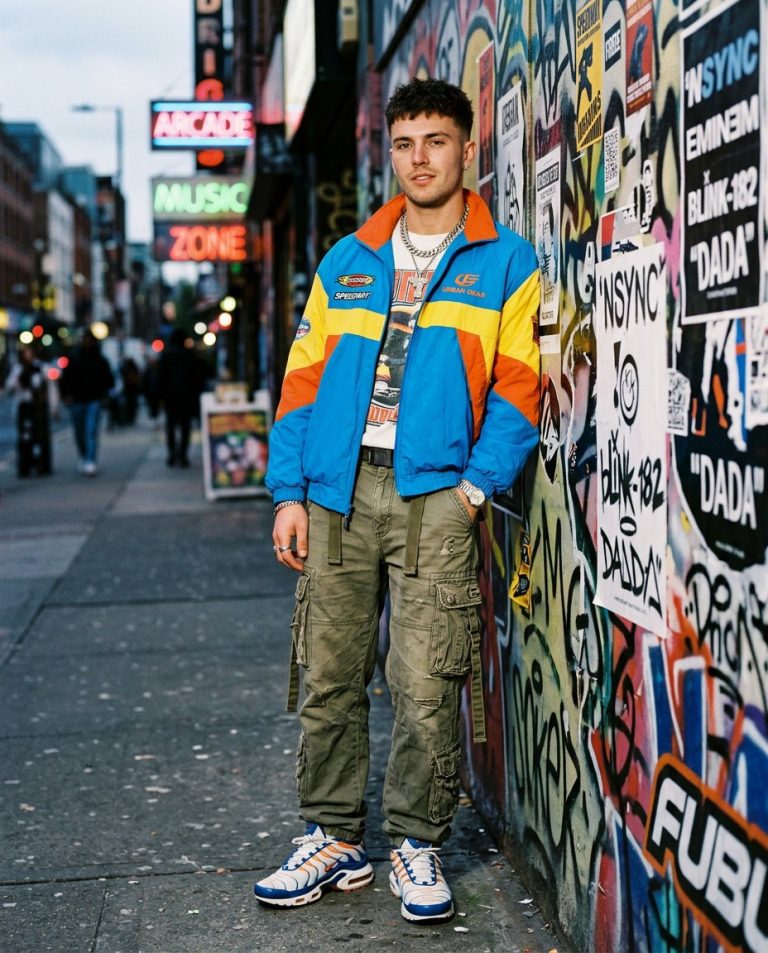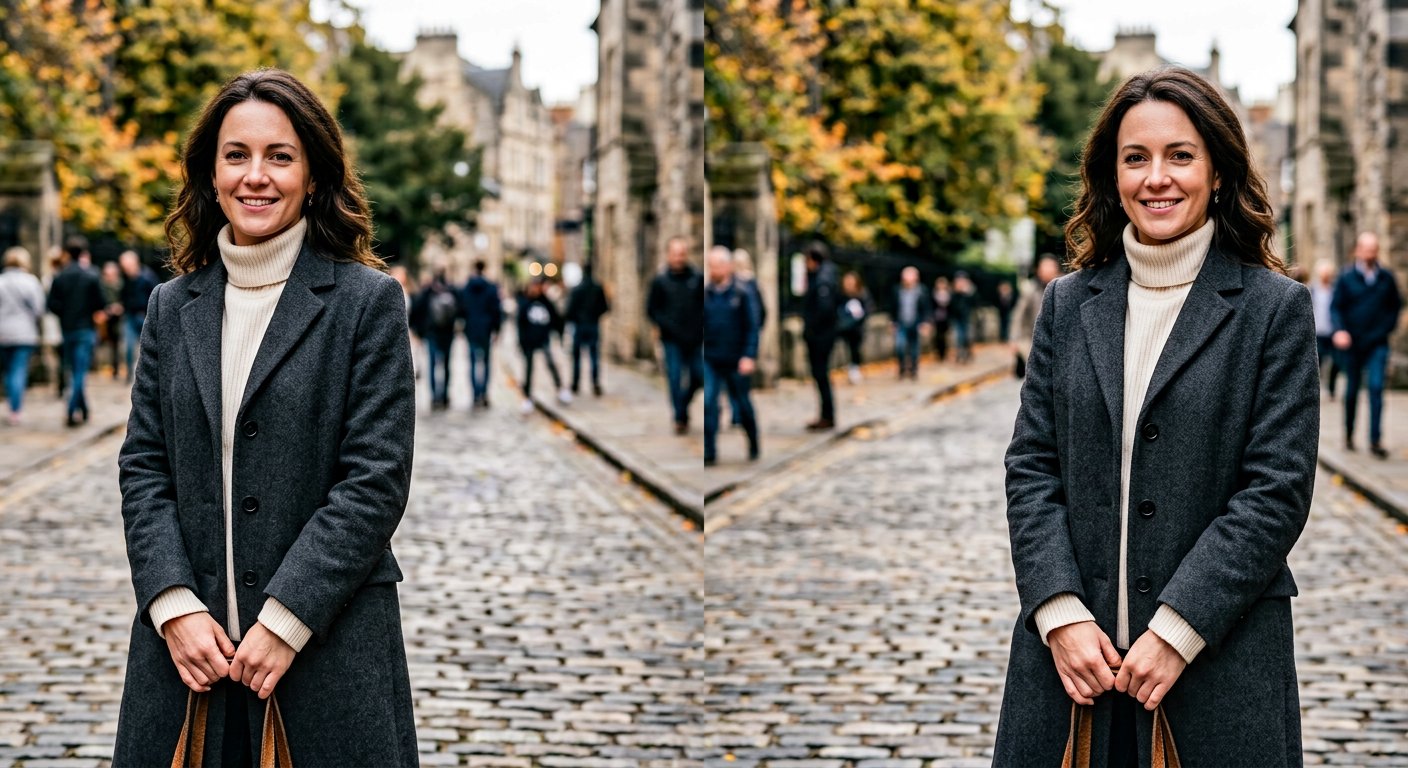
Nano Banana excels at edits that keep a subject’s identity stable across changes. This Nano Banana photo editing prompt swaps clothing and styling while preserving the person’s face, pose and proportions exactly.
AI Photo Editing Prompt
PromptEdit the uploaded portrait to change the subject's outfit. Keep the person's facial identity, facial proportions, skin tone, hairstyle, body shape, pose and background completely unchanged. Replace the current clothing with a tailored charcoal wool overcoat worn over a cream turtleneck, with natural fabric folds and realistic drape that follow the original pose. Match the new outfit to the existing lighting direction and shadows so it sits believably on the body, and preserve realistic fabric texture, natural wrinkles and accurate proportions. Keep the original background and color grading intact. The final result should look like the same person photographed wearing the new outfit, seamless and realistic, aspect ratio 3:4
Negative Prompt
Negative Promptchanged identity, face morphing, distorted body, misaligned clothing, plastic fabric, extra limbs, watermark, altered background, cartoon
Prompt Details
| Prompt Type | Photo Editing |
|---|---|
| AI Tool | Gemini |
| Style | Photorealistic |
| Category | Photo Editing |
| Use Case | Instagram, Social Media |
| Tags | gemini, identity preservation, nano banana, outfit swap, photo editing, wardrobe change |
| Aspect Ratio | 3:4 |
| Lighting | Matched to original |
| Camera | — |
| Lens | — |
| Mood | Natural |
| Difficulty | Beginner |
How to Use This Prompt
- Copy the prompt using the button above.
- Open your preferred AI image-generation or editing tool.
- Upload the photo you want to edit.
- Paste the prompt into the text field.
- Adjust parameters (aspect ratio, quality, steps) if necessary.
- Generate or edit the image, then refine until you like the result.