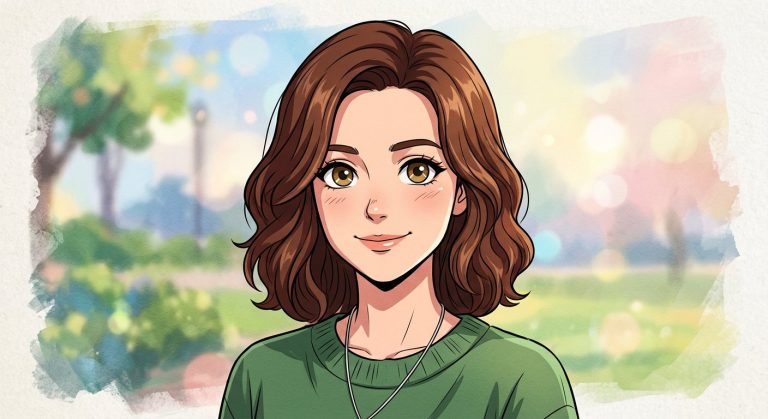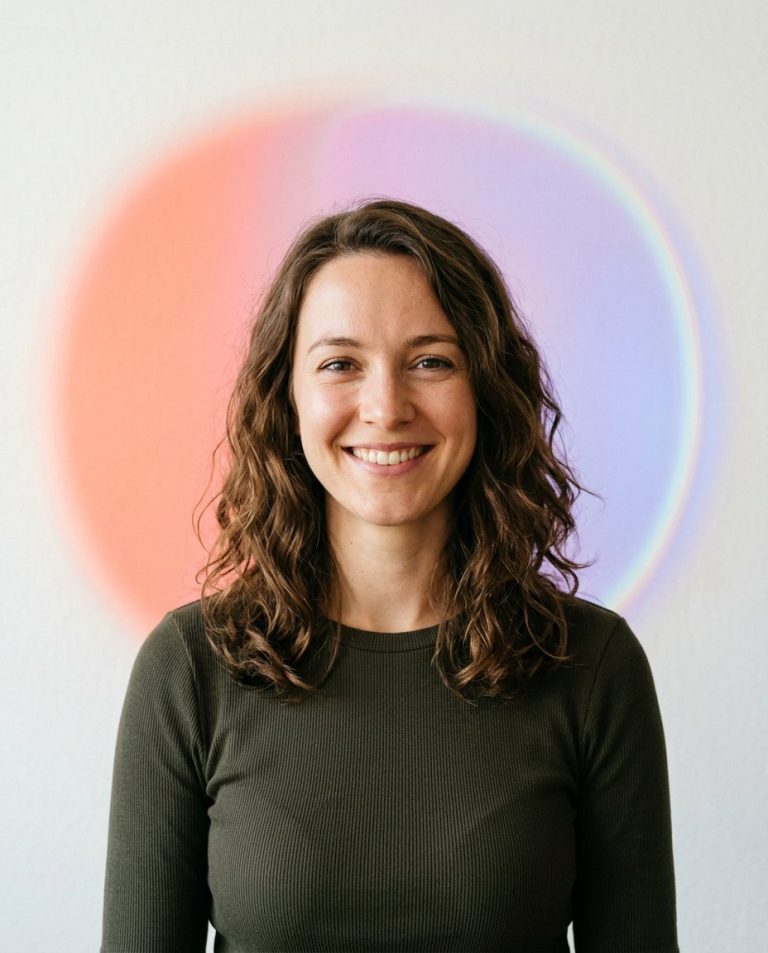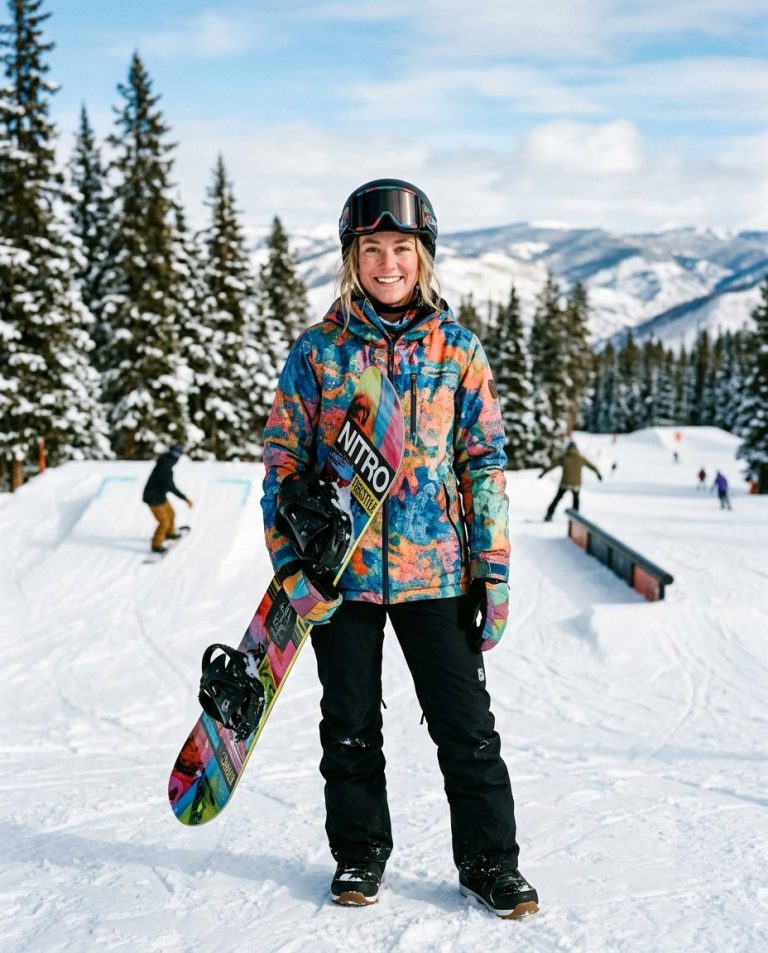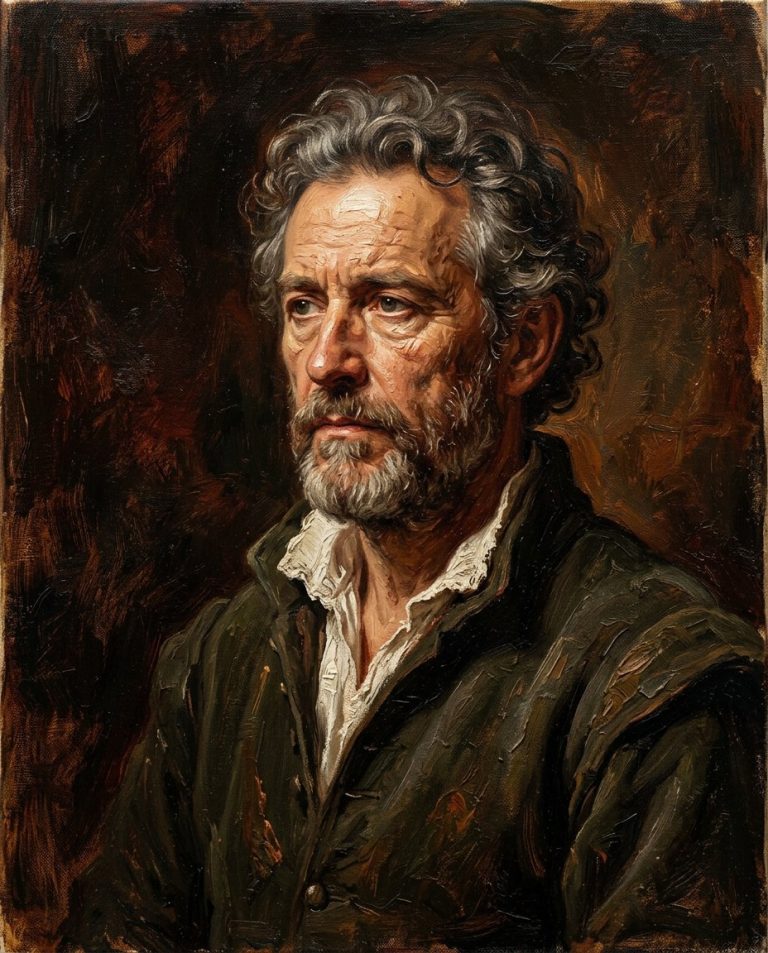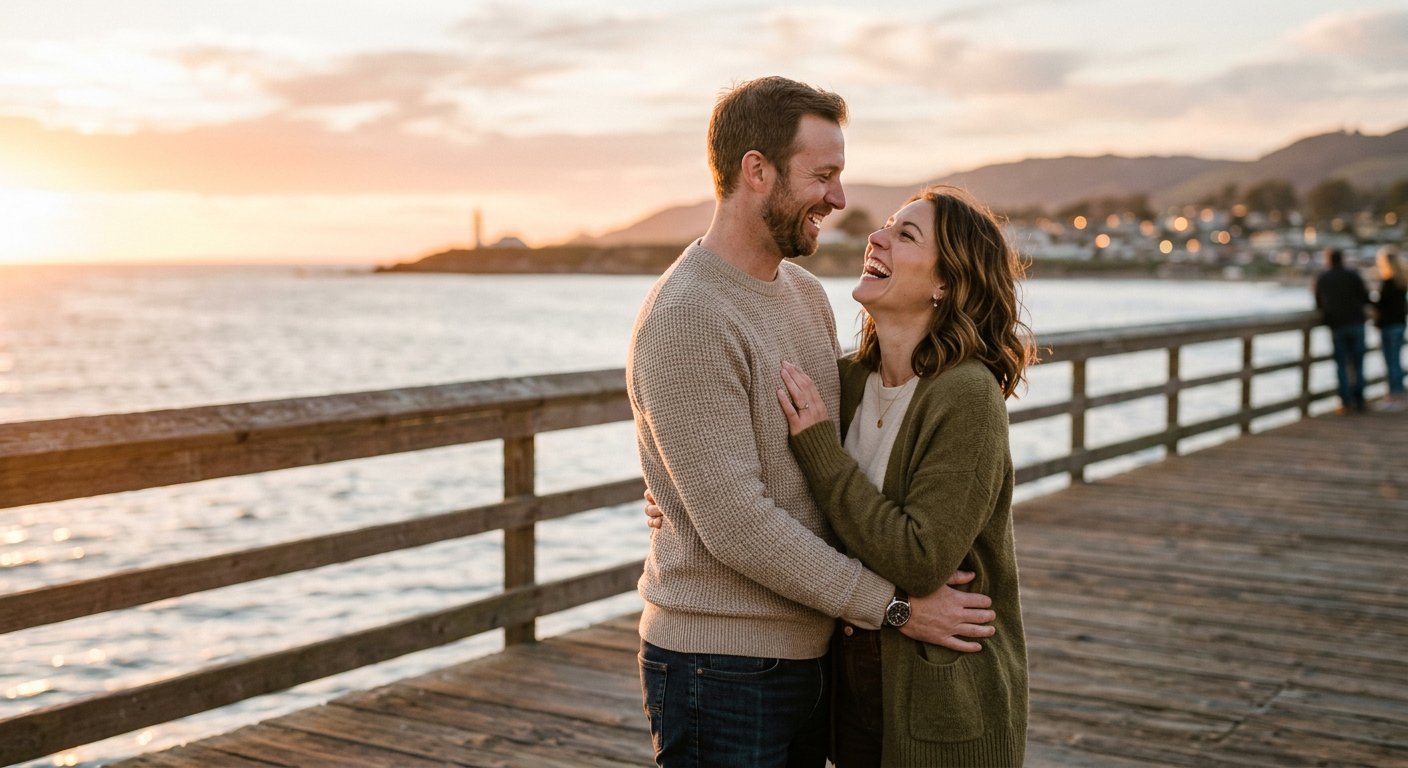
This Gemini AI couple photo prompt is a ready-to-copy instruction for a realistic, romantic couple portrait. It specifies the interaction, styling, lighting and composition so you can paste it straight into Gemini and generate a polished result.
AI Image Prompt
PromptCreate a realistic romantic portrait photograph of an adult couple standing close together on a quiet coastal pier at golden hour. Position the woman slightly in front with her head tilted toward the man, and the man with one arm resting gently around her shoulders, both sharing a natural, relaxed laugh. Dress them in coordinated casual outfits in soft neutral and earth tones with visible fabric texture. Frame a medium shot from approximately chest level using an 85mm lens at a wide aperture so the distant sea and warm sky fall into soft bokeh. Use warm golden-hour backlight with a gentle lens flare and soft, even fill on the faces. Preserve natural skin texture, realistic hair detail and anatomically correct proportions. Apply a warm, romantic color grade with lifted highlights and softly saturated tones. The final result should look like a genuine professional engagement or couple photograph, warm and authentic, aspect ratio 4:5
Negative Prompt
Negative Promptstiff poses, plastic skin, distorted faces, extra fingers, harsh flash, oversaturated, cartoonish, blurry, watermark, extra limbs
Prompt Details
| Prompt Type | Image Generation |
|---|---|
| AI Tool | Gemini |
| Style | Cinematic, Photorealistic |
| Category | People, Photo Editing, Photography, Portrait |
| Use Case | Couples, Instagram, Social Media |
| Tags | ai photo prompt, copy paste prompt, couple photo, gemini, golden hour, portrait, romantic |
| Aspect Ratio | 4:5 |
| Lighting | Golden-hour backlight |
| Camera | Full-frame mirrorless |
| Lens | 85mm f/1.4 |
| Mood | Romantic |
| Difficulty | Beginner |
How to Use This Prompt
- Copy the prompt using the button above.
- Open your preferred AI image-generation or editing tool.
- Paste the prompt into the text field.
- Adjust parameters (aspect ratio, quality, steps) if necessary.
- Generate or edit the image, then refine until you like the result.