AI Photo Prompt
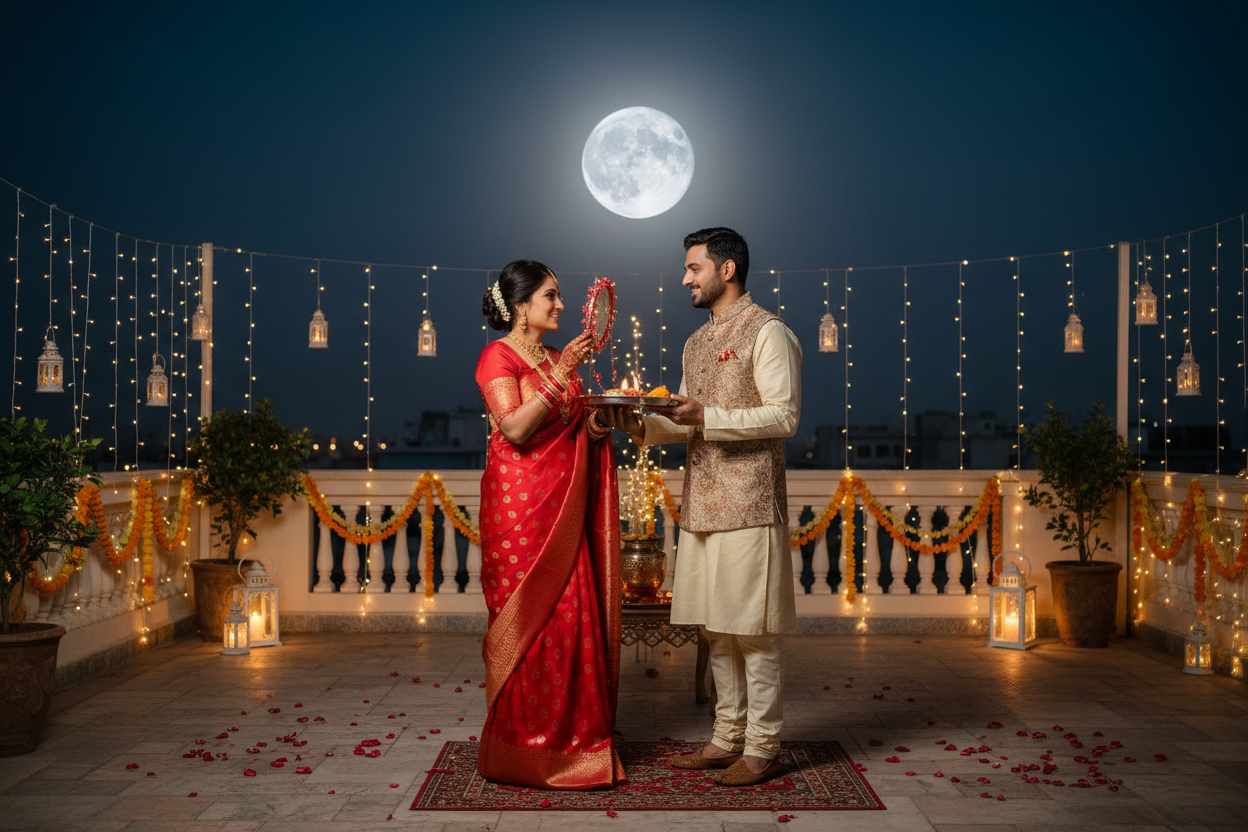
Use the uploaded couple photo as the exact identity reference for both adults. Preserve each person’s facial identity, skin tone, hair, age, body proportions and natural expression; do not merge or replace faces. Create a candid Karwa Chauth moment just after the ritual, with the couple standing close together on a terrace. One partner gently offers a glass of water while the other holds a decorated thali; both share a quiet, genuine smile. Style them in traditional but comfortable festive clothing, such as a maroon saree and cream kurta. Use warm diya light on their faces, cool moonlight in the background and subtle fairy-light bokeh. Keep the moment intimate rather than staged or overly glamorous. Photorealistic vertical 4:5 composition.
Negative Prompt
No identity changes, duplicated people, romanticized facial edits, extra fingers, awkward glass grip, impossible moon, overdone decorations, text, logos or watermark.
How to Use
Upload a clear reference photo, paste the prompt into your preferred AI image editor, and review facial identity, hands and small ritual details before saving.
Format: 4:5 · Style: Tender, sincere, celebratory · Use: Karwa Chauth festive posts, portraits and stories.
AI Photo Editing Prompt
Negative Prompt
Prompt Details
| Prompt Type | Photo Editing |
|---|---|
| Aspect Ratio | 4:5 |
| Camera | Candid couple portrait |
| Lens | 50mm portrait lens |
| Mood | Tender, sincere, celebratory |
| Difficulty | Easy |
How to Use This Prompt
- Copy the prompt using the button above.
- Open your preferred AI image-generation or editing tool.
- Upload the photo you want to edit.
- Paste the prompt into the text field.
- Adjust parameters (aspect ratio, quality, steps) if necessary.
- Generate or edit the image, then refine until you like the result.