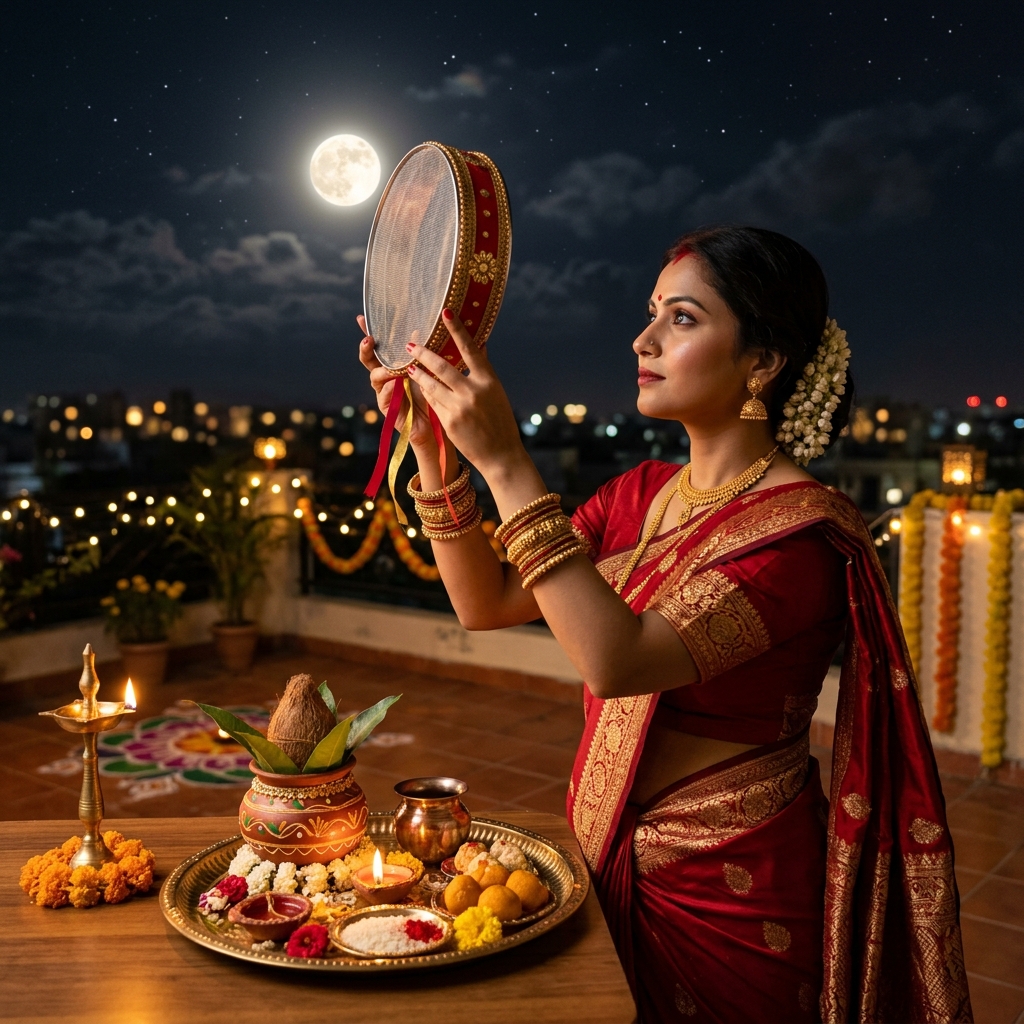
AI Photo Prompt
Use the uploaded portrait as the exact identity reference. Keep the person’s face, skin tone, hairstyle, age, natural expression and proportions unchanged. Place the subject on a contemporary rooftop terrace on Karwa Chauth evening, styled in an elegant maroon, rose-pink or champagne festive outfit. Use a simple railing, a few warm string lights, one or two diyas, and a softly glowing moon low in a deep blue sky. Avoid lavish wedding-like decoration; aim for a modern lifestyle photograph that looks naturally captured on a phone or portrait camera. Keep fabric folds and jewelry realistic and skin tones balanced between warm lamp light and cool moonlight. Vertical 4:5 framing with tasteful city bokeh.
Negative Prompt
No face replacement, overdecorated palace setting, fake moon scale, floating lights, distorted hands, excessive skin smoothing, extra people, text, logo or watermark.
How to Use
Upload a clear reference photo, paste the prompt into your preferred AI image editor, and review facial identity, hands and small ritual details before saving.
Format: 4:5 · Style: Modern, intimate, cinematic · Use: Karwa Chauth festive posts, portraits and stories.
AI Photo Editing Prompt
Negative Prompt
Prompt Details
| Prompt Type | Photo Editing |
|---|---|
| Aspect Ratio | 4:5 |
| Camera | Lifestyle terrace portrait |
| Lens | 50mm portrait lens |
| Mood | Modern, intimate, cinematic |
| Difficulty | Easy |
How to Use This Prompt
- Copy the prompt using the button above.
- Open your preferred AI image-generation or editing tool.
- Upload the photo you want to edit.
- Paste the prompt into the text field.
- Adjust parameters (aspect ratio, quality, steps) if necessary.
- Generate or edit the image, then refine until you like the result.