AI Photo Prompt
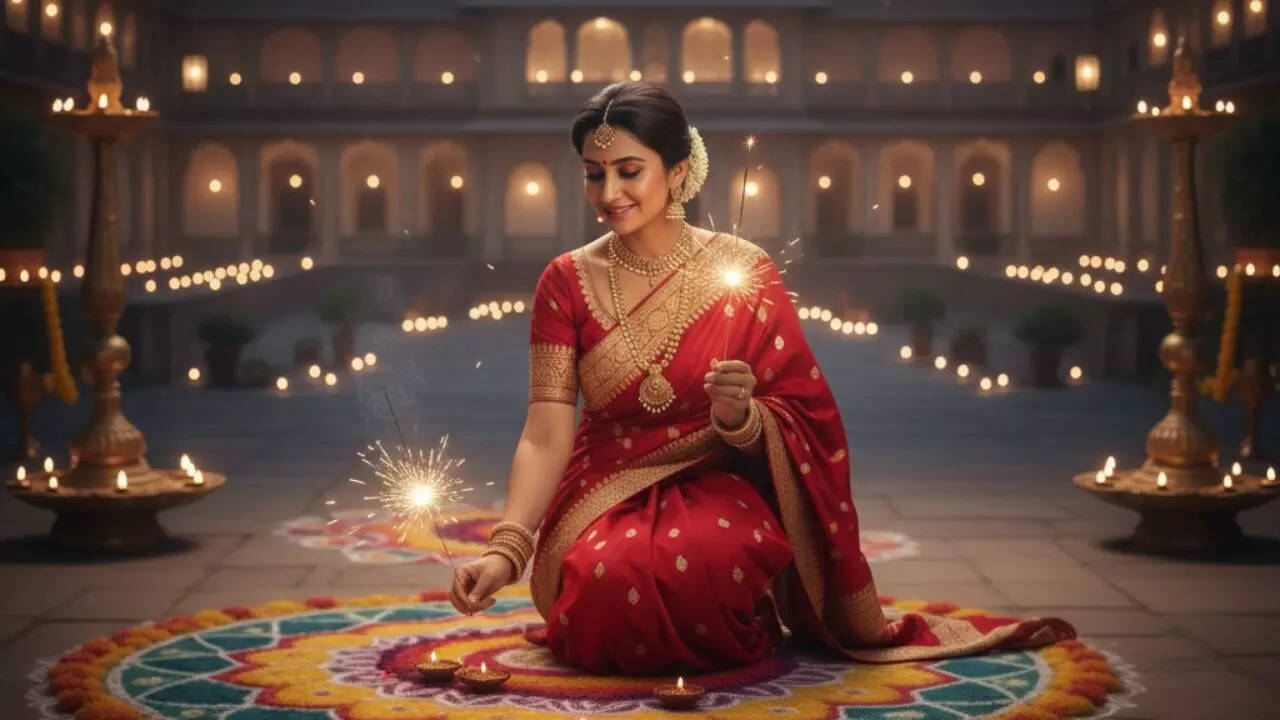
Use the uploaded portrait as the exact identity reference and preserve the person’s facial features, skin tone, hairstyle, age and natural proportions. Create a refined Diwali greeting-card portrait with tasteful Indian festive clothing, soft golden lamps, a small rangoli motif and understated marigold accents. Compose the person on the right half of the frame and leave generous clean negative space on the left for a greeting to be added later. Use warm but balanced lighting, natural skin texture, premium paper-inspired color tones and a clear, uncluttered layout. Do not generate long decorative text. Leave the empty space plain and readable so the user can add the exact message “शुभ दीपावली” or “Happy Diwali” in an editor afterwards. Vertical 4:5 card composition, elegant, photorealistic and suitable for sharing privately or on social media.
Negative Prompt
No altered identity, warped face, extra fingers, crowded decorations, unreadable text, invented logos, excessive glitter, bright orange color cast, watermark or text overlapping the subject.
How to Use
Upload a clear portrait and paste the prompt. Add the final greeting text manually after image generation for clean spelling and typography.
Format: 4:5 · Style: elegant greeting card · Use: WhatsApp wishes, Instagram posts and personal Diwali greetings.
AI Photo Editing Prompt
Negative Prompt
Prompt Details
| Prompt Type | Photo Editing |
|---|---|
| Aspect Ratio | 4:5 |
| Camera | Greeting-card editorial portrait |
| Lens | 50mm portrait lens |
| Mood | Warm, elegant, celebratory |
| Difficulty | Easy |
How to Use This Prompt
- Copy the prompt using the button above.
- Open your preferred AI image-generation or editing tool.
- Upload the photo you want to edit.
- Paste the prompt into the text field.
- Adjust parameters (aspect ratio, quality, steps) if necessary.
- Generate or edit the image, then refine until you like the result.