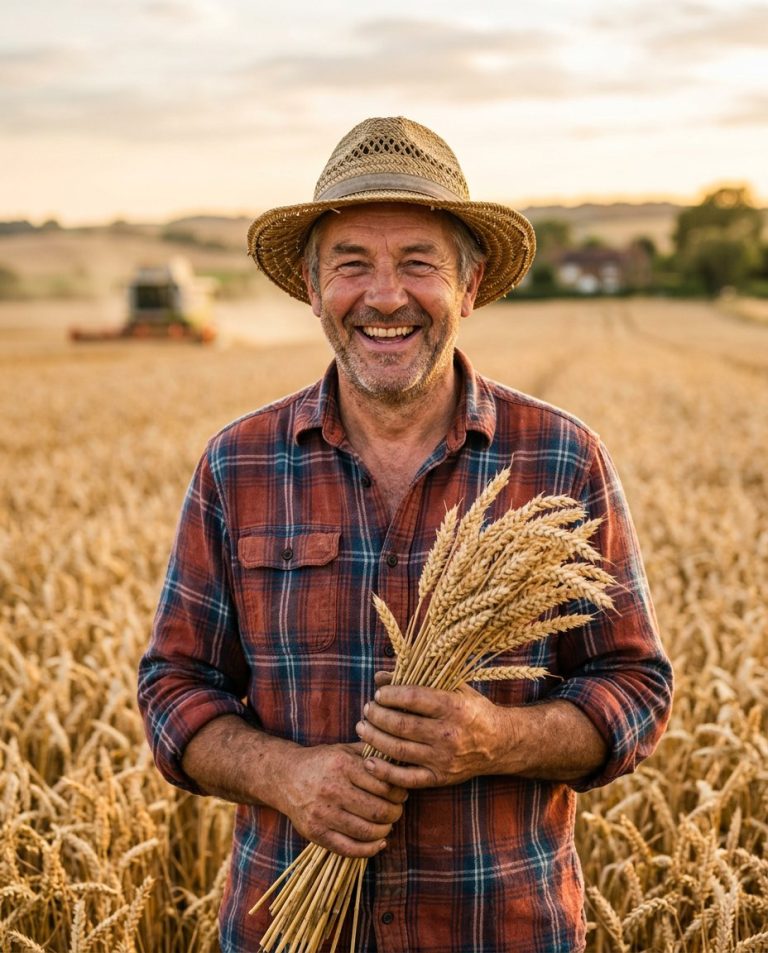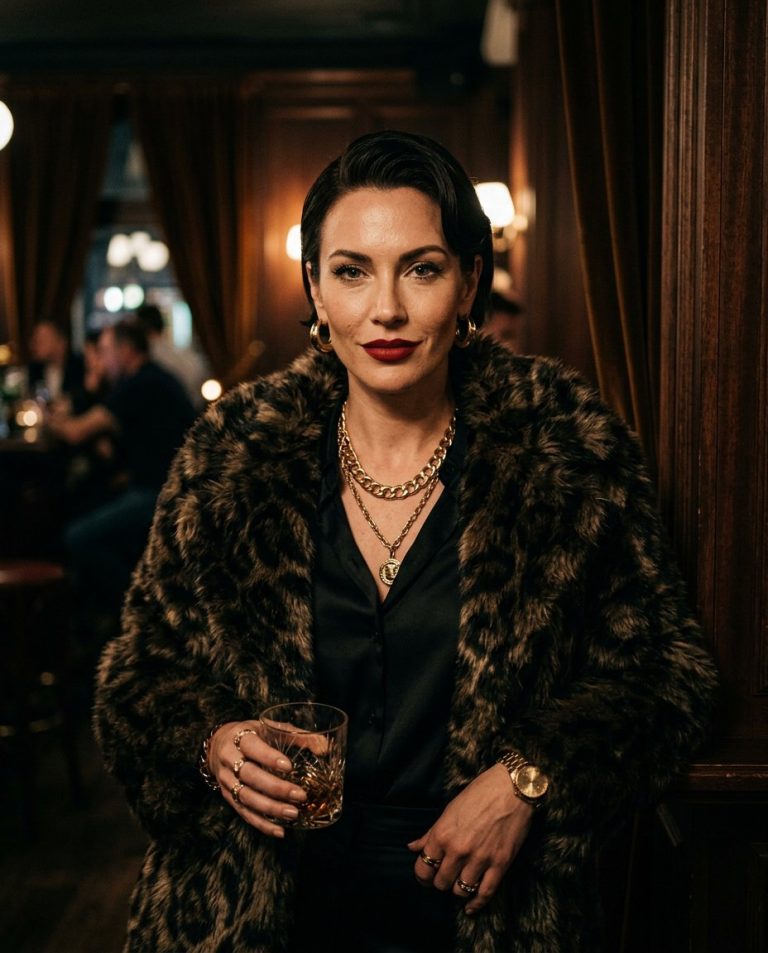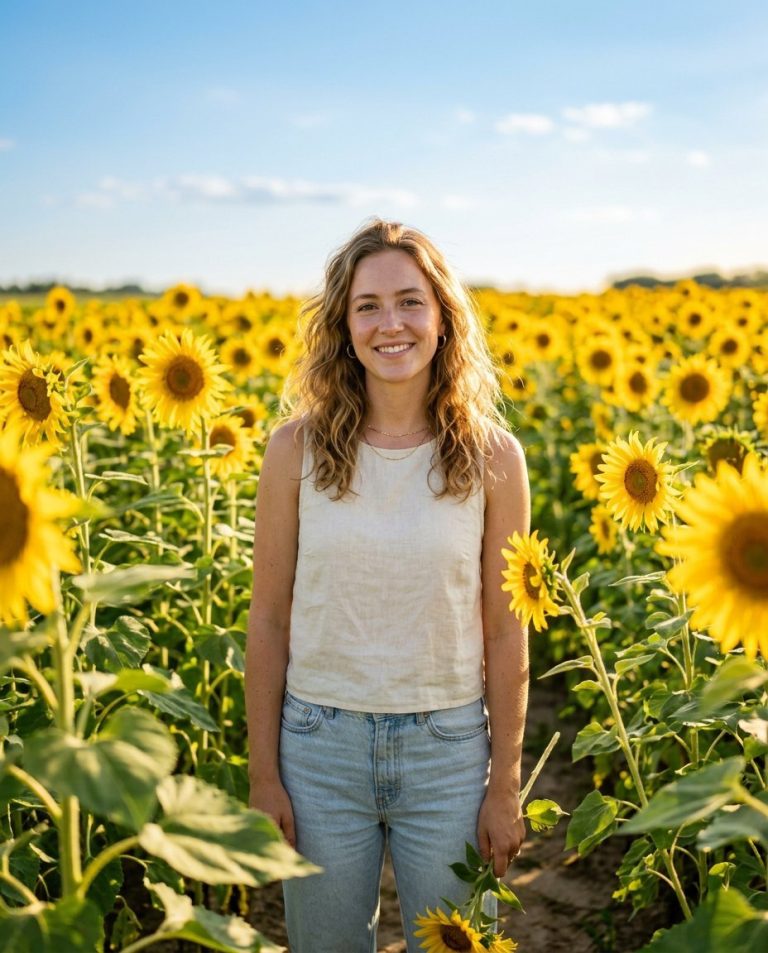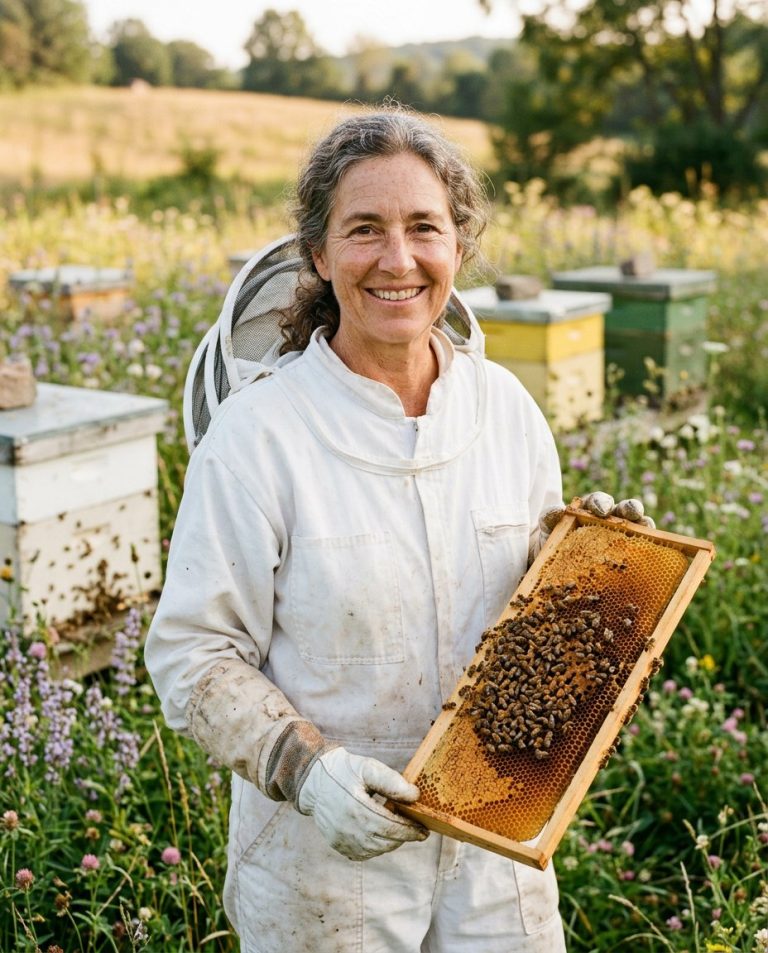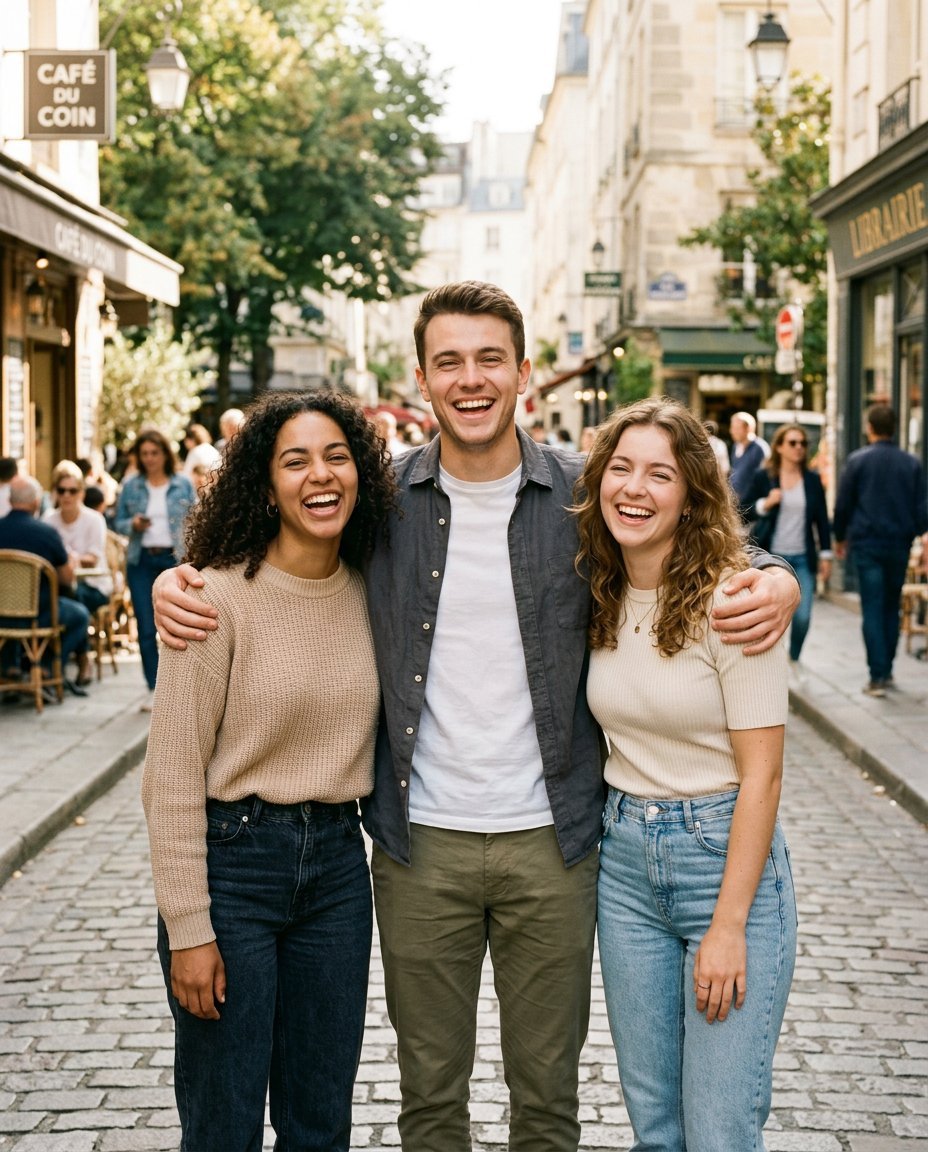
Give your group photo a bold, cinematic makeover. This AI photo-editing prompt turns an ordinary team, friends or family group picture into a polished editorial portrait with coordinated styling, dramatic light and a confident squad-photo atmosphere—while keeping every person recognizable.
Sample image: The featured image is an illustrative group-photoshoot reference, not a before-and-after result generated by this prompt.
What This Prompt Creates
- A cinematic group portrait with a modern street-editorial look.
- Balanced arrangement so each person remains visible and distinct.
- Coordinated outfits in black, charcoal, cream and muted earth tones.
- Moody city architecture, soft rim light and realistic depth of field.
- Natural faces, realistic skin texture and correct body proportions.
How to Use It
- Choose a high-quality group photo where everyone’s face is visible.
- Upload it to ChatGPT, Gemini or another image editor that supports reference images.
- Copy the main prompt below and generate the edit.
- For Instagram Stories, keep the 9:16 framing; for a regular feed post, change it to 4:5.
Main AI Group Photo Editing Prompt
Use the uploaded group photograph as the exact reference for every person in the image. Preserve each person’s individual facial identity, face shape, skin tone, hairstyle, age, expression and body proportions. Do not blend, swap, duplicate, remove or replace any person. Transform the original photo into a premium cinematic squad portrait with contemporary editorial art direction. Arrange the existing group naturally in a clean urban location with textured concrete architecture and subtle city details. Give the group coordinated modern streetwear in complementary shades of black, charcoal, cream, olive and taupe, while keeping each person’s outfit distinct. Use cinematic side lighting, soft rim highlights, realistic shadows, restrained film grain and rich but natural color grading. Keep every face clearly visible and recognizable, maintain realistic hands and anatomy, and preserve the group’s original number of people. Use a confident, relaxed group pose with believable expressions, as if captured by a professional photographer on location. High-detail photorealistic result, crisp faces, natural skin texture, editorial composition. Default output: 4:5 vertical portrait; for Instagram Story, use 9:16 and extend the background naturally without cropping out anyone. Do not add text, logos, watermarks or a fake social media interface.
Negative Prompt
changed identity, blended faces, face swap, duplicated people, missing people, extra people, altered skin tone, distorted body proportions, deformed hands, extra fingers, blurred faces, plastic skin, excessive smoothing, unnatural smiles, artificial muscles, oversaturated color, cartoon, CGI, text, logos, watermark, fake social media UI, low resolution.
Choose a Look
- Urban squad: concrete walls, dark streetwear and crisp cinematic shadows.
- Golden-hour crew: warm late-afternoon light, natural smiles and relaxed casual outfits.
- Studio lineup: a minimal charcoal background, controlled softboxes and clean fashion-editorial styling.
Tips for Better Results
Use a photo with enough space around the group, particularly when switching to a vertical crop. Ask the editor to expand the background instead of removing people if the frame is too tight. Only use images you own or have permission to edit. This prompt guides the visual style but does not guarantee viral reach.
AI Photo Editing Prompt
Negative Prompt
Prompt Details
| Prompt Type | Photo Editing |
|---|---|
| AI Tool | ChatGPT, Gemini |
| Style | Editorial, Photorealistic |
| Category | Photo Editing, Photography, Portrait |
| Use Case | Friends, Instagram, Social Media |
| Tags | AI group portrait, cinematic squad portrait, friends group picture, group photo editing prompt |
| Aspect Ratio | 4:5 (optional 9:16 for Stories) |
| Lighting | Cinematic side light with soft rim highlights |
| Camera | Professional editorial group photography |
| Lens | 35mm group portrait lens |
| Mood | Confident, cinematic, bold |
| Difficulty | Beginner |
How to Use This Prompt
- Copy the prompt using the button above.
- Open your preferred AI image-generation or editing tool.
- Upload the photo you want to edit.
- Paste the prompt into the text field.
- Adjust parameters (aspect ratio, quality, steps) if necessary.
- Generate or edit the image, then refine until you like the result.