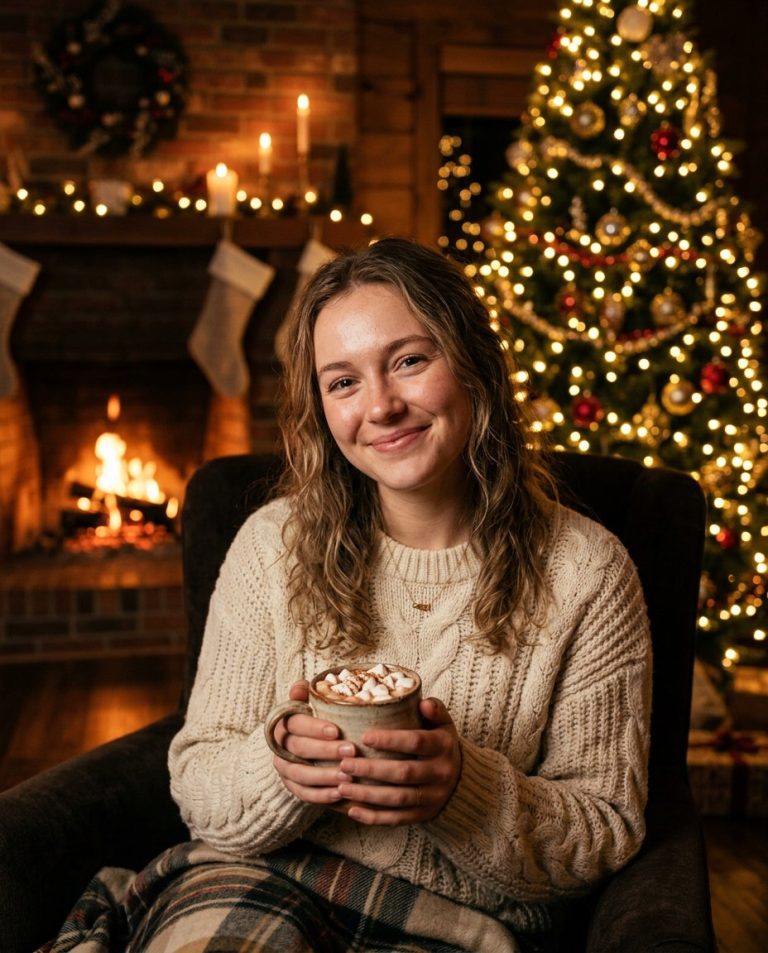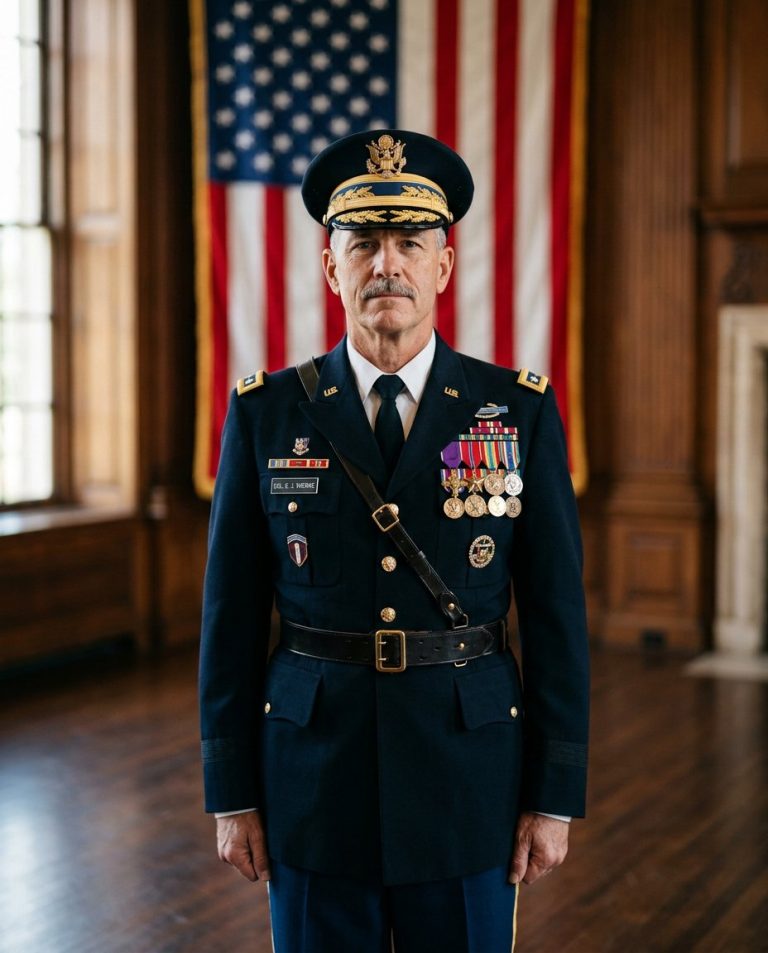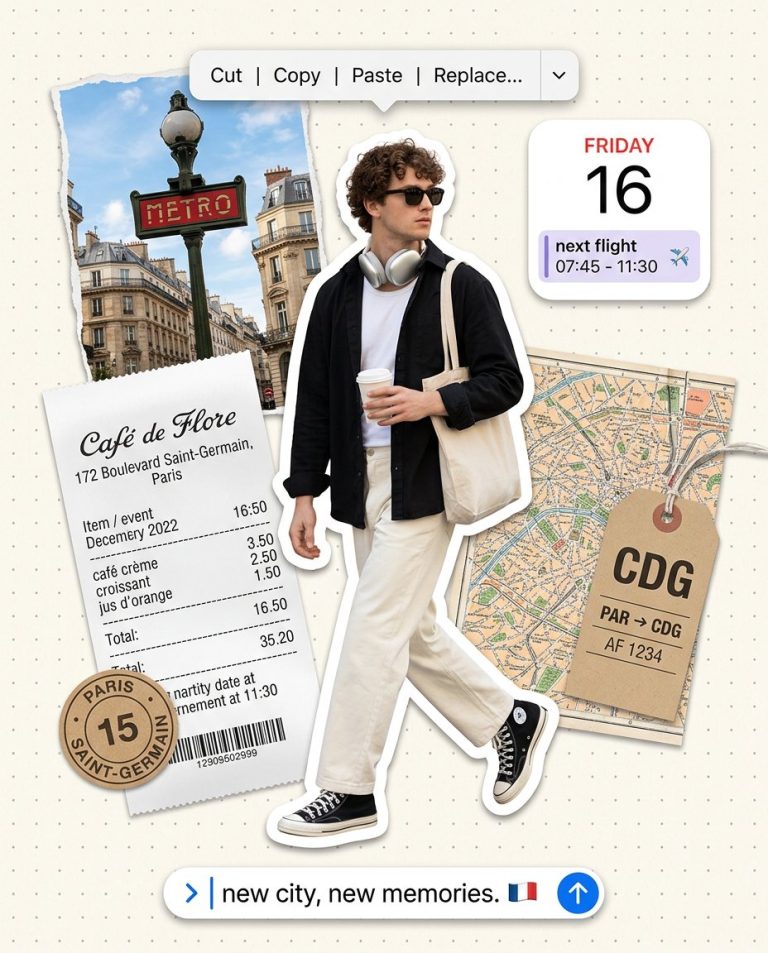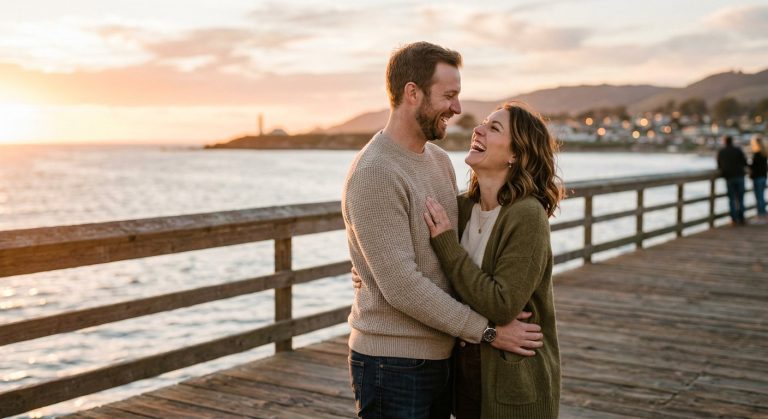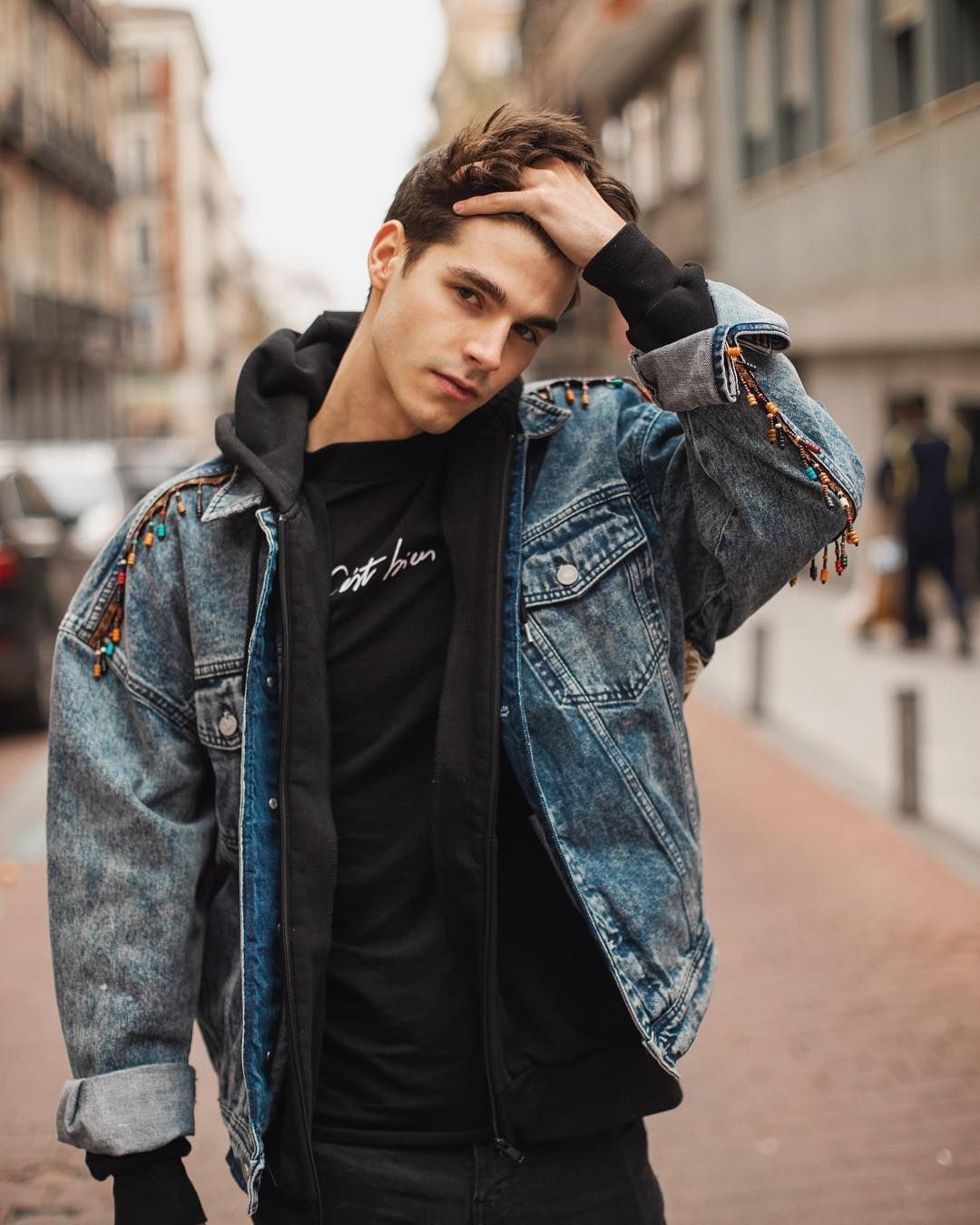
Give your Instagram profile a confident, cinematic streetwear look. This photo-editing prompt transforms your uploaded portrait into a polished urban fashion editorial while keeping your real face recognizable and your skin texture natural.
Sample image: The featured image is an illustrative streetwear style reference, not a before-and-after result generated by this prompt.
What This Prompt Creates
- A cinematic streetwear portrait with an urban fashion-editorial feel.
- Modern layered outfit styling: dark bomber jacket, plain light tee and relaxed cargo trousers.
- Warm late-afternoon sunlight, soft shadows and a softly blurred city background.
- Natural facial details and realistic skin texture, without an artificial beauty-filter effect.
- A vertical 4:5 crop suitable for Instagram posts and profile content.
How to Use the Prompt
- Choose a clear selfie or portrait where your face is visible.
- Upload it to ChatGPT, Gemini or an image editor that supports reference photos.
- Copy the main prompt below and generate the edit.
- If the result changes your face too much, ask the editor to restore the original facial features and reduce retouching.
Main AI Photo Editing Prompt
Use my uploaded photograph as the identity reference for the same adult man. Preserve my recognizable facial identity, face shape, skin tone, age, hairstyle, facial hair and natural skin texture. Transform the photo into a premium cinematic streetwear fashion portrait for Instagram. Style me in a clean black bomber jacket over a plain off-white T-shirt, relaxed charcoal cargo trousers and minimal sneakers, with understated accessories only. Place me on a modern city sidewalk beside textured concrete architecture, with the urban background softly blurred. Pose me naturally with one hand in a pocket and relaxed shoulders, looking confidently toward the camera without an exaggerated expression. Use warm late-afternoon side lighting, realistic shadows, subtle film grain, balanced contrast and refined neutral color grading. Keep the face sharp and photorealistic, clothing textures detailed, body proportions natural and hands anatomically correct. Professional full-frame camera look, 85mm portrait lens, shallow depth of field, editorial fashion photography, premium yet believable, vertical 4:5 composition. Do not add text, logos or a fake social media interface.
Negative Prompt
different person, changed face, altered skin tone, plastic skin, excessive smoothing, exaggerated muscles, unrealistic body proportions, deformed hands, extra fingers, duplicate limbs, crossed eyes, blurry face, oversharpening, oversaturated colors, harsh flash, cartoon, CGI, text, logo, watermark, fake Instagram UI, low resolution.
Quick Style Variations
- Dark luxury: black-on-black outfit, deep shadows, restrained highlights and a clean architectural background.
- Golden hour: warmer sunlight, soft amber highlights and a more relaxed street-style mood.
- Minimal studio: simple grey backdrop, soft directional light and focus on facial detail and outfit texture.
Tips for a Better Result
Use a well-lit source photo and avoid heavy beauty filters before uploading. If you intend to share the result publicly, use a photo you own or have permission to edit. This prompt is designed to guide a visual style; it cannot guarantee engagement or viral reach.
AI Photo Editing Prompt
Negative Prompt
Prompt Details
| Prompt Type | Photo Editing |
|---|---|
| AI Tool | ChatGPT, Gemini |
| Style | Editorial, Photorealistic |
| Category | Photo Editing, Photography, Portrait |
| Use Case | Boys, Instagram, Social Media |
| Tags | boys photo editing prompt, cinematic streetwear, Gemini AI prompt, Instagram boys portrait |
| Aspect Ratio | 4:5 |
| Lighting | Warm late-afternoon side light |
| Camera | Full-frame mirrorless |
| Lens | 85mm portrait lens |
| Mood | Confident, cinematic, urban |
| Difficulty | Beginner |
How to Use This Prompt
- Copy the prompt using the button above.
- Open your preferred AI image-generation or editing tool.
- Upload the photo you want to edit.
- Paste the prompt into the text field.
- Adjust parameters (aspect ratio, quality, steps) if necessary.
- Generate or edit the image, then refine until you like the result.