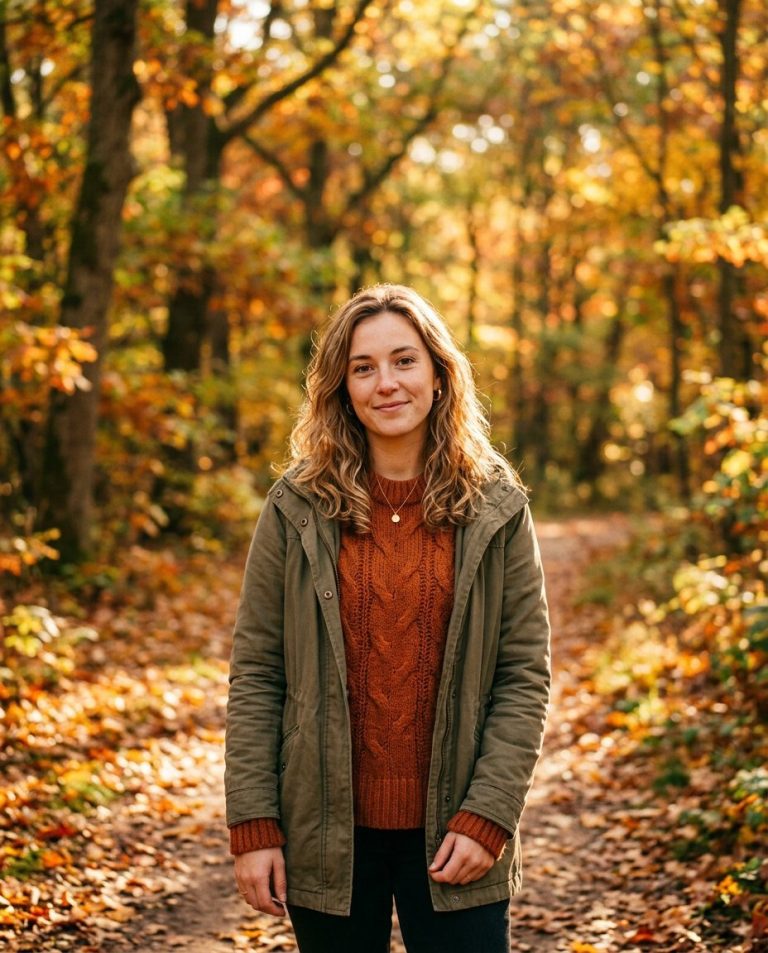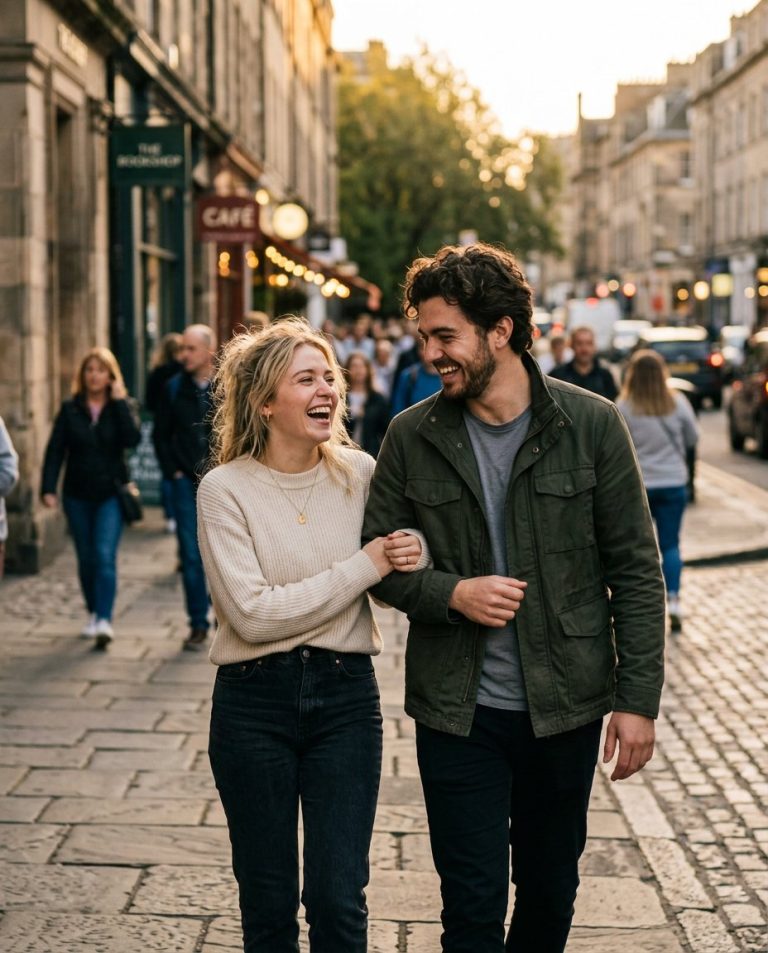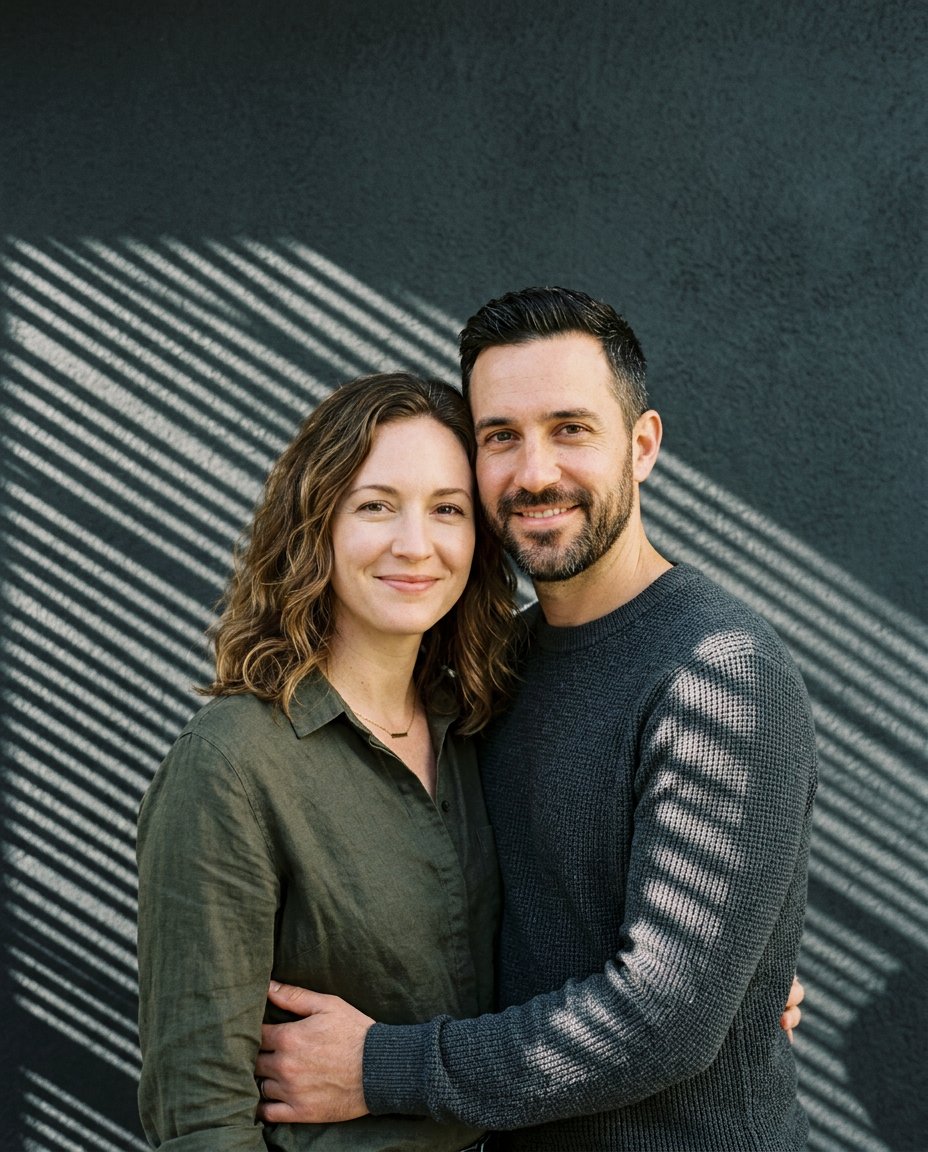
Give an ordinary couple photo the spontaneous feel of a vintage 35mm snapshot. This photo-editing prompt adds crisp direct-flash lighting, subtle film grain, warm nostalgic color, and a softly blurred evening background while keeping both people recognizable and natural.
Sample photo: The featured image is an illustrative sample of the vintage flash aesthetic. Upload your own authorized photo to generate a version featuring the same people in your original image.
What This Prompt Changes
- Creates a candid, direct-flash 35mm editorial look
- Adds fine, natural film grain and gentle analog color tones
- Keeps both people’s facial features, skin tones, hairstyles, and body proportions recognizable
- Softens a busy background without making the couple look cut out
- Maintains natural hands, clothing details, and believable contact between the couple
How to Use It
Upload a clear photo of the same adult couple to an image editor that supports photo references. Paste the prompt below, generate the edit, and check faces, hands, clothing, and background details before saving.
Main AI Prompt
Use the uploaded photo as the exact visual reference for the same adult couple. Preserve each person’s identity and recognizable facial features, face shape, skin tone, age, hairstyle, expression, body proportions, clothing, and the natural way they are standing or touching. Do not replace, beautify, merge, or reinterpret either face. Edit the image into one believable candid 35mm film photograph with the spontaneous energy of an evening snapshot. Use a clear on-camera direct flash that makes the couple crisp and naturally dimensional, with realistic catchlights, gentle shadows behind them, and softly retained ambient light in the surroundings. Add restrained analog color: warm skin tones, slightly muted background colors, subtle contrast, fine authentic 35mm film grain, and very mild highlight halation. Keep pores and natural skin texture visible. Place them in a softly out-of-focus evening café or city-street setting that fits the original pose and perspective; do not invent objects that overlap their faces or bodies. Keep both people in the same frame, with anatomically correct hands, believable clothing folds, consistent light direction, and realistic contact shadows. Preserve the original relationship and pose; do not add intimate contact that is not present in the source. Compose as a vertical 4:5 editorial photograph with a natural, slightly imperfect snapshot feel, true-to-life details, and no text, logos, borders, collage panels, or watermark. The final result must look like a real photograph of these same two people, not an illustration or an AI beauty filter.
Negative Prompt
changed identity, different face, altered facial structure, beauty-filter skin, plastic skin, unrealistic body proportions, extra people, duplicate faces, extra fingers, fused hands, broken fingers, distorted arms, mismatched eye direction, unnatural teeth, overexposed faces, harsh blown highlights, muddy shadows, excessive grain, fake film border, split screen, collage, fake text, logo, watermark, app interface, low resolution.
Customize the Result
- Choose a late-night café, city street, house party, or simple studio background
- Make the flash look warmer or more neutral
- Adjust the grain from subtle to visibly analog
- Use a 4:5 portrait crop for social media or 3:2 for a classic camera-photo feel
Privacy note: Use a photo you own or have permission to edit, and get the other person’s consent before sharing the result.
AI Photo Editing Prompt
Negative Prompt
Prompt Details
| Prompt Type | Photo Editing |
|---|---|
| AI Tool | ChatGPT |
| Style | Cinematic |
| Category | Photo Editing |
| Use Case | Couples, Instagram, Social Media |
| Tags | 35mm Flash Portrait, Couple Photo Edit, Direct Flash Photography, Vintage Film Photography |
| Aspect Ratio | 4:5 |
| Lighting | On-camera flash balanced with soft ambient evening light |
| Camera | Direct-flash couple editorial portrait |
| Lens | 35mm |
| Mood | Candid, nostalgic, playful, editorial |
| Difficulty | Beginner |
How to Use This Prompt
- Copy the prompt using the button above.
- Open your preferred AI image-generation or editing tool.
- Upload the photo you want to edit.
- Paste the prompt into the text field.
- Adjust parameters (aspect ratio, quality, steps) if necessary.
- Generate or edit the image, then refine until you like the result.