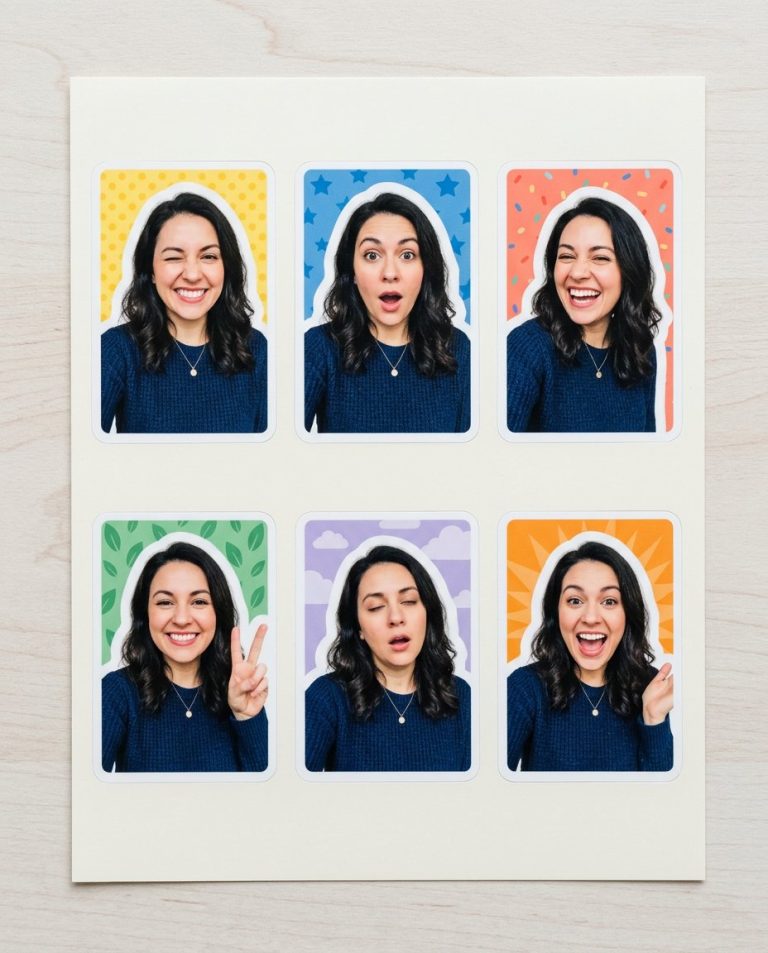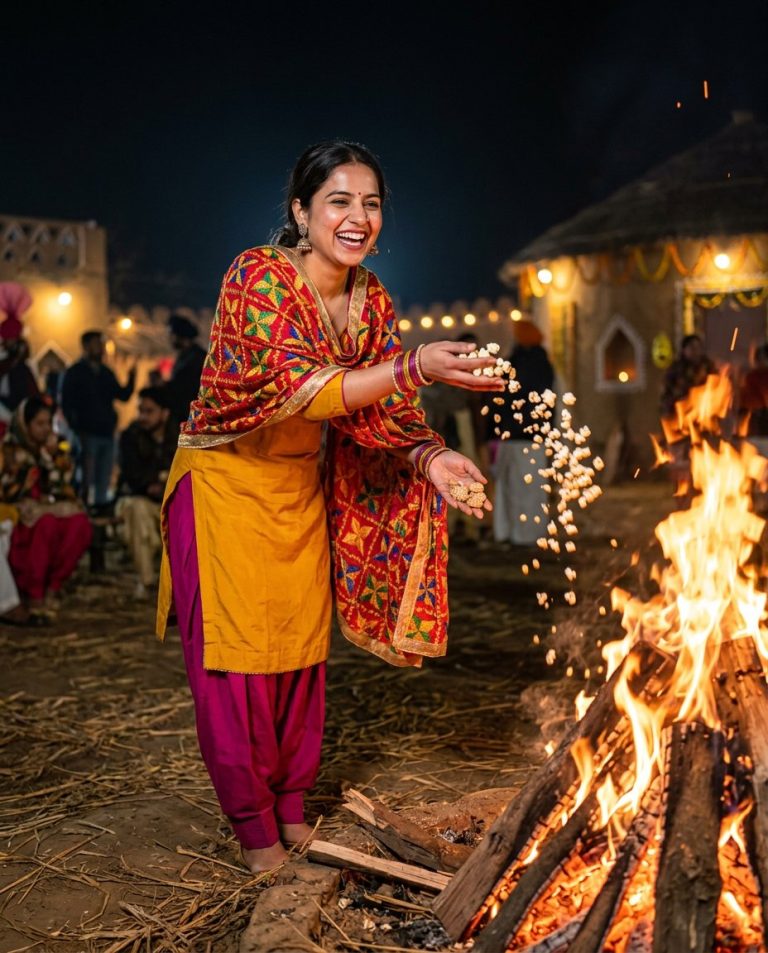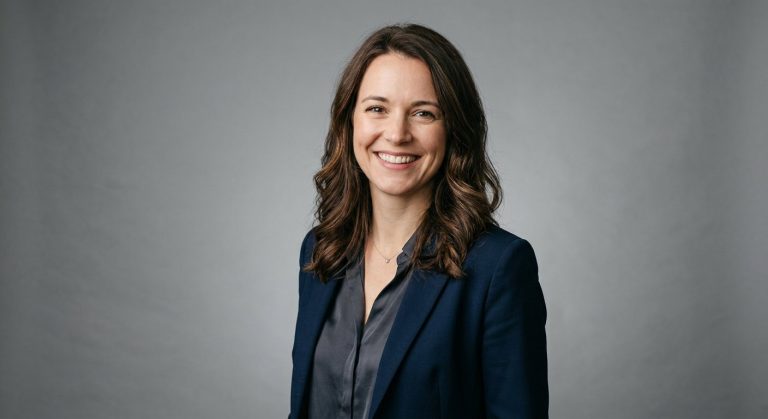
A profile picture must remain recognizable at small size while still having a distinctive visual frame. This prompt turns one adult woman selfie into a centered square avatar surrounded by layered corrugated cardboard with realistic fibers and shadows.
Rights and accuracy note: Use a rights-cleared, licensed, public-domain or user-owned source photo. The featured sample is an original fictional portrait example and does not depict a real public figure or documentary event. Add real names and copy outside the generated image, and label a materially AI-edited result when appropriate.
What This Prompt Changes
- Preserves the woman’s face, expression, hair and natural skin texture
- Replaces the original background with three corrugated-cardboard layers
- Creates a centered square avatar opening around the head and shoulders
- Adds inward-cast shadows and visible torn fibers
- Keeps the face readable for Instagram or social profile use
How to Use It
Upload an authorized adult woman selfie with the face and shoulders visible. Use the prompt to replace the background with concentric cardboard layers while preserving the person. The cardboard is a physical frame around the avatar, not a diagonal reveal or a generated poster.
Customize the Result
- Use kraft brown, cream, recycled gray or muted pastel cardboard
- Choose circular, rounded-square or irregular avatar openings
- Increase or soften the inward shadow between layers
- Use a square profile crop or a 4:5 social portrait crop
AI Photo Editing Prompt
Negative Prompt
Prompt Details
| Prompt Type | Photo Editing |
|---|---|
| AI Tool | ChatGPT |
| Style | Photorealistic |
| Category | Photo Editing |
| Use Case | Girls, Instagram, Social Media |
| Tags | cardboard portrait frame, Female Selfie Edit, Profile Picture Edit, Social Profile Photo, square portrait, torn cardboard profile |
| Aspect Ratio | 1:1 |
| Lighting | Natural top-left daylight with soft frame shadows |
| Camera | Centered profile portrait |
| Lens | 50mm |
| Mood | Tactile and friendly |
| Difficulty | Intermediate |
How to Use This Prompt
- Copy the prompt using the button above.
- Open your preferred AI image-generation or editing tool.
- Upload the photo you want to edit.
- Paste the prompt into the text field.
- Adjust parameters (aspect ratio, quality, steps) if necessary.
- Generate or edit the image, then refine until you like the result.