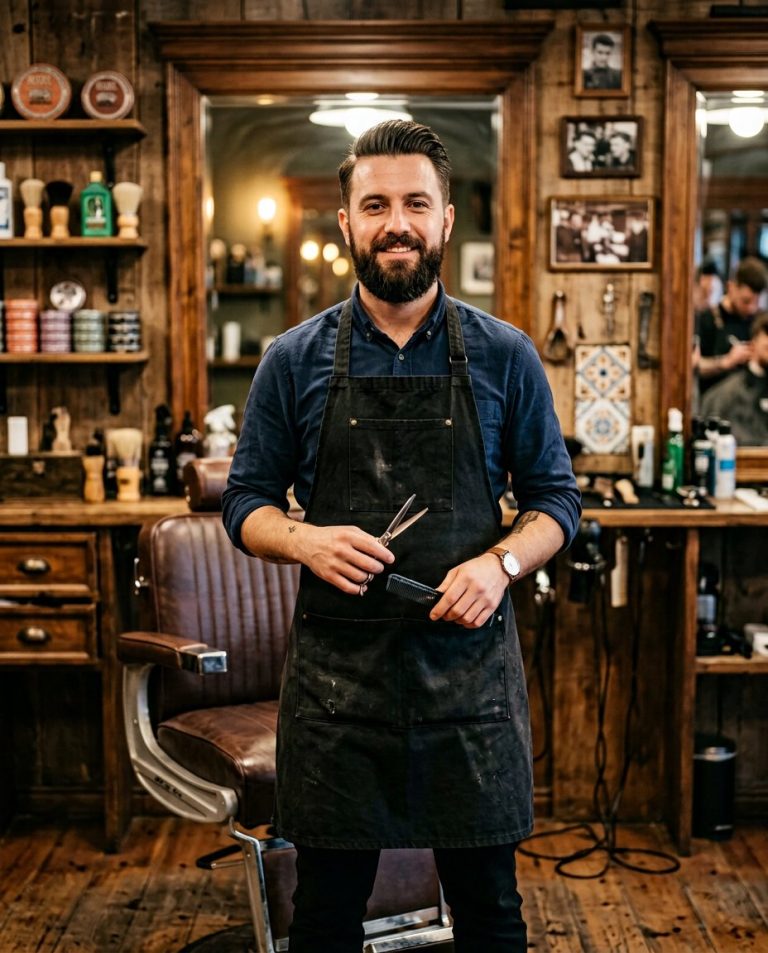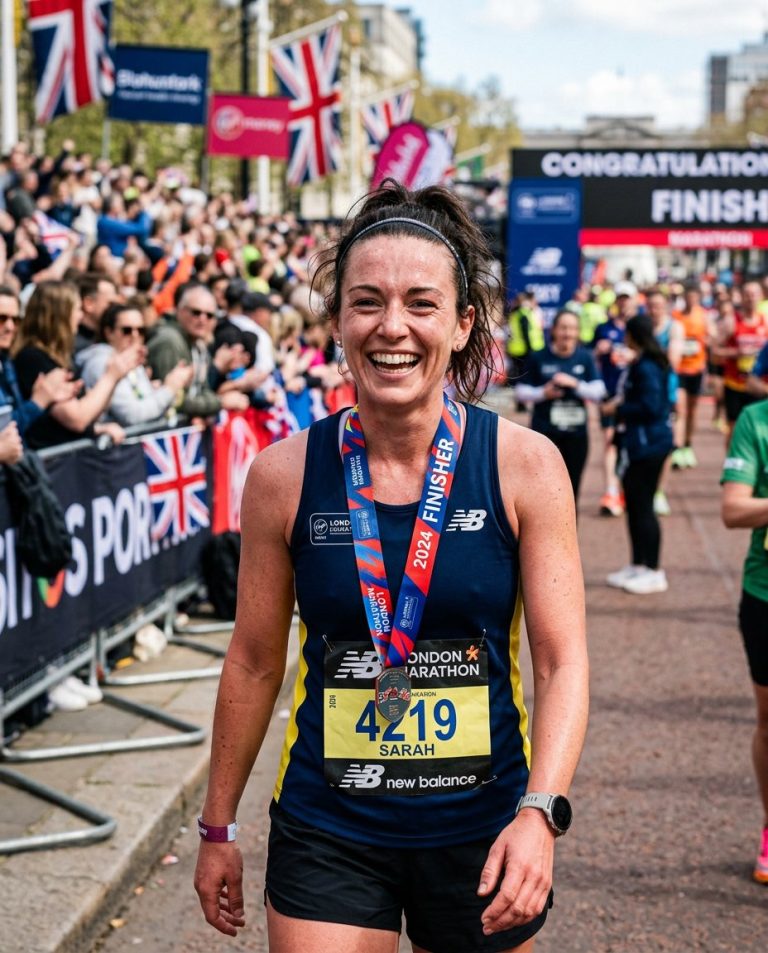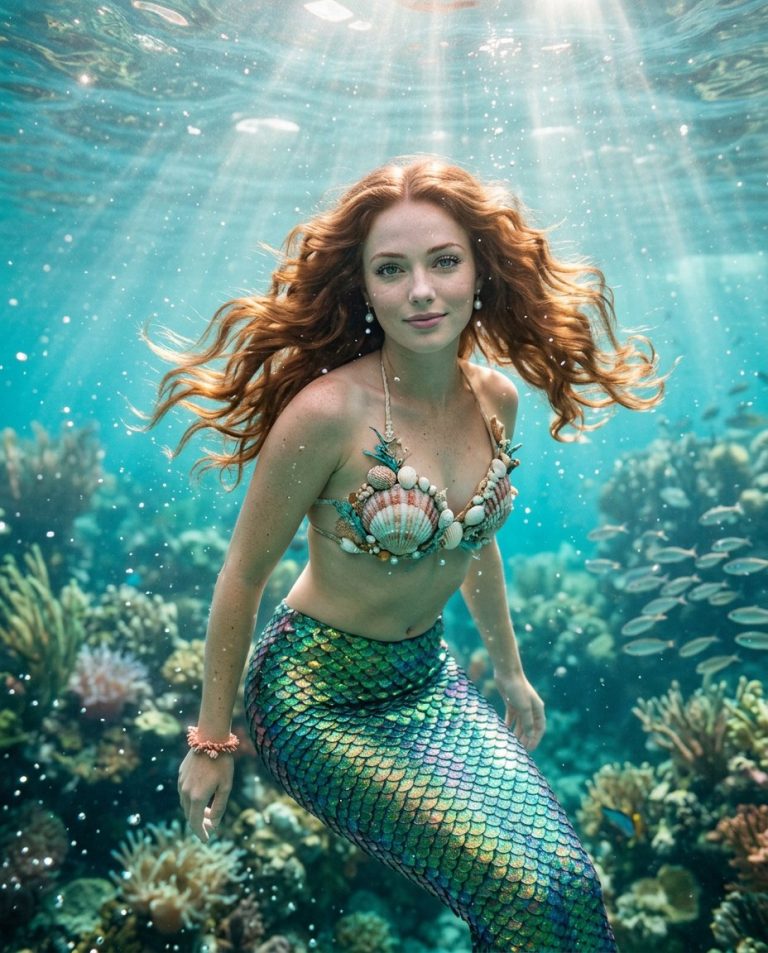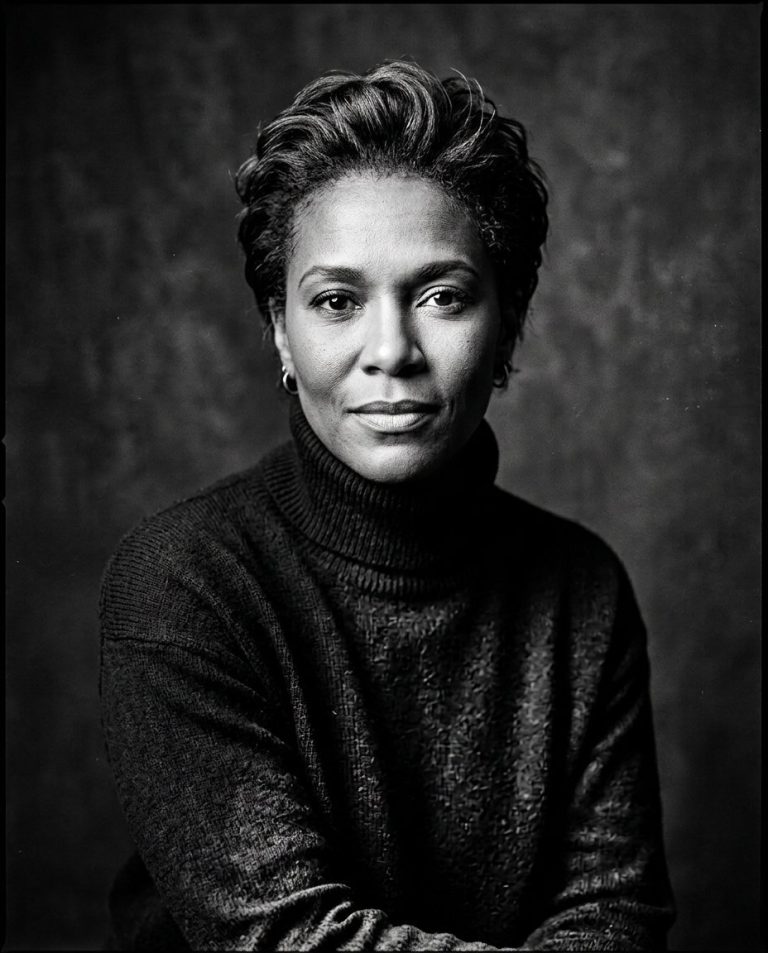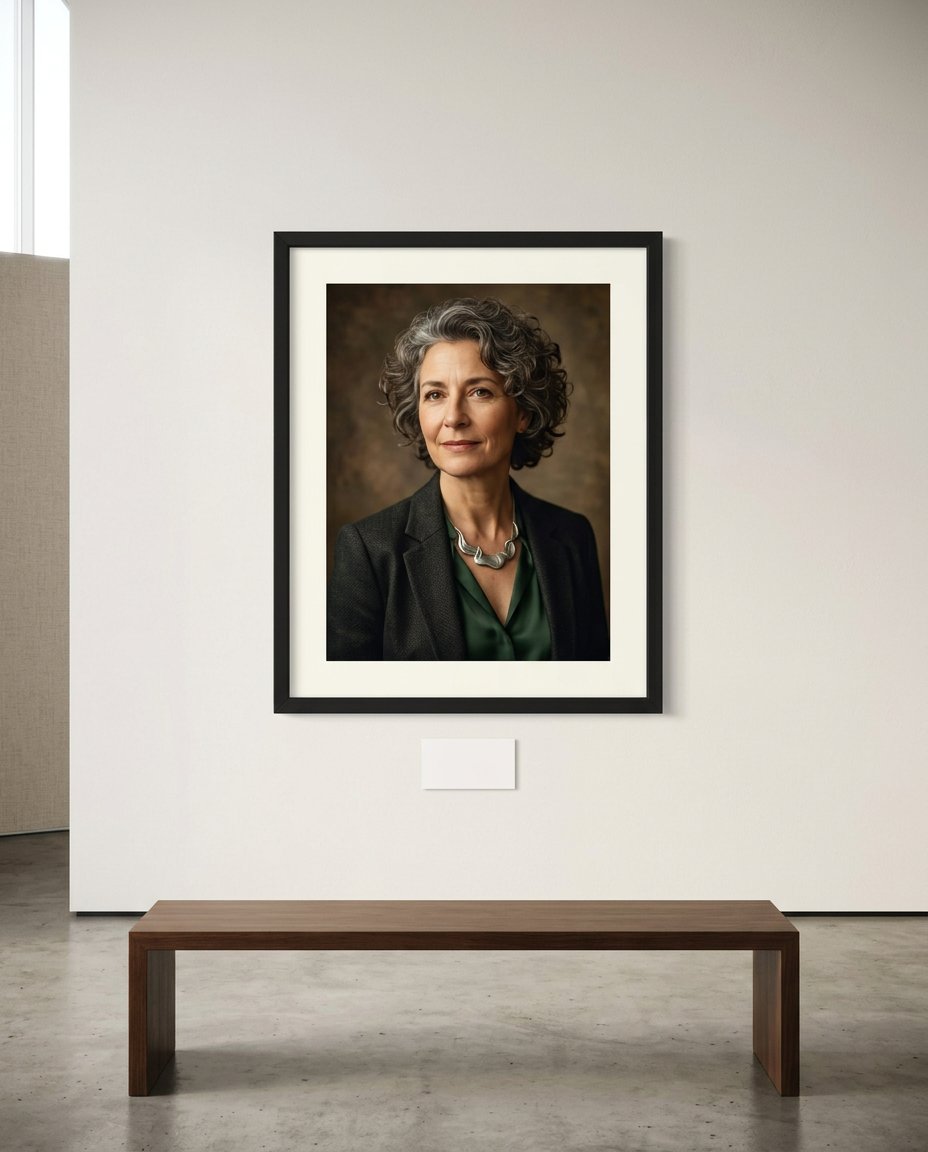
A gallery presentation can make a portrait feel collectible and shareable while keeping the source image intact. This prompt creates a clean framed-wall mockup with a blank caption card and quiet museum-like spacing. It is a presentation concept, not a claim that the subject is exhibited by a real institution.
Rights and accuracy note: Use a rights-cleared, licensed, public-domain or user-owned source photo. A recognizable public-figure photo may be used only as an optional visual example, including a licensed photo of PM Narendra Modi or Rahul Gandhi; do not imply endorsement, sponsorship, a new event or a statement that the person never made. Add real names and copy outside the image, and label a materially AI-edited result. The featured sample is an original fictional public-figure example.
What This Prompt Changes
- Places the portrait in a realistic framed gallery-wall environment
- Adds a blank caption card for verified title, credit and context to be added later
- Uses museum-like spacing, daylight, bench and wall texture for a premium presentation
- Prevents invented exhibitions, institutions, awards, curators, dates and sponsorships
How to Use It
Upload an authorized portrait and select a frame, wall and lighting direction. Add the real title, artist credit, source and venue only in your editor. If the source is a recognizable public figure, do not present the mockup as a real exhibition or imply approval by a museum, gallery or political organization.
Customize the Result
- Use a white cube, warm contemporary gallery, dark salon wall, library or studio display
- Choose black, oak, brushed metal or floating acrylic framing
- Keep the caption card blank or reserve it for a verified name, date, source and image credit
AI Photo Editing Prompt
Negative Prompt
Prompt Details
| Prompt Type | Photo Editing |
|---|---|
| AI Tool | ChatGPT |
| Style | Photorealistic |
| Category | Photo Editing |
| Use Case | Instagram, Poster, Social Media |
| Tags | blank gallery caption, exhibition mockup, gallery presentation, gallery wall mockup, museum style portrait, publicity edit |
| Aspect Ratio | 4:5 |
| Lighting | Soft daylight with gentle wall shadow |
| Camera | Architectural interior camera |
| Lens | 35mm gallery perspective |
| Mood | Curated, calm |
| Difficulty | Beginner |
How to Use This Prompt
- Copy the prompt using the button above.
- Open your preferred AI image-generation or editing tool.
- Upload the photo you want to edit.
- Paste the prompt into the text field.
- Adjust parameters (aspect ratio, quality, steps) if necessary.
- Generate or edit the image, then refine until you like the result.